
Data Sanitization for Data Centres
Data centres manage large volumes of servers, storage systems and enterprise hardware.
Over time, equipment is replaced, upgraded, moved, returned, refurbished or retired. The storage inside that equipment may still contain business data, customer information, application data, system files and other sensitive information.
Before a storage device leaves its approved lifecycle, secure data erasure should be a defined part of the decommissioning process.
Data Sanitization Pro (DSP) provides professional data erasure and data wiping software for data centres worldwide, helping teams securely and permanently sanitize supported HDDs, SSDs and NVMe drives, verify completed erasure and generate auditable erasure reports and certificates.
- Identify
- Erase
- Verify
- Certify
- Secure Data Erasure
- Verification
- Certificates
- Asset Records

Why Data Erasure Matters in Data Centres
Data-centre hardware can hold sensitive information throughout its operational life.
A retired server may contain:
- Business applications
- Databases
- Customer information
- Employee information
- System configuration data
- Project files
- Application logs
- Locally stored backups
- Other organization-specific information
When a server or storage device reaches the end of its approved use, simply deleting files or formatting a drive should not automatically be treated as complete media sanitization.
A controlled data centre data erasure process can help organizations securely address storage media before equipment moves to another lifecycle stage.
Typical situations include:
- Server Decommissioning
- Hardware Refresh
- Storage Replacement
- Lease Return
- Data Centre Migration
- Asset Reuse
- ITAD
- Resale
- Recycling
- Retirement
What Is Data Centre Data Erasure?
Data centre data erasure is the controlled sanitization of supported storage media when servers and other IT assets are being refreshed, decommissioned, reused or retired.
A typical workflow can be:
- Server / Asset
- Storage Identification
- Data Erasure
- Verification
- Certificate
- Final Disposition
Depending on the environment, the final stage may be:
Reuse
Redeployment
Return to Vendor
Resale
ITAD
Recycling
Physical Destruction
The objective is to make storage sanitization a documented part of the data-centre asset lifecycle.
Data Sanitization Pro for Data Centres
Professional Data Wiping Software
Data Sanitization Pro is designed to support controlled logical data erasure on supported storage devices.
It helps data-centre teams bring several activities into one workflow:
Detect
Assess
Erase
Verify
Report
Certify
DSP supports:
- HDD
- SSD
- NVMe
This allows organizations to include multiple storage technologies within a structured data sanitization process where supported.
Secure HDD Data Erasure in Data Centres
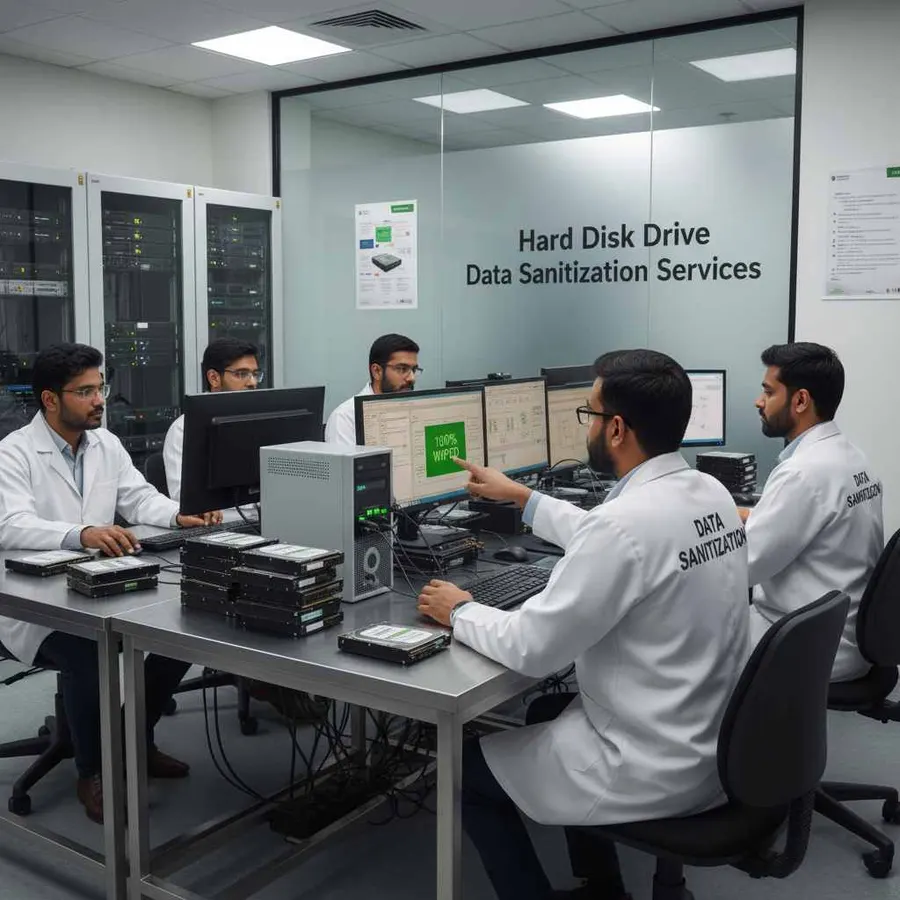
Hard disk drives remain present in many servers, storage systems and legacy infrastructure.
When an HDD is removed during server replacement or storage refresh, it may still contain important information.
The drive may then move to:
- Reuse
- Refurbishment
- Resale
- ITAD
- Recycling
- Retirement
DSP supports HDD data erasure workflows for supported drives before that next stage.
A controlled process helps connect the drive to its sanitization record.
SSD Data Erasure for Data Centres
Modern enterprise infrastructure increasingly uses solid-state storage.
SSD sanitization requires consideration of the storage architecture, controller, NAND, firmware, wear leveling and device-specific capabilities.
For this reason, the sanitization method should be chosen based on the actual media and device capabilities rather than treating every storage device in exactly the same way.
DSP supports SSD data erasure workflows for supported devices, together with verification and reporting.

NVMe Data Erasure for Data Centres
NVMe storage is increasingly common in newer servers and enterprise systems.
When NVMe drives are removed during:
Server Refresh
Storage Upgrade
Infrastructure Migration
Equipment Retirement
Hardware Replacement
the storage may still contain data from the previous environment.
DSP supports NVMe data erasure workflows for supported devices and helps data-centre teams document the result.
How Does Data Centre Data Wiping Work?
- 01
Identify the Storage Device
Detect the supported storage device and capture relevant hardware information.
- 02
Assess the Device
Review available device information and health-related details where supported.
- 03
Select the Sanitization Method
Select an appropriate method based on media type, device capabilities, information sensitivity and the organization's approved process.
- 04
Erase the Data
Perform the selected logical data erasure process.
- 05
Verify the Result
Verify the completed operation for supported workflows.
- 06
Generate the Certificate
Create an auditable erasure report or certificate containing relevant device and process information.
- 07
Complete the Decommissioning Workflow
Move the sanitized asset to its approved next stage.
- Reuse
- Redeployment
- ITAD
- Resale
- Recycling
- Retirement
Data Erasure During Server Decommissioning
Server decommissioning is one of the key situations where secure storage sanitization matters.
A typical server retirement process may include:
Workload Migration
Server Shutdown
Storage Identification
Data Sanitization
Hardware Inspection
Asset Recording
ITAD / Reuse / Recycling / Retirement
The storage device should be processed according to the organization's approved sanitization policy and the characteristics of the media.
DSP can support the data erasure stage for supported storage devices.
Data Centre Hardware Refresh
Data centres regularly replace equipment because of:
- Hardware lifecycle schedules
- Capacity expansion
- Performance requirements
- Technology upgrades
- Vendor lifecycle changes
- Infrastructure consolidation
- Data-centre migration
- Equipment retirement
During these projects, large numbers of storage devices may leave active service.
A standardized data wiping workflow helps make sanitization part of the refresh process instead of treating it as an afterthought.
Secure Data Erasure Before Asset Reuse
Not every retired device becomes waste.
Some equipment is:
Redeployed
Refurbished
Resold
Transferred
Returned
Before the device reaches another environment, the data stored on supported media should be handled through the appropriate sanitization process.
A simple workflow is:
- Retire
- Sanitize
- Verify
- Document
- Reuse
DSP helps organizations establish this sequence for supported storage devices.
Data Erasure Before ITAD
Many data centres send retired equipment to an IT Asset Disposition (ITAD) provider.
Before equipment leaves the facility, organizations may choose to perform internal data sanitization.
DSP can support this stage by recording:
- Device identity
- Serial number
- Sanitization method
- Operation result
- Verification result
- Processing date and time
- Operator information
- Asset reference
This gives the organization a more traceable connection between the physical asset and its erasure record.
Learn more about ITAD Data Erasure.
Data Centre Lease & Vendor Returns
Servers and storage equipment may be returned to:
Leasing Companies
Hardware Vendors
Infrastructure Partners
Service Providers
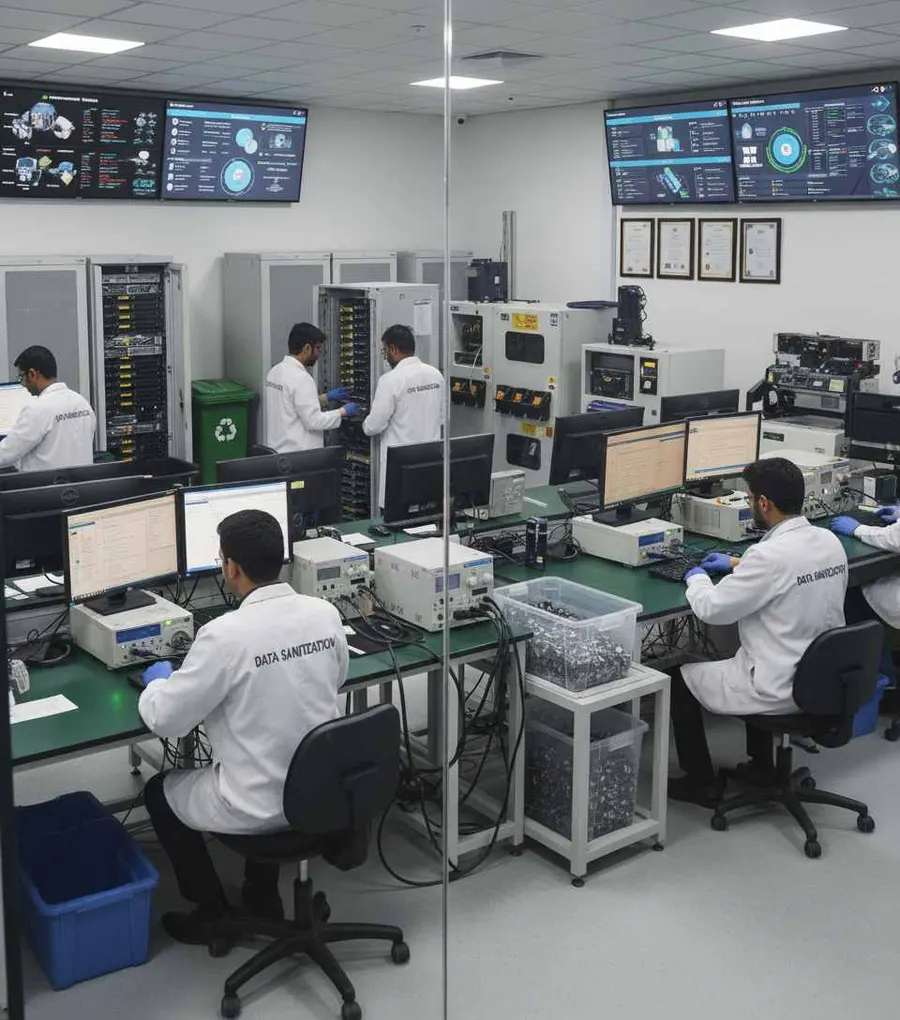
A device that is leaving organizational control should first go through the organization's approved data-sanitization process where applicable.
DSP can help data-centre teams create a documented erasure stage before assets leave the facility.
Data Centre Migration & Consolidation
Data-centre migrations can create a significant number of retired assets.
Equipment may move from:
- Old Facility
- New Facility
or:
- Primary Site
- Secondary Site
or:
- Legacy Infrastructure
- New Infrastructure
During consolidation, organizations may discover storage devices that are no longer needed.
Secure data erasure can be incorporated into the asset retirement workflow before those devices are transferred, returned, reused or disposed of.
Erasure Certificates for Data Centres
Data-centre teams often need more than a simple statement that a drive was erased.
A useful record should help answer:
Which device was processed?
What was its serial number?
Which sanitization method was used?
When was it processed?
Was the process completed?
Was the result verified?
DSP can generate self-certified, auditable data erasure reports and certificates containing relevant device and process information.
Depending on the workflow, records may include:
- Manufacturer
- Model
- Serial number
- Capacity
- Interface
- Drive type
- Firmware information
- Sanitization method
- Operation status
- Verification result
- Date and time
- Operator
- Asset reference
A Simple Evidence Chain
- Asset
- Storage Device
- Erasure Method
- Verification
- Certificate
This can make internal asset records easier to maintain.
Get Software Pricing](https://get.datasanitizationpro.com/pricing)Process Multiple Storage Devices
Data-centre refresh projects can involve batches of storage devices.
DSP supports processing of up to 8 supported drives simultaneously, subject to hardware and system configuration.
This can be useful during:
Server Refresh Projects
Storage Upgrades
Equipment Retirement
ITAD Preparation
Bulk Asset Processing
Data Centre Migration
Actual throughput depends on deployment hardware, storage technology and the operating workflow.
Offline Data Erasure for Data Centres
Some data-centre environments operate under strict connectivity requirements.
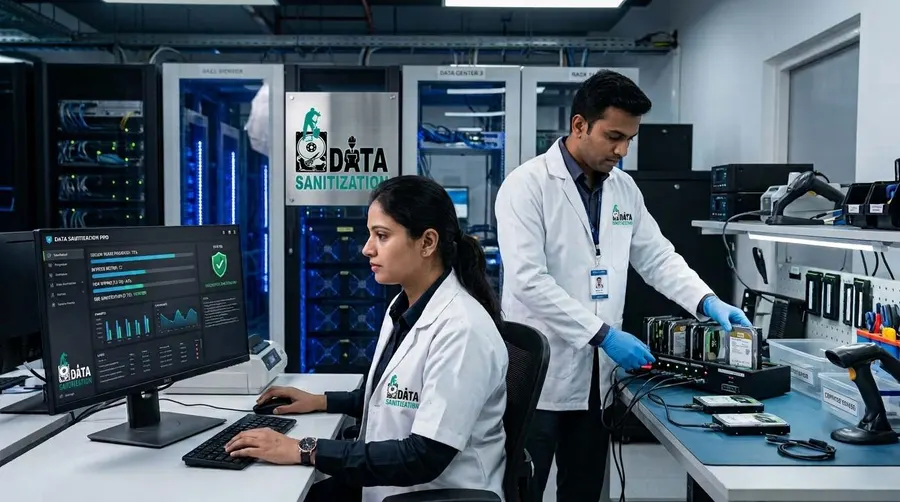
DSP supports offline operation, allowing supported sanitization workflows to be performed without requiring continuous internet access.
This can be useful for:
Controlled Data-Centre Rooms
Secure Processing Areas
Restricted Infrastructure Environments
Offline Asset Sanitization
Limited-Connectivity Facilities
For sensitive environments, offline processing can help keep the sanitization activity within the organization's controlled operational boundary.
USB & PXE Boot Support
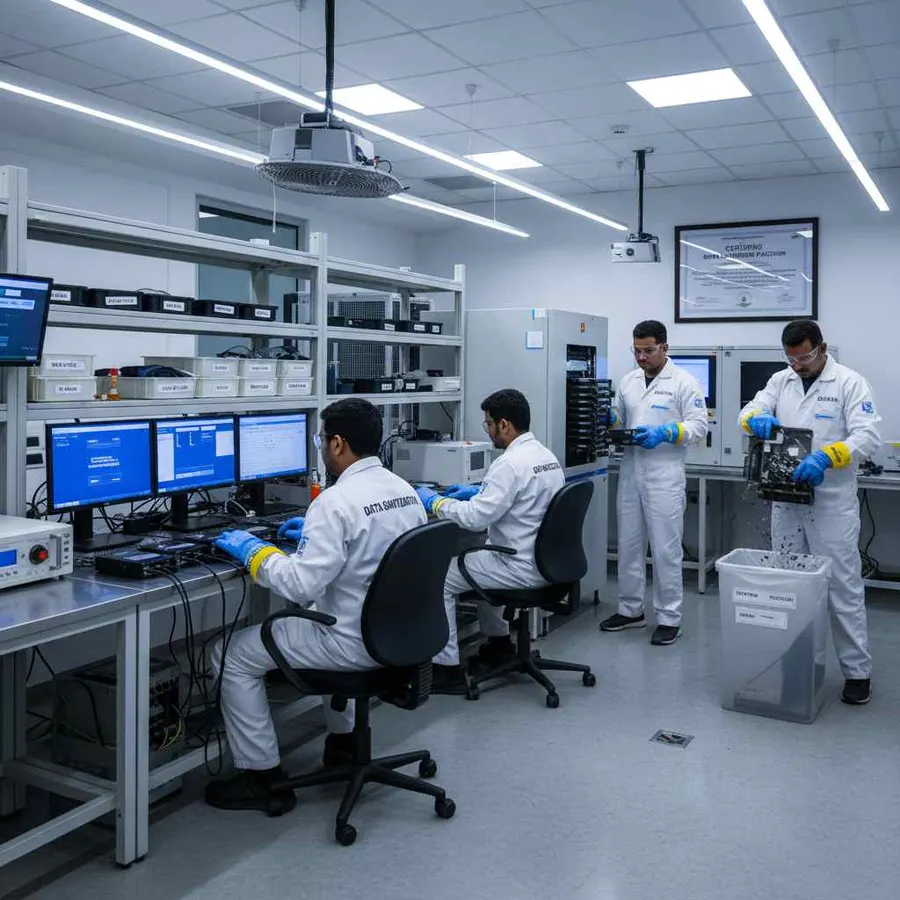
DSP supports USB and PXE boot workflows.
This is especially useful when the storage device that needs to be sanitized is the computer's active system drive.
A Windows system drive generally cannot be erased while Windows is actively using it.
For suitable supported systems, operators can boot into an appropriate DSP environment using USB or PXE and perform the required data sanitization workflow outside the active operating system.
PXE deployment supports any number of computers at once, with no fixed limit. The network and your licence decide how many.
Data Centre Storage Health & Assessment
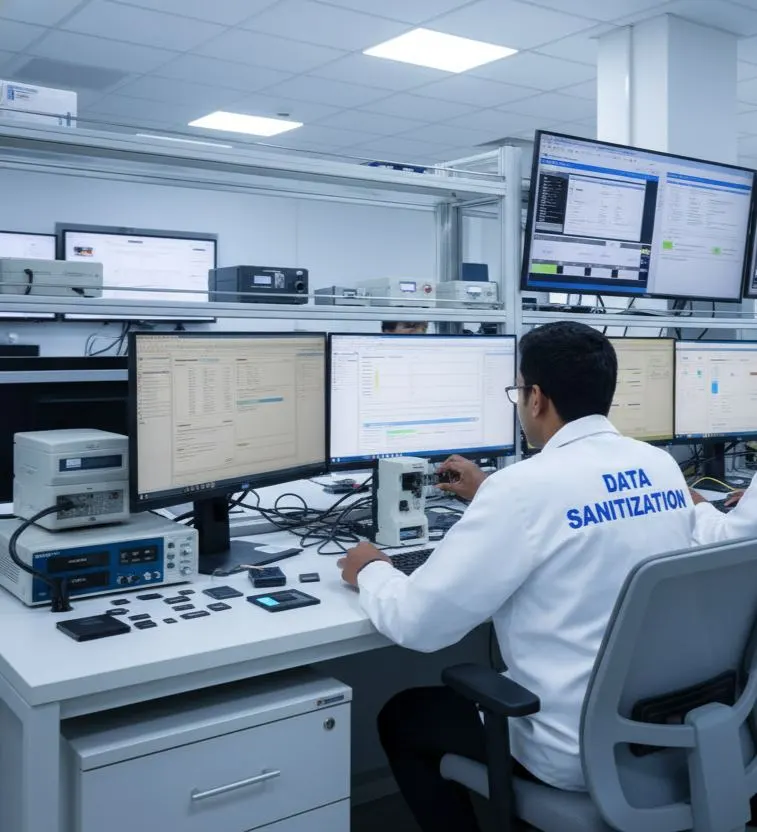
Before deciding whether a storage device should be reused or retired, organizations may also want to understand its condition.
Where supported, DSP can provide information related to:
- SMART data
- Drive health
- Bad sectors
- Errors
- Device characteristics
This can help operators review the storage device before it moves through the next stage of the asset lifecycle.
A device with hardware problems should not automatically be treated as a normal logical-sanitization case.
26 Data Erasure Methods
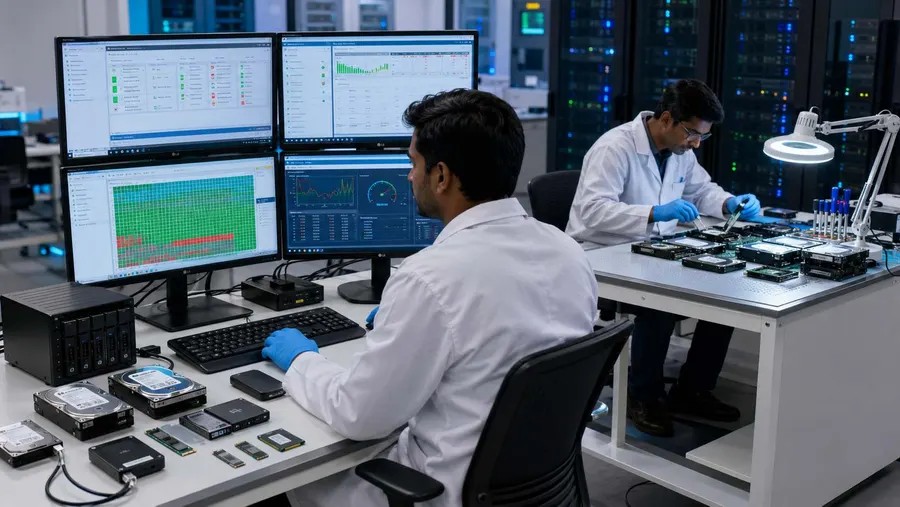
Data-centre environments can contain different storage technologies and operational requirements.
DSP provides 26 data erasure methods for supported workflows.
The selected method should take into account:
Media Type
Storage Technology
Device Capabilities
Information Sensitivity
Organizational Policy
Applicable Requirements
Using a single method for every device is not necessarily appropriate. Storage-specific capabilities and the organization's approved sanitization process should guide method selection.
Standards-Based Data Centre Media Sanitization
The current NIST SP 800-88 Rev. 2 was finalized on September 26, 2025. NIST describes media sanitization as a process intended to make access to target data infeasible for a given level of effort and emphasizes establishing an enterprise media-sanitization program with appropriate techniques and controls based on information sensitivity and the media involved.
For data-centre operations, this supports treating media sanitization as part of the broader asset disposal and reuse program, rather than as an isolated technical task.
DSP is designed to support standards-based data erasure workflows, including method selection, verification and documentation.
The actual sanitization method should always be aligned with the storage medium, device capabilities and the organization's approved requirements.
What About SAN, NAS & Shared Storage?
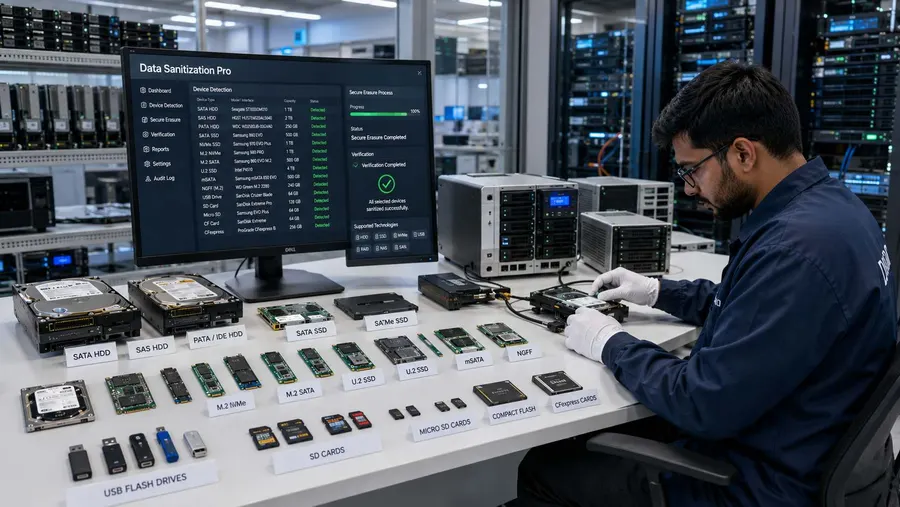
Data-centre environments often use SAN, NAS and other shared-storage architectures.
These environments require careful planning because the storage may be part of active systems, shared workloads or networked infrastructure.
DSP should not be presented as a tool for simply erasing a live production volume or active network share.
For decommissioning projects, the workflow should first establish which physical storage media are being retired and whether they are suitable for the supported DSP sanitization process.
For dedicated supported storage devices that have been removed from active service, DSP can support the applicable logical data-erasure workflow.
For more specialized environments, see:

Secure Data Erasure for Colocation & Hosted Infrastructure
Colocation and hosted infrastructure can involve multiple customers, service providers and hardware owners.
When equipment is replaced, decommissioned or returned, the storage media may need to pass through a defined sanitization process before leaving the controlled environment.
The exact responsibilities should be defined between the asset owner, data-centre operator and applicable service providers.
DSP can support the logical data-erasure stage for supported storage devices within the agreed operational process.
Data Centre Data Erasure Worldwide
Modern data-centre infrastructure operates across global locations.
Organizations may manage facilities in:
India
United States
United Kingdom
Europe
Middle East
Singapore
Australia
Asia-Pacific
The same core requirement applies across these environments:
Protect the data before the storage device leaves its approved lifecycle.
Data Sanitization Pro is designed to support professional data erasure workflows for data centres and enterprise infrastructure teams worldwide.
Who Can Use Data Sanitization Pro?
Data Centre Operators
Build a documented storage sanitization step into equipment decommissioning.
Enterprise Data Centres
Sanitize supported drives during hardware refresh and retirement.
Colocation Providers
Support agreed data-erasure workflows for decommissioned customer-owned equipment.
Hosting Providers
Process supported storage devices before reuse, transfer or retirement.
Cloud Infrastructure Teams
Support the storage-media sanitization stage during hardware lifecycle operations where applicable.
Managed Infrastructure Providers
Add secure data wiping to hardware replacement and retirement workflows.
IT Asset Management Teams
Connect storage sanitization with asset records and disposition.
ITAD Partners
Process supported media before resale, recycling or downstream disposition.
Why Choose Data Sanitization Pro for Data Centres?
Professional Data Erasure Software
Designed for controlled logical data sanitization workflows.
26 Erasure Methods
Multiple methods for supported storage technologies and operational requirements.
Verification
Verify completed erasure for supported workflows.
Certificates & Audit Reports
Generate self-certified, auditable documentation.
HDD, SSD & NVMe
Support multiple modern storage technologies through one software workflow where supported.
Offline Operation
Useful for restricted or controlled data-centre environments.
USB & PXE Boot
Flexible workflows for supported system-drive sanitization.
Device Information
Capture important hardware and process details for asset traceability.
Storage Health Information
Review available SMART, health, error and bad-sector information where supported.
Worldwide Deployment
Designed for organizations and data-centre operations across global locations.
Data Centre Data Erasure FAQs
What is data centre data erasure?
Data centre data erasure is the controlled sanitization of supported storage media when servers and other infrastructure assets are being reused, decommissioned, returned, resold, recycled or retired.
Why is data wiping important during server decommissioning?
Retired server drives may still contain business, customer, application or system data. A documented sanitization process helps address that data before the storage media leaves its approved lifecycle.
Can DSP erase server hard drives?
Yes. DSP supports HDD data erasure workflows for supported drives.
Can DSP erase enterprise SSDs and NVMe drives?
Yes. DSP supports SSD and NVMe data erasure workflows for supported devices.
Can DSP verify data erasure?
Yes. DSP provides verification of completed erasure for supported workflows.
Can DSP generate a data-centre erasure certificate?
Yes. DSP can generate self-certified, auditable reports and certificates containing relevant device and process information.
Can DSP process multiple drives?
Yes. DSP supports up to 8 supported drives simultaneously, subject to hardware and system configuration.
Can DSP work offline?
Yes. DSP supports offline operation.
Can DSP erase an active production server?
Data Sanitization Pro should not be positioned as a tool for erasing an active production system or live storage volume. Production workloads should first be properly migrated, shut down or decommissioned according to the organization's process before the physical storage media enters the supported sanitization workflow.
Can DSP erase SAN or NAS data?
The workflow depends on the storage architecture. DSP should not be presented as simply erasing live SAN/NAS volumes or active network shares. For supported physical storage removed from active service, the applicable DSP sanitization workflow can be used.
Can DSP erase a Windows system drive?
A Windows system drive actively being used by Windows generally cannot be erased from within the running operating system. USB or PXE boot can be used for suitable supported workflows.
Does DSP physically destroy storage devices?
No. DSP is software-based and focuses on logical data erasure and sanitization. Physical shredding, crushing or drilling requires a separate process.
Is DSP suitable for worldwide data-centre operations?
Yes. DSP is designed to support controlled data erasure workflows for data-centre and enterprise infrastructure environments worldwide.
Related Solutions
ITAD & Recyclers
Controlled erasure inside the ITAD workflow
Read MoreMSPs & Resellers
Add professional data erasure to your IT services
Read MoreRefurbishers
Secure the data before reselling the device
Read MoreRepair Shops
Erase the drive before the device changes hands
Read MoreMarketplaces
For used, returned and refurbished devices
Read MoreSecure the Storage Before It Leaves the Data Centre
Before equipment is reused, redeployed, returned, resold, sent to ITAD, recycled or retired, make secure data sanitization part of the decommissioning process.
Permanent data erasure, a checked result and a certificate for every drive.