
Certified Data Sanitization Software for Hard Disk Drives
Data Sanitization Pro (DSP) is a professional hard drive data erasure software designed to securely remove stored information from supported HDDs through a controlled, software-based logical data destruction process.
DSP helps enterprises, IT teams, data centres, ITAD companies, refurbishers, recyclers and businesses erase data before a hard drive is reused, redeployed, refurbished, resold, returned or retired.
The platform combines HDD data erasure, drive identification, health assessment, multiple erasure methods, verification, reporting and self-certified data erasure certificates in one workflow.
DSP supports supported hard disk drives, enterprise HDDs, server drives, external hard drives, SATA HDDs, SAS HDDs, NAS drives and surveillance HDDs, depending on the device and system configuration.
Test Data Sanitization Pro on your own supported hard drives before you buy.
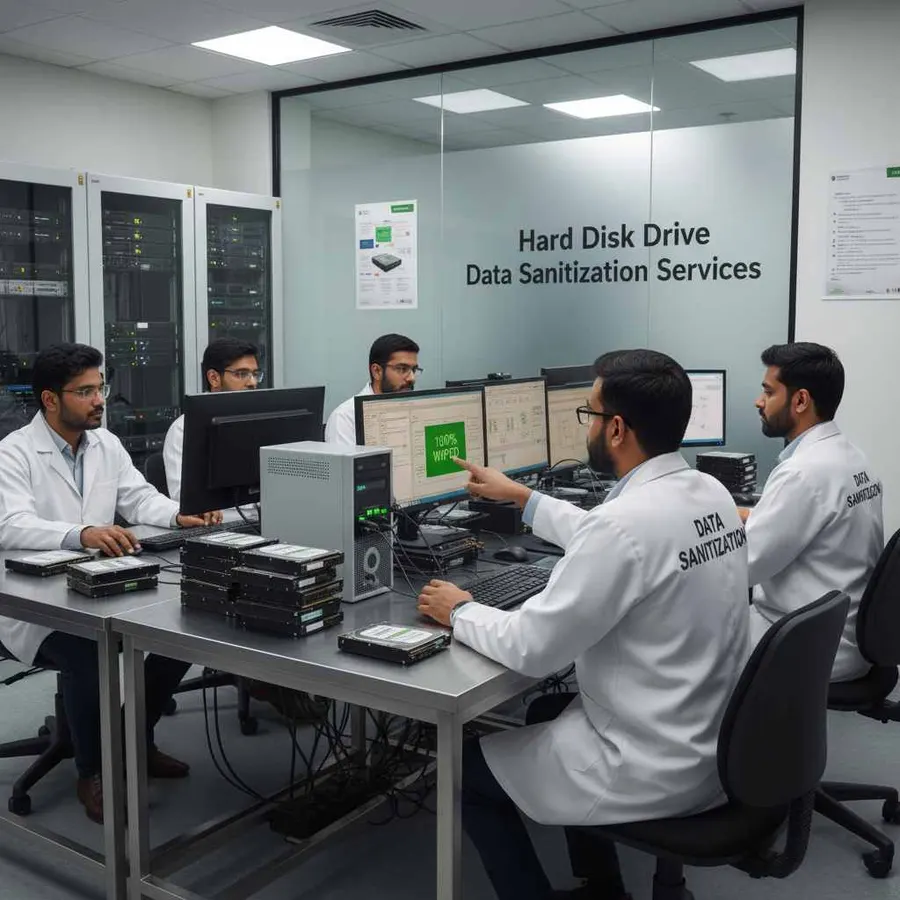
Hard Drive Data Erasure Software for Secure Reuse
Deleting files or formatting a hard drive is not the same as performing a controlled data erasure process.
A professional hard disk erasure software workflow should identify the physical drive, select an appropriate method, erase the stored information, verify the result and retain evidence of the completed operation.
Data Sanitization Pro follows a clear workflow:
- Identify
- Select
- Erase
- Verify
- Certify
This can support storage preparation for:
- Reuse
- Redeployment
- Refurbishment
- Resale
- Equipment return
- Server replacement
- IT asset retirement
- ITAD processing
DSP performs software-based logical data erasure. The physical hard drive remains intact and is not shredded, crushed, drilled, degaussed or physically destroyed.
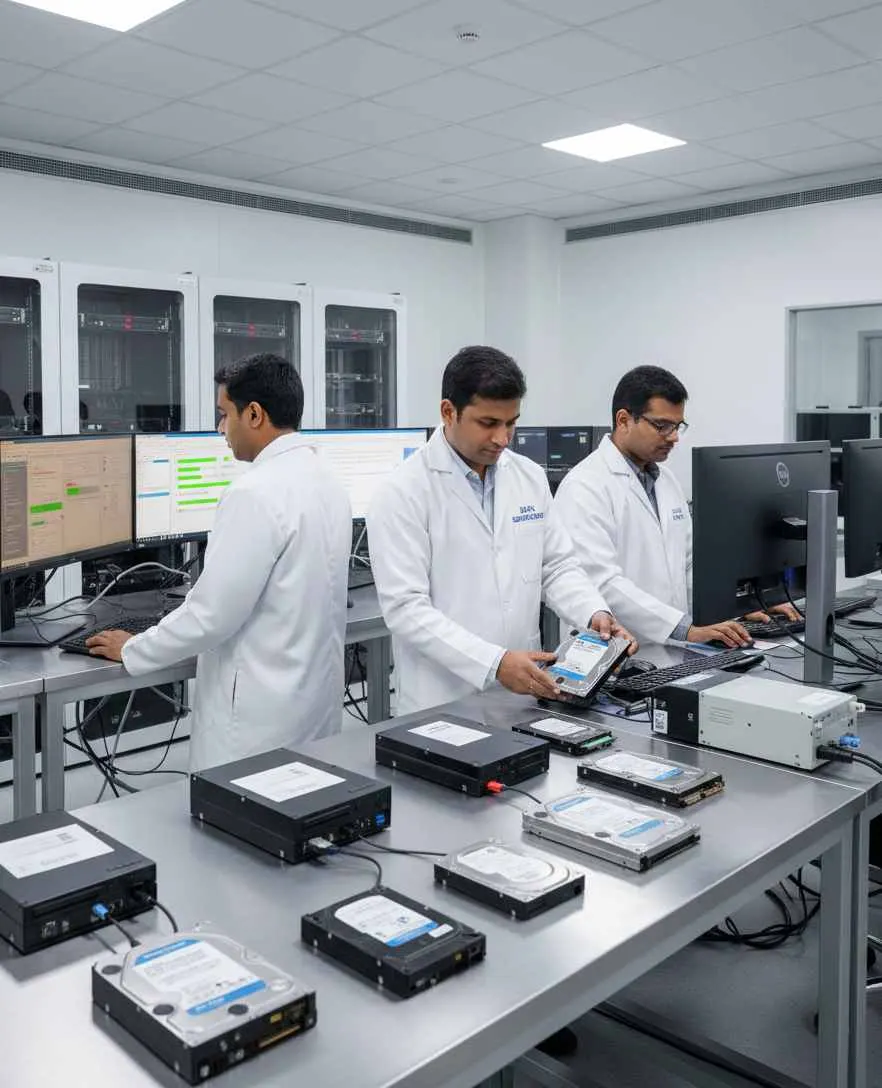
What Is Hard Disk Data Sanitization?
Hard disk data sanitization is the controlled process of removing stored information from a hard drive using an appropriate technique for the media and the required security outcome.
It is different from simply:
- Delete
- Format
- Reinstall
A dedicated HDD data erasure software workflow helps standardize the process and provides a record of what happened to the individual drive.
The appropriate technique depends on the storage media, device capabilities, information sensitivity organizational policy and intended lifecycle outcome.
The current NIST media-sanitization publication is SP 800-88 Rev. 2, finalized in September 2025. The guidance focuses on selecting appropriate sanitization techniques and controls according to the media and information involved.
Data Sanitization Pro for HDD Erasure
Data Sanitization Pro is designed for organizations that need more than a basic hard drive wipe tool.
25 Data Erasure Methods
DSP supports 25 data erasure methods for different storage technologies and organizational requirements.
Permanent Logical Data Erasure
Supported hard disk drives can be processed through a software-based logical data erasure workflow while keeping the physical hardware intact.
Verification
The completed erasure operation can be checked and its result recorded.
Self-Certified Reports and Certificates
DSP can generate self-certified, auditable data erasure reports and certificates for completed jobs.
Drive Identification
Relevant information can include:
- Manufacturer
- Model
- Serial Number
- Capacity
- Firmware
- Interface
HDD Health Assessment
Available SMART data, bad-sector information, read errors and drive-health information can help teams evaluate the condition of a hard drive before reuse.
Multi-Drive Processing
DSP supports processing up to 8 selected drives simultaneously in supported configurations.
Offline Operation
Supported offline workflows can be used in controlled environments with restricted connectivity.
USB and PXE Boot
Boot-based workflows can be used for supported system-drive and larger deployment scenarios.
From HDD Detection to a Verified Erasure Certificate
- 01
Detect the Drive
DSP detects supported hard disk drives available to the sanitization environment.
- 02
Identify the Device
Available information can include:
- Manufacturer
- Model
- Serial Number
- Capacity
- Interface
- Firmware
- 03
Select the Method
Choose the applicable HDD data erasure method according to the storage device organizational policy and intended result.
- 04
Erase the Data
DSP performs the configured logical data erasure operation.
- 05
Verify the Result
The completed operation is checked through the applicable verification workflow.
- 06
Generate Documentation
DSP can generate the relevant data erasure report or certificate.
- 07
Move the Asset Forward
After successful completion and verification, the HDD can move to its next approved lifecycle stage.
- Detect
- Erase
- Verify
- Certify
Hard Drive Types and Form Factors
Hard disk drives are used across consumer, business, enterprise, server, NAS, surveillance and legacy environments.
2.5-Inch Hard Drives
Commonly found in:
- Laptops
- Notebooks
- Mobile workstations
- Compact systems
3.5-Inch Hard Drives
Commonly used in:
- Desktop PCs
- Workstations
- Servers
- Storage systems
- Enterprise infrastructure
Enterprise and Server HDDs
Often used in:
- Rack servers
- Data centres
- Storage systems
- Business infrastructure
External and Portable HDDs
External drives may be connected through supported USB or enclosure configurations.
NAS and Surveillance HDDs
Specialized HDDs used for network storage and surveillance environments may also be processed when the physical drive is correctly exposed to the software.
Actual compatibility depends on the specific drive, firmware, interface, controller and operating environment.
HDD Brands and Manufacturer Families
Hard drive inventories can contain devices from many manufacturers and product generations.
Common HDD manufacturers and hardware entities include:
- Seagate
- Western Digital (WD)
- Toshiba
- HGST
- Hitachi
- Fujitsu
- Samsung
- IBM
- Maxtor
- Quantum
These names cover consumer, enterprise, NAS, surveillance and legacy HDD families.
Actual processing depends on the individual drive and system configuration. Brand references do not imply manufacturer partnership or endorsement.
Hard Disk Drive Interfaces
Data Sanitization Pro can work with supported HDD environments using different interfaces and connection paths.
SATA
Common in desktop PCs, laptops, workstations and servers.
SAS
Frequently used in enterprise and server environments.
USB
Common for external and portable hard drives.
eSATA
Used in supported external SATA storage configurations.
IDE / PATA
Legacy interfaces found in older computing environments.
SCSI
Used in older enterprise and server storage systems.
External Enclosures
An external enclosure can affect how the underlying physical hard drive is exposed to the operating environment.
Hard Drive Erasure Methods
Different organizations can have different requirements for hard drive wiping, HDD erasure and data sanitization.
Data Sanitization Pro supports 25+ erasure methods, including methodologies such as:
- NIST-based workflows
- IEEE 2883-based methods
- DoD 5220.22-M
- HMG IS5
- Secure Erase
- Enhanced Secure Erase
- Organization-defined policies
The current NIST publication is SP 800-88 Revision 2. The applicable technique should be selected according to the storage media, device capabilities, information sensitivity, internal policy and intended outcome rather than relying only on a pass-count description.
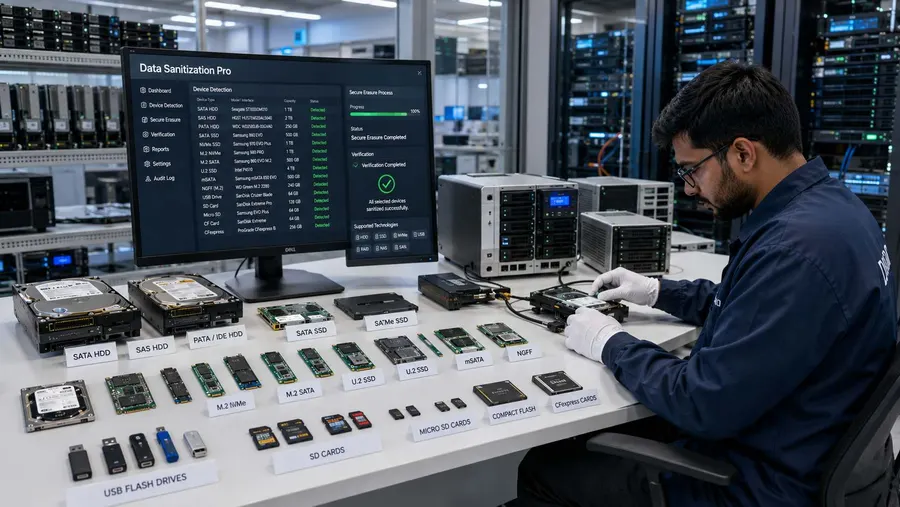
Hard Drive Verification and Data Erasure Records
A hard drive erase should produce more than a completion message.
Data Sanitization Pro can maintain relevant information such as:
- Manufacturer
- Model
- Serial number
- Capacity
- Interface
- Firmware
- Selected erasure method
- Processing status
- Verification result
- Start and completion times
- Operator information
- Asset reference
This creates a device-level record for each processed HDD.
For ITAD and asset-management workflows, that makes it easier to connect a physical hard drive with its recorded processing result.

Hard Drive Erasure Certificates and Reports
DSP can generate self-certified, auditable hard drive data erasure certificates and reports.
The documentation can connect:
- Asset
- Drive Identity
- Erasure Method
- Verification
- Result
Relevant information may include drive details, selected method, timestamps, verification status, operator information and asset references.
These records can support:
- IT asset management
- ITAD processing
- Refurbishment
- Resale documentation
- Internal records
- Customer documentation
- Audit preparation
Process Multiple HDDs Simultaneously
Data Sanitization Pro supports processing up to 8 selected drives simultaneously in supported configurations.
This can help organizations process hard drives removed from:
- Servers
- Desktop computers
- Storage systems
- Data centres
- ITAD projects
- Refurbishment batches
- Enterprise hardware refreshes
Each selected drive can have its own processing status and result.
Actual performance depends on the complete hardware path, including:
- Storage Controllers
- SATA/SAS Connectivity
- USB Controllers
- Bus Bandwidth
- Drive Performance
- System Resources
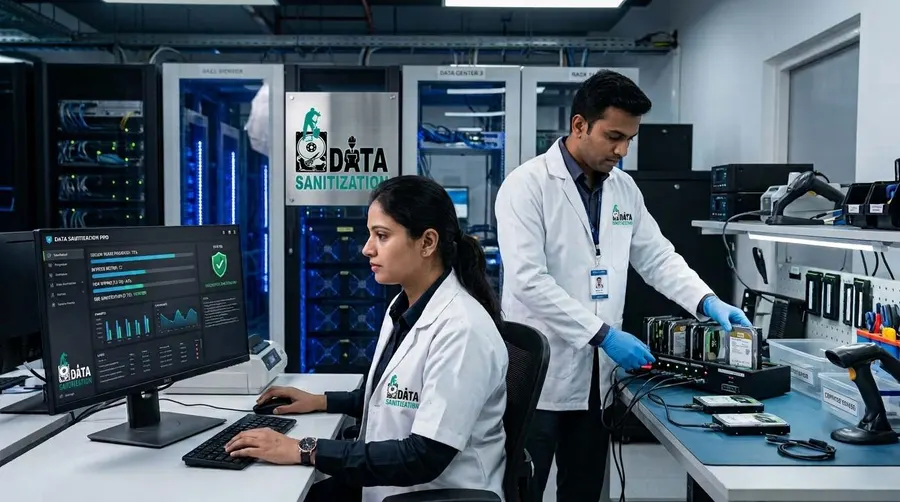
Windows System Drive and Boot-Based Erasure
A running Windows installation generally cannot erase the physical system drive from which it is currently operating.
For supported configurations, Data Sanitization Pro can use USB and PXE boot workflows to start the sanitization environment outside the active operating system.
This can support:
- System-drive erasure
- Laptop retirement
- Desktop retirement
- Workstation replacement
- Server decommissioning
- ITAD processing
PXE Deployment for HDD Erasure
Organizations processing multiple computers can use a network-based PXE workflow.
Data Sanitization Pro supports any number of computers at once through its PXE deployment, with no fixed limit. The network and your licence decide how many.
Each booted system can run its supported hard drive erasure workflow.
Actual deployment speed depends on network bandwidth, server resources, storage performance, controller configuration and system hardware.
HDD Health Assessment Before Reuse
Data security and hardware condition are separate considerations.
A hard drive may complete an erasure process successfully and still require a technical assessment before reuse.
DSP can provide available information relating to:
- SMART Data
- Drive Health
- Bad Sectors
- Read Errors
- Storage Status
This helps teams make two separate decisions:
Data Security: Was the HDD successfully erased and verified?
Asset Condition: Is the hard drive technically suitable for reuse?
This distinction is useful for ITAD, refurbishment, resale and enterprise asset management.
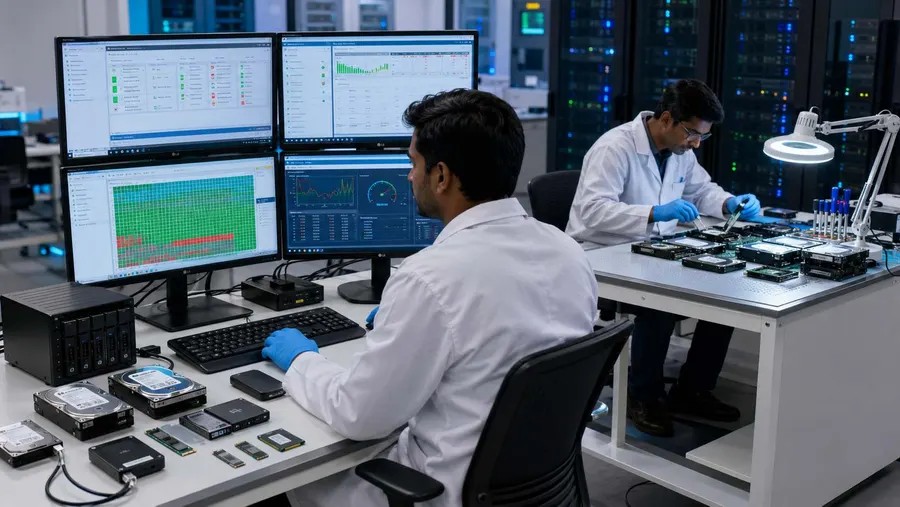
Offline Hard Drive Erasure
Some organizations need to process data-bearing storage inside a controlled environment.
Data Sanitization Pro supports offline data erasure workflows for supported deployments.
This can be useful in:
- Restricted IT environments
- Controlled processing rooms
- Isolated workstations
- Sensitive asset-processing areas
- Data-centre environments
- ITAD facilities
The exact deployment model depends on the organization's infrastructure and licensing.
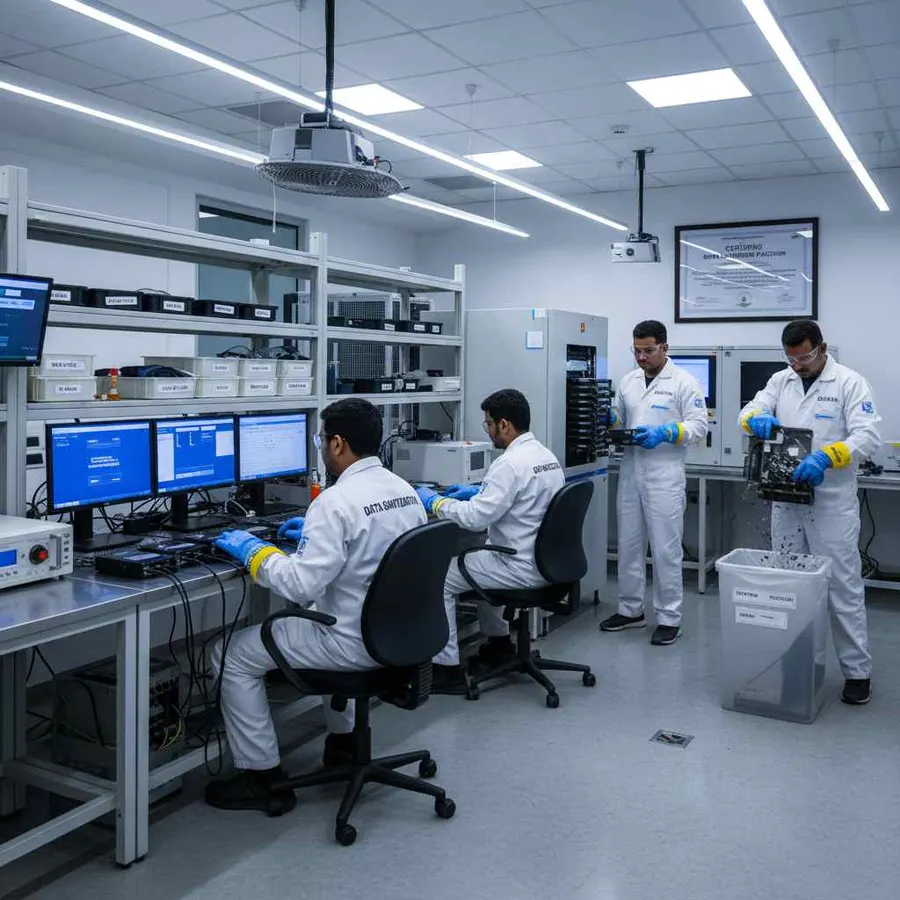
Hard Drive Erasure Across the IT Asset Lifecycle
A professional hard drive data erasure software workflow can support different asset stages.
Reuse
Erase previous information before assigning the HDD to another user or system.
Redeployment
Process the drive before moving equipment between departments or locations.
Refurbishment
Remove stored information before preparing used equipment for another deployment.
Resale
Maintain erasure documentation before an asset changes ownership.
Return
Process supported storage before leased or returned equipment leaves organizational control.
Retirement
Complete the required logical erasure process and retain the associated documentation.
HDD Erasure for Enterprise and ITAD Operations
Data Sanitization Pro can fit into workflows used by:
Enterprise IT Teams
For device refresh, reassignment, reuse and retirement.
ITAD and Refurbishers
For repeatable HDD erasure, verification and asset documentation.
Data Centres
For supported drives removed during server and storage upgrades.
Read MoreGovernment and Defence
For controlled software-based media-processing workflows.
Banking and Finance
For hard drives involved in equipment replacement and asset retirement.
Healthcare
For storage devices handled during technology lifecycle management.
Read MoreMSPs and Resellers
For adding professional data erasure capabilities to managed IT workflows.
Certified and Auditable HDD Data Erasure
Data Sanitization Pro combines product capabilities with documented processing output.
The platform provides:
Software-Based Logical Data Destruction
Erase supported HDDs without physically destroying the storage hardware.
Verification
Record the applicable result of the completed operation.
Self-Certified Certificates
Generate auditable documentation from completed erasure jobs.
Documented Credentials
Applicable ISO or STQC credentials should be presented according to their exact documented scope.
A software-generated data erasure certificate documents a completed sanitization job. It should not be confused with the scope of an ISO or STQC certification or assessment.
Why Choose Data Sanitization Pro?
Professional HDD Erasure Workflow
Bring drive detection, erasure, verification and documentation into one process.
25 Data Erasure Methods
Choose an appropriate supported method for the drive and organizational requirement.
Logical Data Destruction
Remove stored information while keeping the physical hard drive intact.
Verification
Record the outcome of the completed operation.
Auditable Certificates
Generate self-certified hard drive erasure reports and certificates.
HDD Health Assessment
Review available device-health and error information before reuse.
Up to 8 Drives
Process multiple selected drives simultaneously in supported configurations.
USB and PXE
Support boot-based workflows for system drives and larger deployments.
Offline Operation
Support controlled environments with restricted connectivity.
30-Day Free Trial — Test Your Hard Drives
You can evaluate Data Sanitization Pro on your own supported hardware before purchasing.
Test the Workflow
Use the trial to evaluate:
- Drive Detection
- HDD Data Erasure
- Erasure Methods
- Verification
- Reports & Certificates
- Drive Health Information
- USB / PXE Workflow
Test Before You Buy
Run the software in your own environment and evaluate how it fits your hard drive processing workflow.
Start Your Free Trial
- 30 Days
- Test on Supported Hardware
Frequently Asked Questions
What is hard drive data erasure software?
Hard drive data erasure software is designed to remove stored information from supported HDDs through a controlled logical erasure process. A professional workflow can include device identification, method selection, erasure, verification and reporting.
Is formatting a hard drive enough to securely erase data?
Formatting changes the logical storage structure, but it should not automatically be treated as a complete media-sanitization process. A dedicated hard drive erasure workflow provides controlled processing, verification and documentation.
Can Data Sanitization Pro permanently erase HDD data?
Yes. DSP is designed for permanent logical data erasure on supported hard disk drives. The documented result depends on the selected operation and successful completion and verification.
Which hard drive interfaces can be used?
Supported HDD environments can include SATA, SAS, USB, eSATA, IDE, PATA and SCSI configurations, depending on the drive and system.
Can multiple hard drives be erased at the same time?
Yes. Data Sanitization Pro supports up to 8 selected drives simultaneously in supported configurations. Actual speed depends on the available hardware and storage path.
Does DSP provide a hard drive erasure certificate?
Yes. DSP can generate self-certified, auditable hard drive data erasure certificates and reports containing relevant device, method, verification and processing information.
Can I use the software for a system drive?
For supported configurations, DSP can use USB or PXE boot workflows so the target physical drive can be processed outside the active operating system.
Is there a free trial?
Yes. Data Sanitization Pro offers a 30-day free trial so organizations can test the software on supported hardware before purchase.
Where People Go from Here
Solid State Drive Sanitization
The same job on flash, where overwriting is the wrong tool and the drive has to be commanded instead.
Read MoreOn-Site Sanitization
The version of this work where the drives never leave your building at all.
Read MoreCertificate of Destruction
What is on the document you receive, and why a per-asset certificate is the only kind that answers an audit.
Read MoreSecure Your Hard Drives Before Reuse, Resale or Retirement
Before a supported HDD moves to its next lifecycle stage, use a controlled process to:
Permanent data erasure, a checked result and a certificate for every drive.