
Enterprise Data Erasure & Sanitization Software
Large organizations manage thousands of laptops, desktops, servers and storage devices across offices, branches, data centres and remote locations.
As these assets are reused, redeployed, replaced, returned, resold or retired, the data stored on them needs to be handled through a controlled sanitization process.
Data Sanitization Pro (DSP) provides professional enterprise data erasure software for organizations that need secure, verifiable and documented sanitization of supported HDDs, SSDs and NVMe drives.
With DSP, enterprise IT teams can bring permanent data wiping, verification, device identification and erasure certification into one structured workflow.
- Identify
- Erase
- Verify
- Certify
- Secure Data Erasure
- Verification
- Audit Reports
- Asset Records
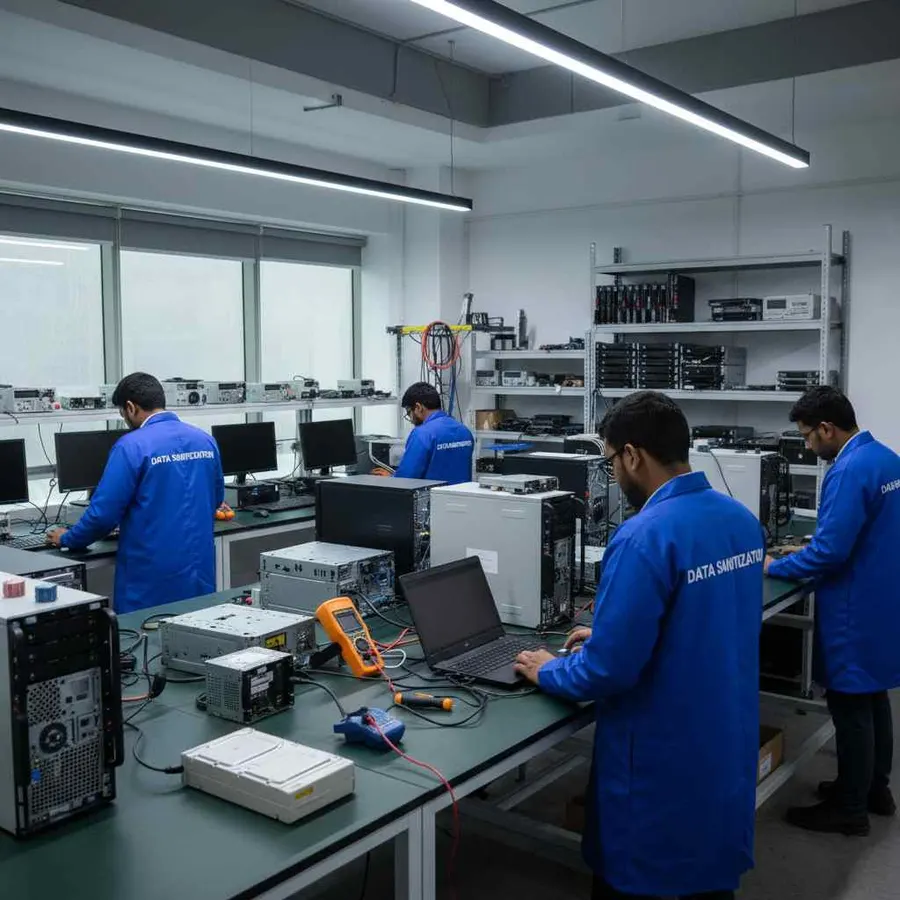
Why Do Enterprises Need Secure Data Erasure?
Enterprise devices can contain business information throughout their working life.
A laptop may contain employee files.
A desktop may contain financial documents.
A server may contain business applications or operational data.
A storage drive may contain information from multiple users and departments.
When the hardware reaches the end of its current use, simply deleting files or formatting the drive should not automatically be considered a complete media sanitization process.
A controlled enterprise data wiping process helps organizations address the storage media before the asset moves to its next stage.
Typical situations include:
- Device Refresh
- Employee Offboarding
- Office Relocation
- Lease Return
- Asset Redeployment
- Hardware Upgrade
- Resale
- ITAD
- Retirement
What Is Enterprise Data Erasure?
Enterprise data erasure is the controlled sanitization of supported storage media within an organization's IT asset lifecycle.
The process can be as simple as:
- Asset
- Identify
- Erase
- Verify
- Certify
- Reuse
Or:
- Asset
- Identify
- Erase
- Verify
- Certify
- Retirement / ITAD
The objective is to make secure data wiping a defined and repeatable part of enterprise asset management rather than an ad-hoc task.
Data Sanitization Pro for Enterprise IT
One Platform for Secure Data Sanitization
Data Sanitization Pro is designed to help enterprise IT teams manage the storage sanitization stage through a structured software workflow.
It combines:
Data Erasure
Verification
Audit Reporting
Device Information
Storage Health Monitoring
Hardware Assessment
Offline Operation
USB & PXE Boot Workflows
This allows organizations to create a more consistent process for supported storage devices.
Secure HDD, SSD & NVMe Data Erasure
Enterprise environments rarely contain only one storage technology.
DSP supports data erasure workflows for supported:
HDD
Traditional hard drives remain part of many enterprise fleets and legacy systems.
DSP can be used for supported HDD sanitization before reuse, retirement, return or downstream asset processing.
SSD
Modern enterprise computers increasingly use SSD storage.
SSD sanitization needs to account for device architecture, controllers, NAND, firmware and storage-specific capabilities.
DSP supports SSD data erasure workflows for supported devices.
NVMe
NVMe storage is common in newer laptops, desktops and enterprise hardware.
DSP supports NVMe data erasure workflows for supported devices, helping enterprises include newer storage technologies in their sanitization process.
How Does Enterprise Data Wiping Work?
- 01
Identify
Detect the supported storage device and capture relevant information.
- 02
Assess
Review available device and health information where supported.
- 03
Select
Choose the appropriate sanitization method based on storage technology, device capability, organizational policy and information requirements.
- 04
Erase
Run the selected logical data erasure process.
- 05
Verify
Verify the completed erasure operation for supported workflows.
- 06
Certify
Generate an erasure report or certificate containing relevant device and process information.
- 07
Complete the Asset Lifecycle
Move the sanitized asset toward its approved next stage:
- Redeployment
- Reuse
- Return
- Resale
- ITAD
- Recycling
- Retirement
Enterprise Data Wiping During Device Refresh
Enterprise hardware refreshes can generate hundreds or thousands of retired devices.
A typical lifecycle may look like:
- Old Laptop
- IT Collection
- Data Erasure
- Verification
- Certificate
- New User / ITAD
Without a defined sanitization stage, retired devices can become difficult to track.
DSP helps enterprise teams make permanent data erasure a standard step in the refresh process.
This is useful for:
Laptop Refreshes
Desktop Replacement
Branch Upgrades
Office Relocations
Employee Device Replacement
Bulk Hardware Retirement
Secure Data Erasure for Employee Devices
Employees can store business information locally on laptops and desktops.
When an employee leaves the organization or receives a replacement device, the old equipment may move into another employee's hands.
A simple lifecycle can be:
- Employee A
- IT Team
- Data Sanitization
- Employee B
DSP can support the sanitization stage before supported storage media are reassigned.
This helps reduce the chance of data from the previous user being carried into the next deployment.
Enterprise IT Asset Retirement
When hardware is no longer required, organizations may send equipment for:
Resale
Refurbishment
ITAD
Recycling
Return to Vendor
Lease Return
Physical Destruction
The appropriate disposition depends on the asset, organizational policy and the condition of the storage media.
DSP focuses on the logical data erasure stage.
It does not physically shred, crush, drill or destroy drives.
Where physical destruction is required, enterprises should use an appropriate physical destruction process.
Data Erasure Before Resale & Reuse
Enterprise organizations often recover value from old technology by reusing or reselling equipment.
That can include:
- Employee laptops
- Desktop computers
- Older workstations
- Surplus storage devices
- Refurbishable equipment
Before these assets change ownership, secure data erasure should be completed according to the organization's approved process.
DSP helps create a clear workflow:
- Sanitize
- Verify
- Document
- Release
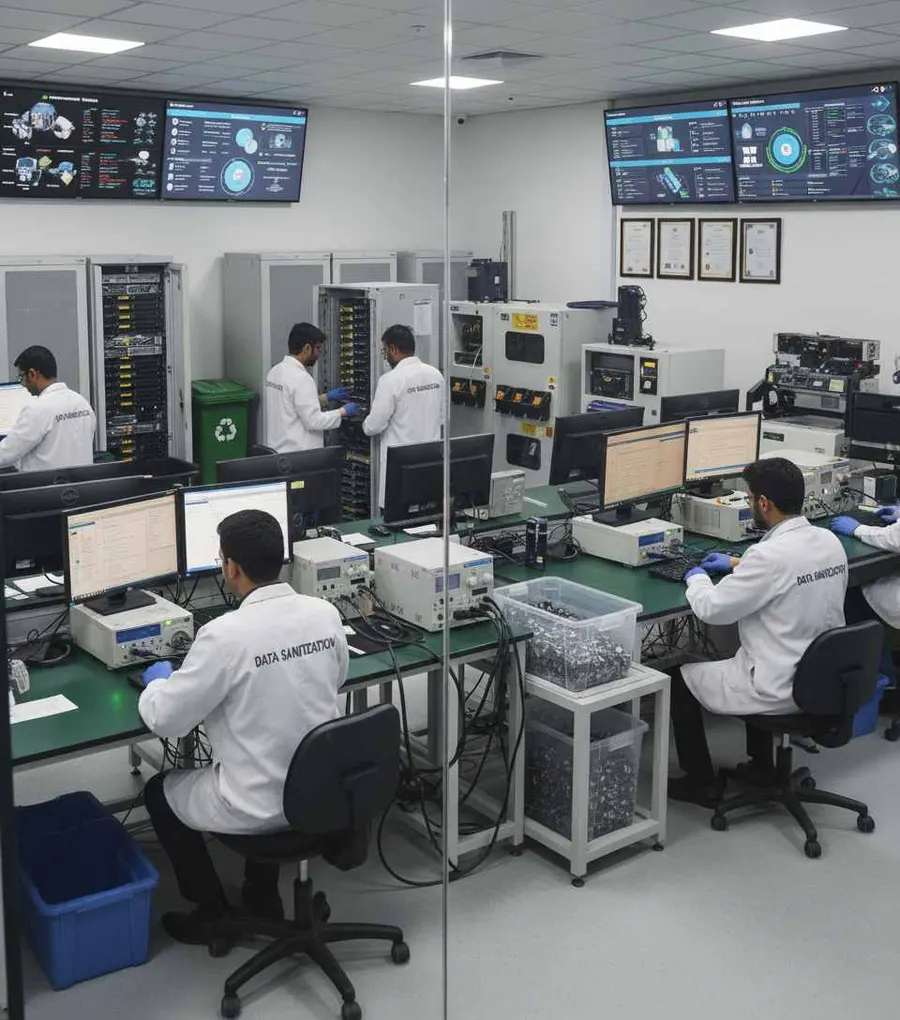
ITAD & Enterprise Asset Disposition
Many enterprises work with external IT Asset Disposition (ITAD) providers.
The enterprise may hand over retired hardware after an internal data sanitization process, or the ITAD workflow may include approved data erasure.
DSP can support the enterprise's data-erasure stage by providing:
Device Identification
Sanitization Method
Verification Result
Processing Time
Operator Information
Asset Reference
Erasure Certificate
Learn more about ITAD Data Erasure.
Enterprise Data Erasure Certificates & Reports
For a large IT environment, knowing that a drive was processed is useful.
Knowing which drive, when, how and with what result is more useful.
DSP can generate self-certified, auditable erasure reports and certificates containing relevant information such as:
- Manufacturer
- Model
- Serial number
- Capacity
- Interface
- Drive type
- Firmware information
- Selected sanitization method
- Operation status
- Verification result
- Date and time
- Operator information
- Asset reference
This helps connect the physical storage device with its sanitization record.
A Simple Evidence Chain
- Asset
- Storage Device
- Erasure Method
- Verification
- Certificate
This can make internal audits and asset documentation easier to manage.

Enterprise Data Erasure at Scale
Large enterprises may process devices in batches rather than one at a time.
DSP supports processing of up to 8 supported drives simultaneously, subject to hardware and system configuration.
This can be useful for:
Bulk Laptop Retirement
Desktop Refresh Projects
Storage Replacement
Returned Equipment
Refurbishment Inventory
ITAD Preparation
Actual processing throughput will depend on the deployment hardware and operational workflow.
Offline Enterprise Data Sanitization
Some enterprise environments operate under strict connectivity restrictions.
DSP supports offline data erasure, allowing supported sanitization workflows to be performed without depending on continuous internet access.
This can be useful for:
Controlled IT Rooms
Secure Processing Areas
Restricted Facilities
Offline Asset Processing
Air-Gapped or Limited-Connectivity Environments
Offline capability can help enterprises maintain control over where the sanitization process is performed.
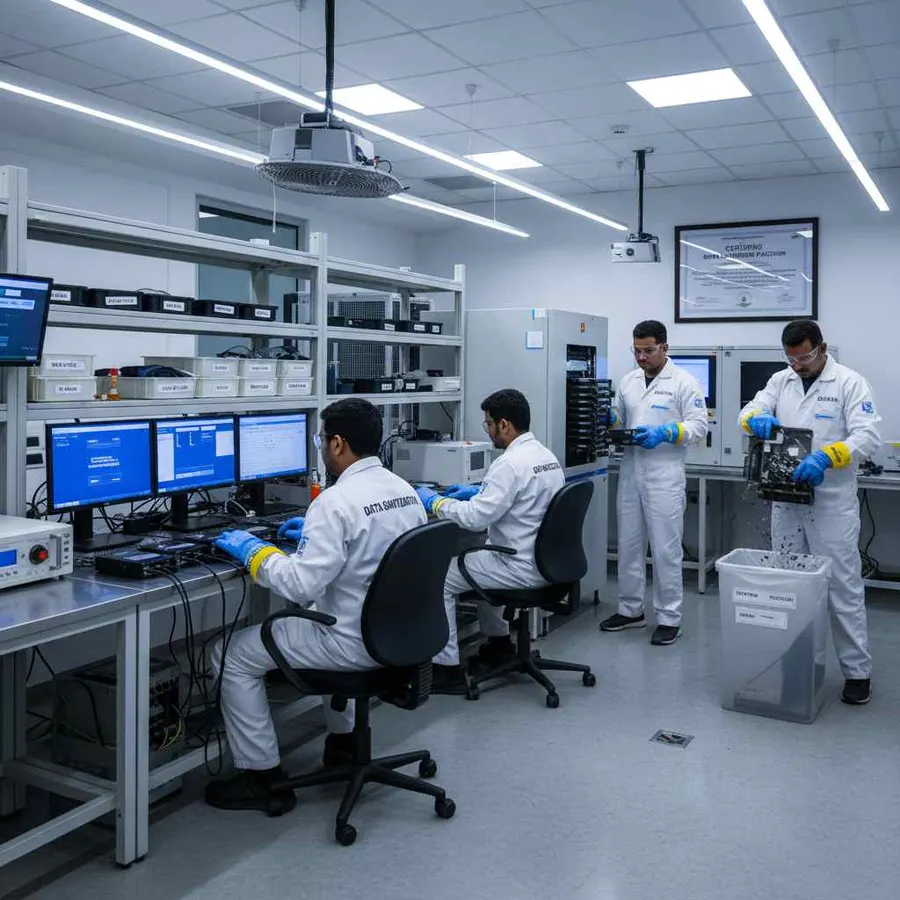
USB & PXE Boot for Enterprise Systems
DSP supports USB and PXE boot workflows.
This is especially relevant when the storage device being erased is the active system drive.
A Windows system drive generally cannot be erased while Windows is actively using it.
For suitable supported systems, an enterprise IT team can boot into an appropriate DSP environment through USB or PXE and perform the required sanitization workflow outside the active operating system.
PXE deployment supports any number of computers at once, with no fixed limit. The network and your licence decide how many.
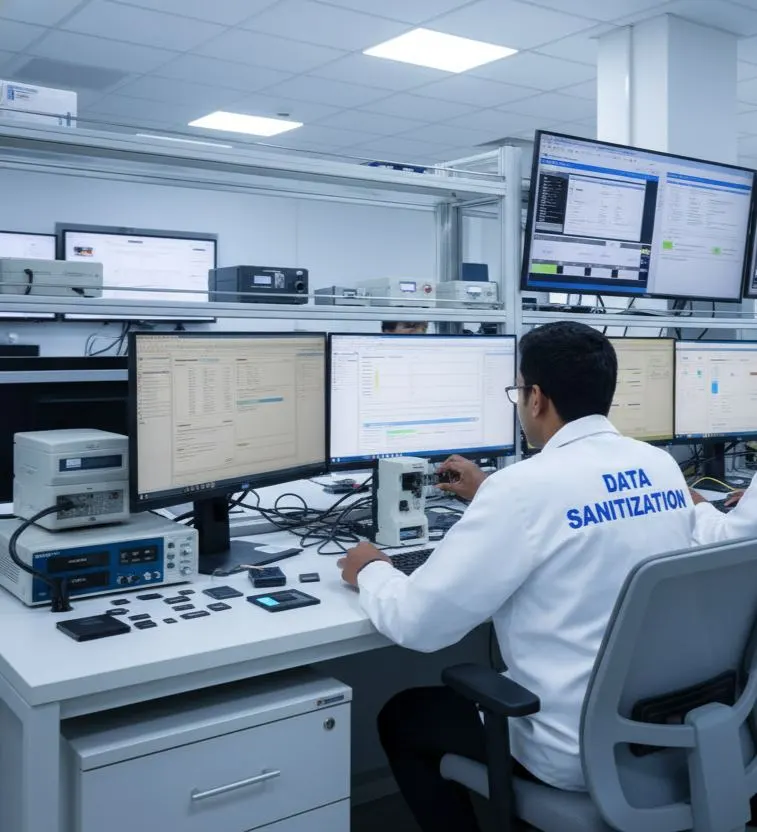
Enterprise Data Erasure for Remote & Distributed Offices
Large businesses may operate from:
Headquarters
Branches
Regional Offices
Service Locations
Warehouses
Remote Facilities
The storage sanitization process should remain consistent even when assets come from different locations.
DSP can be incorporated into standardized enterprise procedures so IT teams can apply the same basic workflow across supported assets and processing environments.
For organizations requiring location-specific operational controls, deployment design should be planned around the enterprise's infrastructure and security policy.
Device Health & Hardware Assessment
Secure data erasure is not always the only requirement when an asset is retired.
Enterprises may also need to understand whether a drive is suitable for reuse or requires further review.
Where supported, DSP can provide information related to:
- SMART data
- Drive health
- Bad sectors
- Errors
- Device characteristics
This can help IT teams make better operational decisions before an asset is reused, transferred or sent for downstream disposition.
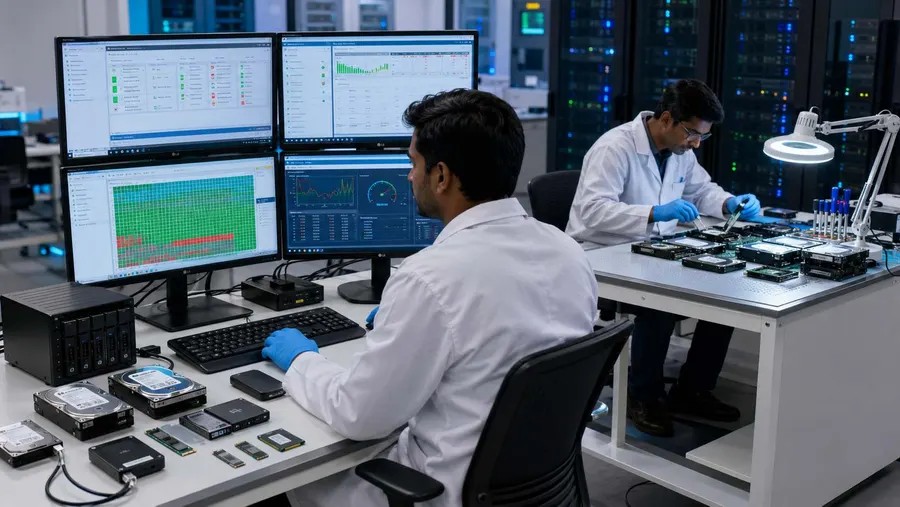
26 Data Erasure Methods
Different media and organizational requirements can call for different sanitization approaches.
DSP provides 26 data erasure methods for supported workflows.
The selected method should be based on:
Storage Technology
Device Capabilities
Information Sensitivity
Organizational Policy
Applicable Requirements
A single method should not automatically be applied to every storage technology or every security situation.
Standards-Based Enterprise Media Sanitization
Enterprise media sanitization should be connected to the organization's broader security and asset-disposition policy.
The current NIST SP 800-88 Rev. 2 focuses on establishing a media sanitization program and selecting appropriate techniques and controls based on information sensitivity and media characteristics. It was finalized by NIST on September 26, 2025.
DSP is designed to support standards-based data erasure workflows, including method selection, verification and documentation.
The actual sanitization approach should always be selected according to the storage medium, device capabilities and the organization's approved requirements.
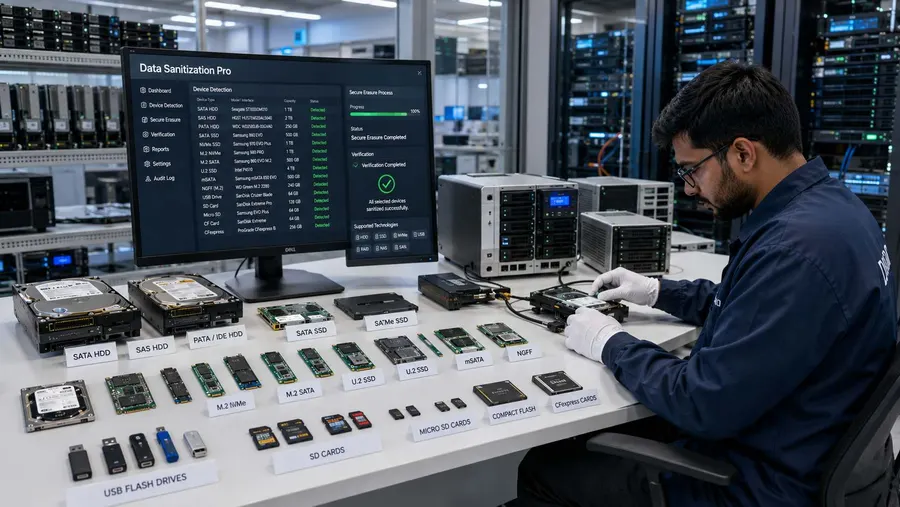
Enterprise Data Erasure Worldwide
Modern enterprises operate across multiple locations and countries.
Data Sanitization Pro supports professional data erasure workflows for organizations operating worldwide.
It can be relevant for:
Global Enterprises
Multinational Companies
Enterprise IT Departments
Data Centres
Corporate Offices
Distributed IT Operations
Shared Service Environments
Global Asset Management Teams
Whether assets are processed centrally or through controlled local operations, the basic objective remains the same:
Erase the data. Verify the result. Keep the evidence.
Who Can Use Data Sanitization Pro?
Enterprise IT Departments
Standardize data erasure across internal hardware refresh and retirement processes.
Global Organizations
Support consistent sanitization workflows across multiple locations.
Data Centre Teams
Process supported storage media during equipment replacement and decommissioning activities.
Corporate IT Teams
Sanitize employee laptops, desktops and storage devices before reassignment or retirement.
Financial & Business Organizations
Create a documented data-erasure step for supported storage media.
Healthcare Organizations
Support controlled storage-media sanitization as part of device lifecycle management.
Government Organizations
Use controlled and auditable workflows where applicable to organizational requirements.
IT Asset Management Teams
Connect storage-device erasure with the wider asset lifecycle.
Why Choose Data Sanitization Pro for Enterprise Data Erasure?
Enterprise Data Erasure Software
Designed for structured, controlled logical data sanitization workflows.
26 Erasure Methods
Multiple methods for supported storage technologies and requirements.
Verification
Verify completed erasure for supported workflows.
Certificates & Audit Reports
Generate self-certified, auditable erasure documentation.
HDD, SSD & NVMe
Support multiple storage technologies through one software workflow where supported.
Offline Operation
Useful for restricted or controlled enterprise environments.
USB & PXE Boot
Flexible deployment for supported system-drive sanitization.
Device Information
Capture important storage and operation details for better asset records.
Health & Hardware Assessment
Review available drive information before deciding the asset's next lifecycle stage.
Worldwide Deployment
Suitable for enterprise environments operating across different countries and locations.
Frequently Asked Questions
What is enterprise data erasure?
Enterprise data erasure is the controlled sanitization of supported storage devices before enterprise IT assets are reused, redeployed, returned, resold, recycled or retired.
Why do enterprises need data wiping software?
Enterprise organizations manage large numbers of devices. Professional data wiping software can help standardize erasure, verification and reporting across the asset lifecycle.
Is deleting files enough before retiring an enterprise computer?
Deleting files or performing a normal format should not automatically be treated as complete media sanitization. The appropriate method depends on the storage technology, device capabilities and organizational requirements.
Can DSP erase enterprise HDDs?
Yes. DSP supports HDD data erasure workflows for supported drives.
Can DSP erase enterprise SSDs?
Yes. DSP supports SSD data erasure workflows for supported devices.
Can DSP erase NVMe drives?
Yes. DSP supports NVMe data erasure workflows for supported devices.
Does DSP verify data erasure?
Yes. DSP provides verification of completed erasure for supported workflows.
Can DSP generate an enterprise data erasure certificate?
Yes. DSP can generate self-certified, auditable reports and certificates containing relevant device and erasure information.
Can DSP process multiple drives at the same time?
Yes. DSP supports up to 8 supported drives simultaneously, subject to hardware and system configuration.
Does enterprise data erasure require internet access?
DSP supports offline operation, allowing organizations to perform supported sanitization workflows in controlled environments without relying on continuous internet access.
Can DSP erase a Windows system drive?
A Windows system drive actively being used by Windows generally cannot be erased from the running operating system. USB or PXE boot can be used for suitable supported workflows.
Does DSP physically destroy hard drives?
No. DSP is software-based and focuses on logical data erasure and sanitization. Physical destruction requires a separate process.
Can enterprises use DSP across multiple locations?
Yes. DSP is designed to support controlled data erasure workflows for organizations operating worldwide and across distributed IT environments.
Related Solutions
Manufacturing
Factories, plants, offices and engineering facilities
Read MoreAutomotive
Dealerships, workshops, suppliers and fleet operators
Read MoreFMCG
Offices, warehouses and distribution centres
Read MoreConsulting Firms
Secure client and project data before assets move on
Read MoreITES & BPO
Erase devices before they are reused or replaced
Read MoreSecure Enterprise Data Before the Asset Moves On
The data sanitization process should move with the asset lifecycle.
Permanent data erasure, a checked result and a certificate for every drive.