
Certified SAS Drive Data Sanitization Software
Data Sanitization Pro (DSP) is professional SAS Drive data erasure software for securely removing sensitive information from supported SAS storage.
Designed for enterprise IT teams, data centres, ITAD companies, refurbishers, recyclers, server administrators, and organizations preparing storage for reuse or retirement, DSP brings SAS drive wiping, verification, reporting, and certification into one controlled workflow.
DSP supports SAS HDD and SAS SSD environments, multiple erasure methods, offline operation, USB and PXE boot workflows, and processing of up to 8 selected drives simultaneously in supported configurations.
Every completed operation can be documented with a detailed data erasure report or certificate.
Start Your 30-Day Free Trial
Try the full product on your own SAS drives — no credit card required.
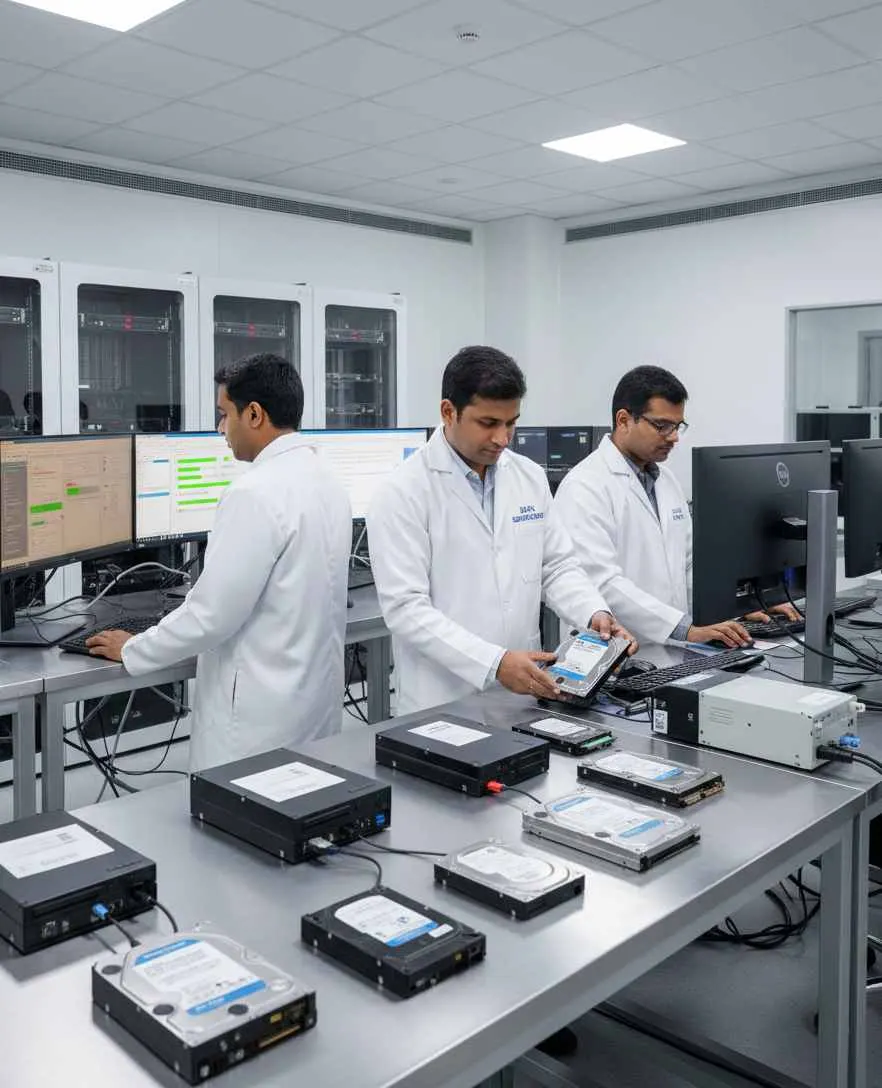
SAS Data Erasure Software for Enterprise Drives
Deleting files, formatting a partition, or reinstalling an operating system is not the same as securely erasing a storage device.
When a SAS drive leaves its current environment, the previous data may still matter. A professional SAS data erasure software workflow should identify the physical device, select an appropriate method, perform the erasure, verify the result, and retain evidence of the completed operation.
Data Sanitization Pro follows a simple workflow:
- Identify
- Select Method
- Erase
- Verify
- Certify
This gives organizations a repeatable way to process supported SAS storage before:
- Reuse
- Redeployment
- Refurbishment
- Resale
- Asset retirement
- ITAD processing
- Server replacement
DSP performs software-based logical data erasure. It does not physically shred, crush, drill, degauss, or destroy the storage device.
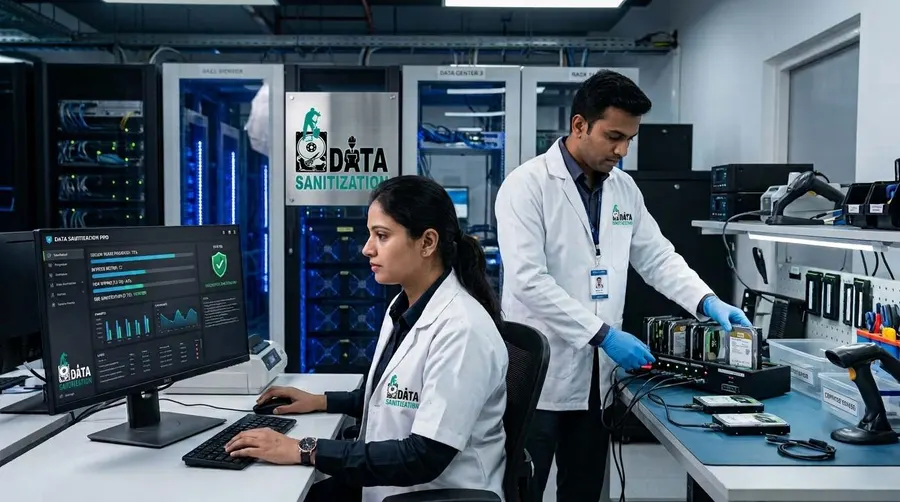
What Is SAS Drive Data Sanitization?
SAS drive data sanitization is the controlled removal of stored information from supported SAS-connected storage using an appropriate sanitization technique.
SAS storage is widely used in enterprise servers and storage environments. The underlying storage technology, however, can vary.
A SAS environment may include:
- SAS HDD
- SAS SSD
- Enterprise server drives
- Storage-array drives
- Hot-swap drives
The correct erasure approach depends on the actual media type and the capabilities exposed by the drive and its storage controller.
NIST's current media-sanitization publication is SP 800-88 Rev. 2, finalized on September 26, 2025. It defines sanitization in terms of making access to target data infeasible for a given level of effort and emphasizes selecting appropriate techniques and controls for the media and information involved.
SAS Drive Eraser Software for Secure Data Removal
Data Sanitization Pro is more than a basic SAS wipe tool.
It combines the core functions needed for a professional drive-erasure workflow.
25 Data Erasure Methods
DSP provides 25 erasure methods for different storage technologies and organizational requirements.
Secure Logical Data Erasure
Erase stored data from supported SAS drives while keeping the physical hardware intact.
Post-Erasure Verification
Verify the result after the selected erasure process and record the outcome.
Data Erasure Reports
Generate detailed reports containing relevant device and process information.
Data Erasure Certificates
Create self-certified, auditable certificates for completed erasure jobs.
Multi-Drive Processing
Process up to 8 selected drives simultaneously in supported configurations.
Offline Operation
Run supported sanitization workflows in controlled environments where internet access is restricted.
USB and PXE Boot
Use boot-based workflows for supported system drives and larger deployments.
How SAS Data Erasure Works
A professional SAS drive erasure software workflow should provide clear control over every stage.
- 01
Detect
DSP detects supported storage devices available to the operating environment.
- 02
Identify
Relevant information can include:
- Manufacturer
- Model
- Serial Number
- Capacity
- Firmware
- Interface
- 03
Assess
The storage technology and available device capabilities are considered before selecting the appropriate erasure workflow.
- 04
Select
Choose the required data erasure method according to the drive, security requirement, and organizational policy.
- 05
Erase
DSP performs the configured software-based logical erasure operation.
- 06
Verify
The result is checked using the applicable verification process.
- 07
Report
The completed job is documented with a report or certificate.
This creates a traceable SAS data wiping process from device identification through final evidence.
SAS HDD Data Erasure
SAS HDD erasure is commonly required when enterprise hard drives are removed from servers, storage systems, or data-centre infrastructure.
Supported SAS hard drives may include:
- 2.5-inch enterprise HDDs
- 3.5-inch enterprise HDDs
- Server hard drives
- Hot-swap SAS HDDs
- Storage-array HDDs
For supported SAS HDD configurations, DSP can provide a controlled SAS hard drive erasure workflow with method selection, processing, verification, and documentation.
The actual operation depends on the drive and the way it is presented through the connected hardware.
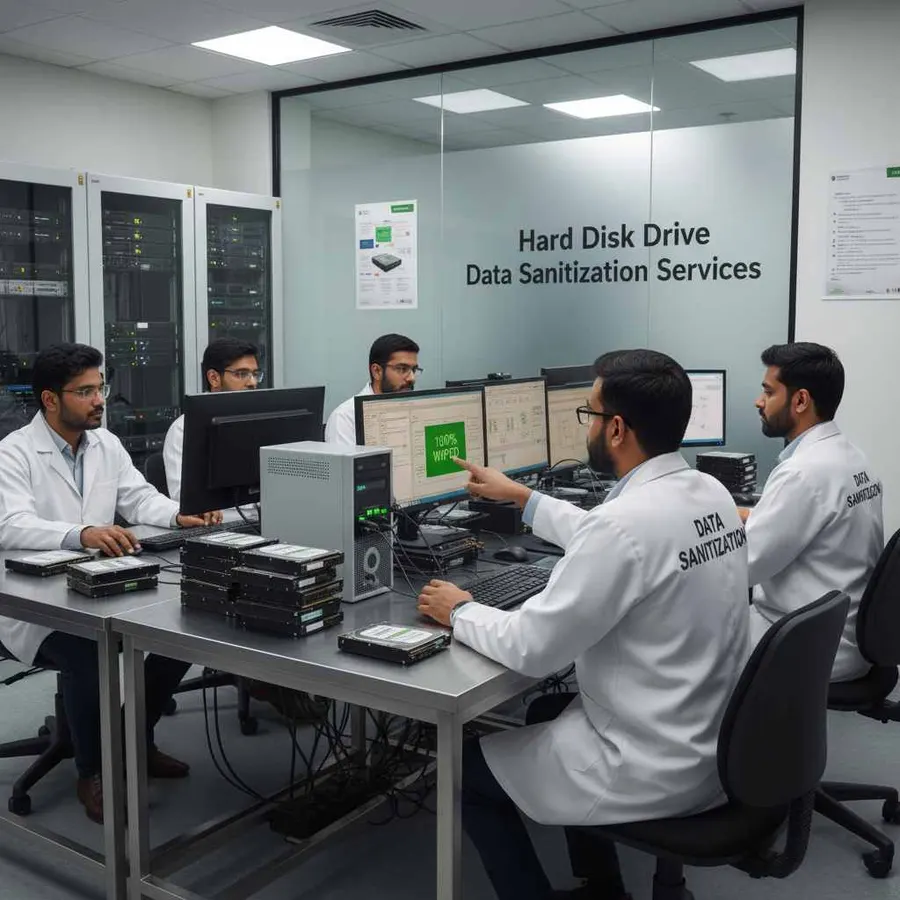
SAS SSD Data Erasure
SAS SSDs use flash storage and should not automatically be treated like magnetic hard drives.
SSD controllers can use technologies such as:
- Wear leveling
- Garbage collection
- Over-provisioning
- Internal flash management
This means a generic overwrite is not automatically equivalent to every possible SSD sanitization technique.
For supported SAS SSDs, the sanitization approach should consider the underlying storage technology and the device functions available to the software.
DSP therefore treats SAS SSD data erasure as a storage-specific operation rather than simply applying an HDD wiping workflow to every SAS device.
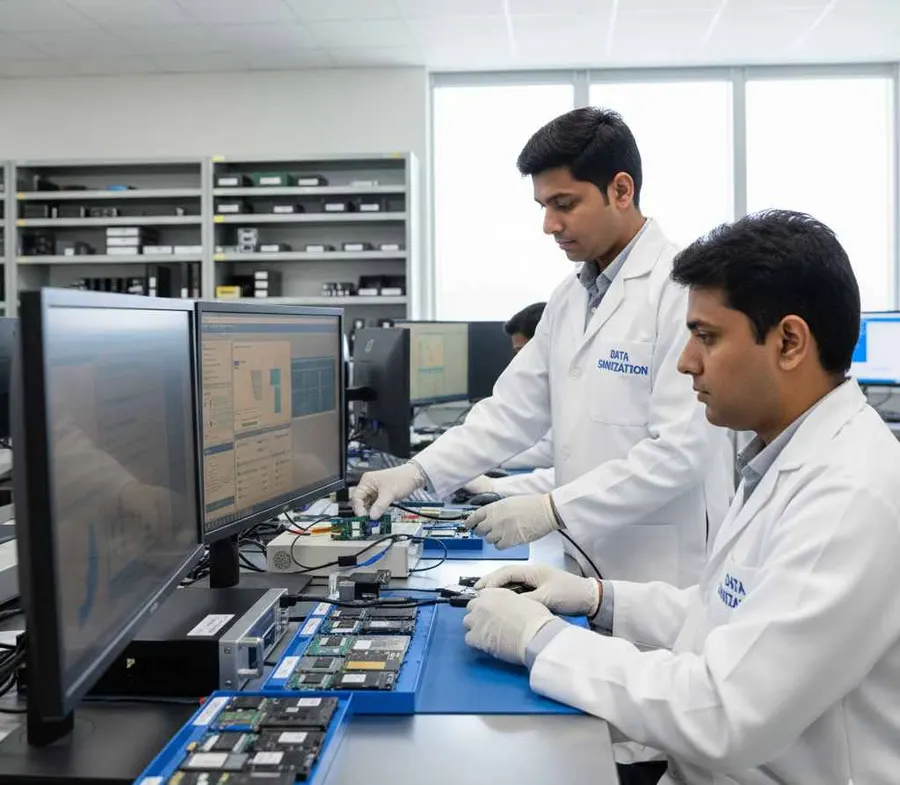
SAS Hard Drive Wipe and Sanitization for Enterprise Storage
SAS drives are commonly found in:
Servers
Rack servers and enterprise systems may contain multiple SAS HDDs or SSDs.
Storage Arrays
SAS drives may be installed behind controllers, backplanes, or expanders.
Data Centres
Retired enterprise drives often need documented erasure before leaving controlled inventory.
Read MoreITAD Operations
SAS storage removed from customer equipment may require repeatable erasure and reporting before resale or recycling.
Refurbishment
Enterprise drives can be sanitized before the hardware is prepared for another deployment.
SAS Controllers, HBA and Storage Connectivity
The way a SAS drive connects to the system can affect the erasure workflow.
Common configurations include:
- SAS HBA
- SAS RAID controller
- SAS backplane
- SAS expander
- Server storage controller
- Direct-attached SAS
- External SAS enclosure
The controller determines which physical devices are exposed to the software.
This is particularly important for SAS drive wiping in servers and storage arrays, where an individual physical drive may be part of a RAID or storage configuration.
Before sanitization, the system should be checked to ensure the intended physical drive is correctly visible to the erasure environment.
SAS Data Erasure Methods
Data Sanitization Pro supports 25 data erasure methods.
Depending on the configured workflow, organizations can work with recognized methods and organizational requirements such as:
- NIST-based sanitization workflows
- IEEE 2883-based methods
- DoD 5220.22-M
- HMG IS5
- Secure Erase
- Enhanced Secure Erase
- Organizationally defined policies
NIST's current publication is SP 800-88 Rev. 2, which superseded Rev. 1 in September 2025. Current sanitization programs should therefore reference the current revision rather than presenting Rev. 1 as the current NIST guidance.
The correct method should be selected based on the storage technology, device capabilities, information sensitivity, and organizational requirements.
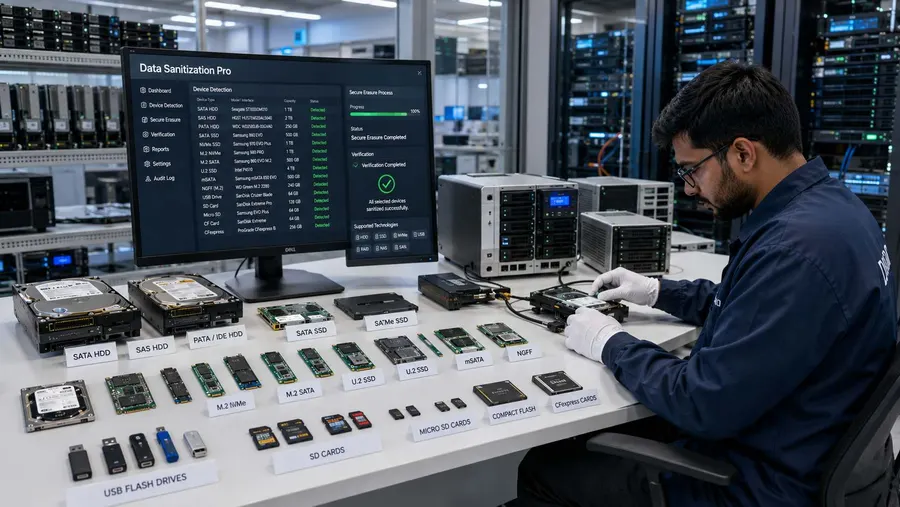
Permanent SAS Data Erasure
Organizations searching for permanent SAS data erasure, SAS secure erase software, or SAS secure erasure software generally need more than ordinary file deletion.
Data Sanitization Pro provides a software-based logical erasure workflow for supported SAS storage.
The purpose is to remove the previous stored information before the asset moves to another approved lifecycle stage.
The physical drive remains available for further use when the hardware is suitable for reuse.
Verify Every SAS Erasure Job
Starting an erasure is only one part of the process.
A professional SAS data wipe workflow should also establish what happened after the operation completed.
DSP can record information including:
- Drive manufacturer
- Drive model
- Serial number
- Capacity
- Firmware
- Interface
- Selected erasure method
- Processing status
- Verification result
- Start time
- Completion time
- Operator information
- Asset reference
This creates a device-level record rather than relying only on a generic batch confirmation.

SAS Data Erasure Certificates and Reports
Data Sanitization Pro can generate self-certified, auditable data erasure reports and certificates.
The certificate can connect the processed asset with the relevant device information and erasure result:
- Asset
- Drive Identity
- Erasure Method
- Verification
- Result
This documentation can be useful for:
- IT asset management
- ITAD operations
- Refurbishment workflows
- Customer records
- Internal audit
- Asset retirement
- Resale documentation
The DSP platform also provides reporting features designed to keep the erasure record with the processed asset.
Erase Multiple SAS Drives at Once
Data Sanitization Pro supports processing up to 8 selected drives simultaneously in supported configurations.
This can help when processing groups of enterprise drives removed from:
- Servers
- Storage arrays
- Data-centre equipment
- ITAD batches
- Refurbishment projects
- Enterprise hardware refreshes
Each selected drive can have its own processing status and result.
Actual speed depends on the complete hardware path, including the SAS controller, HBA, shared bus, backplane, system resources, and drive performance.
SAS Drive Erasure in Servers and Storage Arrays
Server and storage environments can introduce additional configuration considerations.
Before processing a physical SAS drive, administrators may need to review:
- RAID
- Storage Pools
- Logical Volumes
- Backplanes
- Expanders
- Hot-Swap Bays
- Multipath Configurations
The individual physical drive must be correctly exposed to the sanitization environment.
For this reason, SAS server drive erasure should be planned around the actual storage architecture rather than treated as a simple desktop-drive operation.
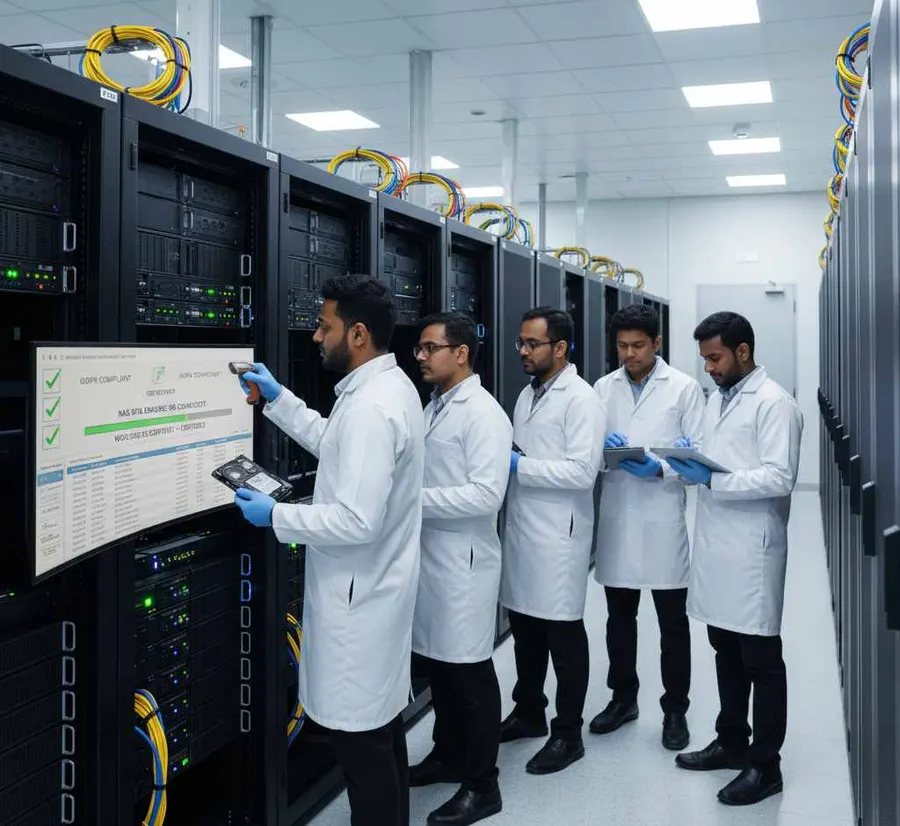
USB Boot for SAS Data Erasure
A live operating system generally cannot erase its own active system drive.
For supported configurations, DSP provides a USB boot workflow that starts the sanitization environment separately from the installed operating system.
This can be useful for:
- Server retirement
- Workstation decommissioning
- Enterprise refresh projects
- ITAD processing
- System-drive erasure
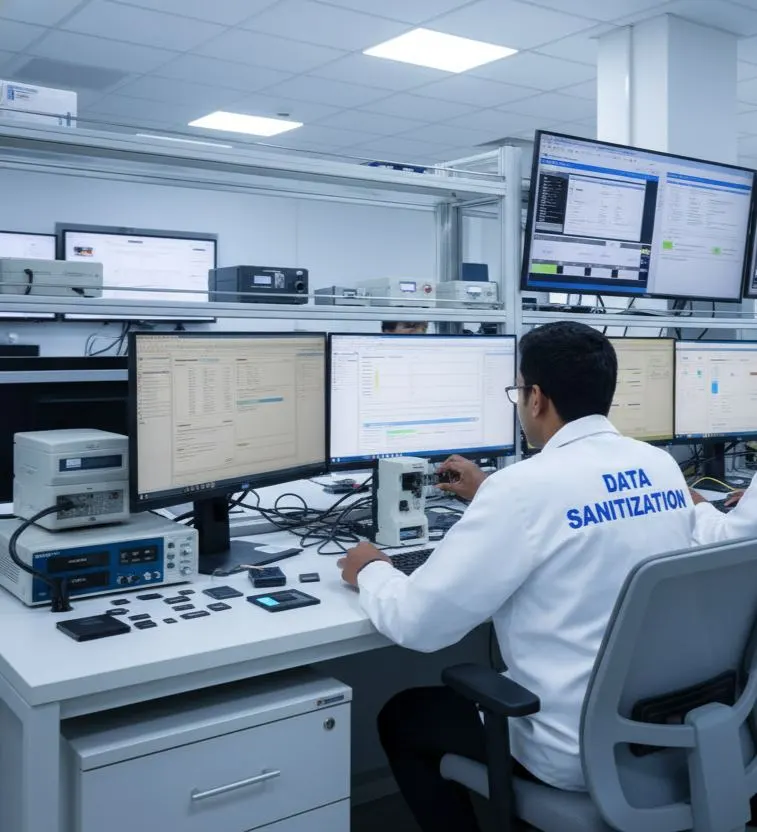
PXE-Based SAS Drive Erasure
For organizations managing multiple computers, Data Sanitization Pro also supports PXE deployment.
The standard configuration supports up to 64 computers by default, with the deployment capacity configurable for larger environments.
Each booted computer can run its supported data erasure workflow.
Actual throughput depends on network bandwidth, server capacity, storage performance, and the hardware configuration of each system.
Offline SAS Data Erasure Software
Some environments cannot depend on continuous internet connectivity.
Data Sanitization Pro supports offline data erasure workflows, allowing organizations to process supported storage within controlled local environments.
This can be useful for:
- Restricted networks
- Secure processing rooms
- Data centres
- Isolated workstations
- Controlled ITAD environments
The current DSP platform also provides an offline activation option for machines that do not have internet access.
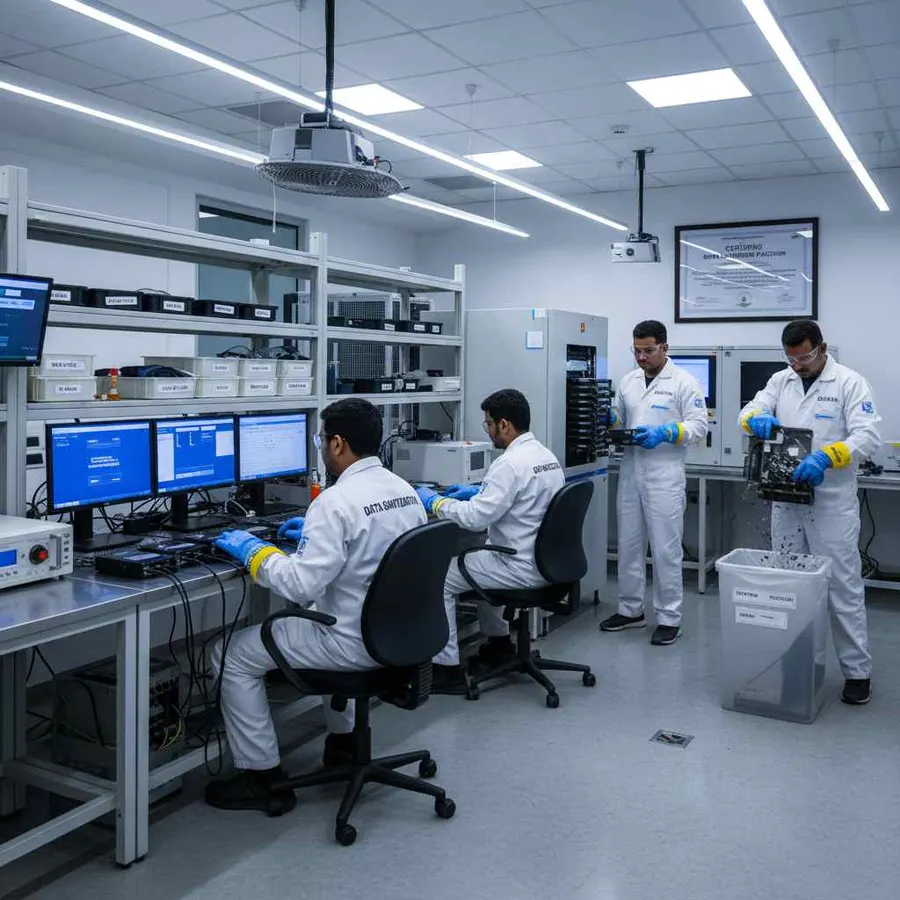
SAS Erasure Software for ITAD, Reuse and Resale
A professional SAS drive erasure software workflow can support the complete asset lifecycle.
ITAD
Erase and document supported SAS drives during asset disposition.
Reuse
Remove previous data before reallocating the storage device.
Refurbishment
Sanitize storage before preparing enterprise hardware for another user.
Resale
Provide erasure documentation when a drive changes ownership.
Retirement
Complete the required logical data erasure process before final asset disposition.
This helps organizations keep data security and asset processing within one workflow.
When SAS Drive Erasure Requires Additional Assessment
Not every drive will behave the same way.
Additional assessment may be necessary when a SAS drive:
- Is not detected
- Has communication errors
- Is hidden behind a controller
- Fails during erasure
- Cannot complete verification
- Has significant hardware failure
A failed or incomplete operation should not be recorded as a successful sanitization result.
DSP is software for logical data erasure and sanitization. It is not a physical destruction system.
Why Use Data Sanitization Pro for SAS Erasure?
SAS-Focused Data Erasure Workflow
Process supported SAS HDD and SAS SSD environments through a structured software workflow.
25 Erasure Methods
Choose from multiple supported data erasure methods for different requirements.
Verification
Check the completed result instead of relying only on an erase-progress screen.
Auditable Certificates
Generate self-certified reports and certificates for processed drives.
Up to 8 Drives
Process multiple selected drives simultaneously in supported configurations.
USB and PXE
Support boot-based erasure for system drives and larger deployments.
Offline Operation
Run supported workflows in controlled environments without continuous internet connectivity.
Hardware Assessment
Use available drive-health, bad-sector, and error information as part of the asset-processing workflow.
30-Day Free Trial — Test It on Your SAS Drives
You do not have to buy the software before testing it in your own environment.
Data Sanitization Pro currently offers a 30-day trial with the full product available for testing, with no credit card required. The live pricing page states that the trial includes the product's available standards and reporting functionality rather than a reduced trial edition.
Test Your Own SAS Workflow
Run the software on your supported hardware and evaluate:
- Drive Detection
- SAS HDD / SSD Processing
- Erasure Methods
- Verification
- Reports & Certificates
- USB / PXE Workflow
Start Your Free Trial
- 30 Days
- Full Product
- No Credit Card
Start Free Trial
Frequently Asked Questions
What is SAS data sanitization software?
SAS data sanitization software is used to securely remove stored information from supported SAS-connected storage through a controlled logical data erasure workflow. It can include device identification, method selection, erasure, verification, and reporting.
Can I erase SAS HDDs with Data Sanitization Pro?
Yes, supported SAS HDD configurations can be processed using an appropriate data erasure method, followed by verification and documentation.
Can SAS SSDs also be erased?
Supported SAS SSDs can be processed according to the device capabilities and applicable sanitization workflow. SSDs require storage-specific treatment because their internal flash architecture differs from magnetic HDDs.
How many SAS drives can DSP erase simultaneously?
DSP supports up to 8 selected drives simultaneously in supported configurations. Actual performance depends on the controller, storage path, drive speed, and system resources.
Can DSP erase a server's SAS system drive?
For supported systems, DSP can use USB or PXE boot environments so the physical system drive can be processed outside the active operating system.
Does Data Sanitization Pro generate SAS erasure certificates?
Yes. DSP can generate self-certified, auditable data erasure certificates and reports containing relevant device, process, verification, and asset information.
Is there a free trial for SAS data erasure software?
Yes. Data Sanitization Pro offers a 30-day free trial, and the current pricing page states that no credit card is required.
Secure Your SAS Drives Before Reuse, Resale or Retirement
Do not rely on file deletion or formatting when a SAS drive is leaving its current environment.