
Certified SAN Data Sanitization Software
Secure SAN Storage Before Decommissioning, Reuse, Resale or Retirement
A Storage Area Network can hold some of the most important data in an organization.
Business applications.Databases.Virtual machines.Backups.Enterprise files.Application storage.Critical business workloads.
When a SAN reaches the end of its lifecycle, replacing the storage hardware is not the same as securing the data stored on it.
A storage array may be removed from production, a disk may be replaced or an entire SAN environment may be decommissioned.
The question then becomes:
What happens to the data-bearing storage after it leaves production?
Data Sanitization Pro provides professional SAN data erasure software for supported storage devices, helping organizations securely erase, verify and document data before SAN storage moves to reuse, resale, refurbishment, recycling or retirement.
- SAN
- Storage Area Network
- SAN Storage
- SAN Drives
- Enterprise Storage
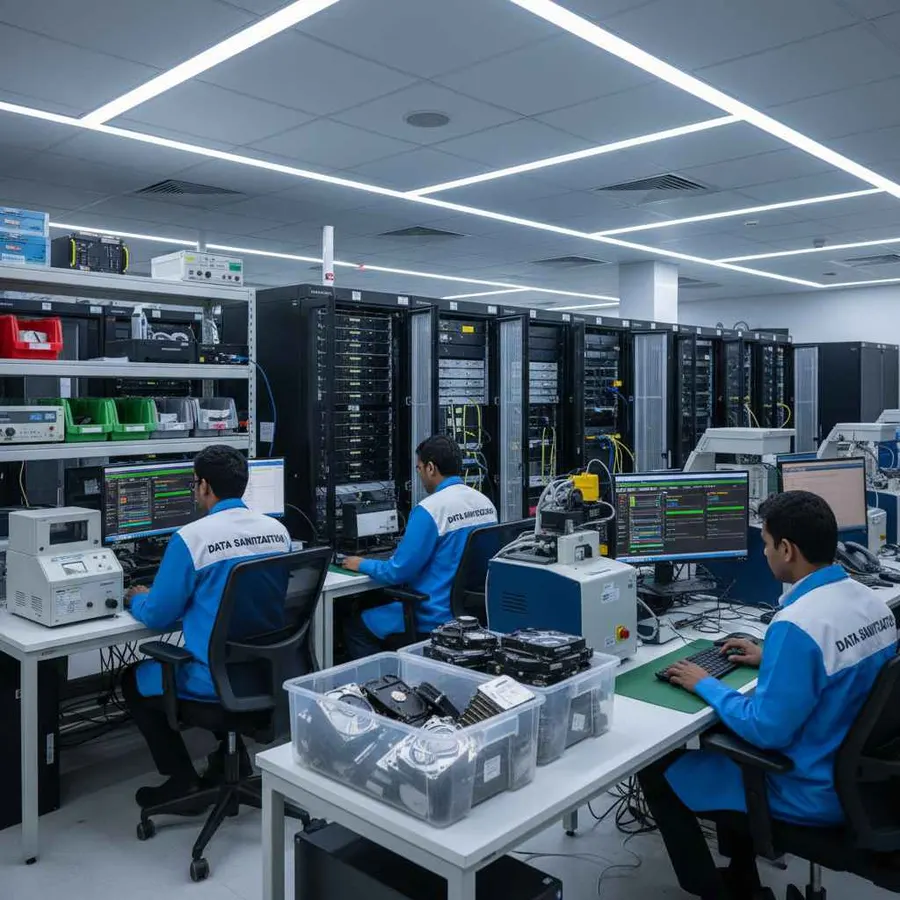
Secure Data Erasure for SAN Storage
SAN environments are built to provide shared storage to connected systems. Unlike a simple local disk, a SAN can involve storage arrays, multiple drives, controllers, network fabrics and logical storage presented to servers. SAN environments commonly use block storage architectures and technologies such as Fibre Channel and iSCSI.
That complexity is exactly why SAN data sanitization should be planned carefully.
Deleting a volume, removing a host mapping or changing a logical configuration does not by itself create an asset-level data sanitization record for the underlying physical media.
A professional SAN sanitization workflow should connect:
- Physical Storage
- Sanitization Method
- Verification
- Certificate
Data Sanitization Pro provides a controlled software-based logical sanitization workflow for supported storage.

What Does SAN Data Sanitization Mean?
SAN data sanitization is the controlled process of securely addressing stored information on supported SAN storage media according to the organization's security requirements and intended disposition.
This becomes important when SAN storage is:
- Being decommissioned
- Being replaced
- Being upgraded
- Moving to another environment
- Being refurbished
- Being resold
- Being returned
- Being recycled
- Being retired
A SAN may expose storage logically through volumes or LUNs, but the final sanitization decision often needs to consider the underlying physical storage devices.
That distinction matters.
Logical SAN Configuration
and
Physical Storage Sanitization
are not necessarily the same thing.
For this reason, Data Sanitization Pro focuses on the supported storage media presented to the sanitization environment rather than treating a live production SAN volume as just another file system.
Data Sanitization Pro: Built for Controlled SAN Erasure
Data Sanitization Pro (DSP) is designed for organizations that need more than a basic SAN wipe tool.
SAN Data Erasure
DSP can support logical data-erasure workflows for supported SAN storage devices.
Multiple Erasure Methods
DSP supports 25 data erasure methods, allowing organizations to select an appropriate method according to the media organizational policy and intended outcome.
Verification
The completed sanitization process can be verified and the resulting status recorded.
Self-Certified Erasure Certificates
DSP can generate self-certified, auditable data erasure reports and certificates for completed processing workflows.
Device Identification
Available device information can include:
- Manufacturer
- Model
- Serial Number
- Capacity
- Interface
- Firmware
Multi-Drive Processing
DSP supports processing up to 8 supported drives simultaneously, subject to the available hardware and configuration.
Offline Operation
Supported offline workflows can be used in controlled environments where internet access is restricted.
USB & PXE Workflows
Supported USB and PXE workflows can help with system-drive and larger asset-processing environments.
From SAN Drive Detection to a Verified Erasure Certificate
- 01
Identify the Storage
The first step is identifying the physical storage device.
Available information can include:
- Manufacturer
- Model
- Serial Number
- Capacity
- Interface
This provides the asset reference for the sanitization job.
- 02
Confirm the Device Status
Before sanitization, the target storage should be removed from active production use and made available through the supported sanitization environment.
A live production workload should not be treated as a normal sanitization target.
- 03
Select the Erasure Method
The operator selects the required SAN data erasure method according to the storage technology, policy and intended outcome.
- 04
Erase the Data
DSP performs the selected logical data-erasure operation on the supported target storage.
- 05
Verify the Result
The completed operation is checked through the applicable verification workflow.
- 06
Create the Certificate
The result is documented through the relevant SAN data erasure certificate and report.
The final record connects:
- SAN Asset
- Erasure Method
- Processing Result
- Verification
- Certificate
SAN Storage Erasure
A SAN environment can contain multiple storage technologies.
Depending on the architecture, SAN storage may include:
- HDDs
- SSDs
- NVMe drives
- SAS storage
- RAID-based storage
- Enterprise storage arrays
- Storage expansion systems
- Other compatible storage devices
The exact architecture depends on the SAN platform and deployment.
Because SANs provide shared access to storage organizations should first identify which physical media actually holds the data being retired.
This prevents a common mistake:
Removing a logical volume is not automatically the same as sanitizing every underlying physical storage device.
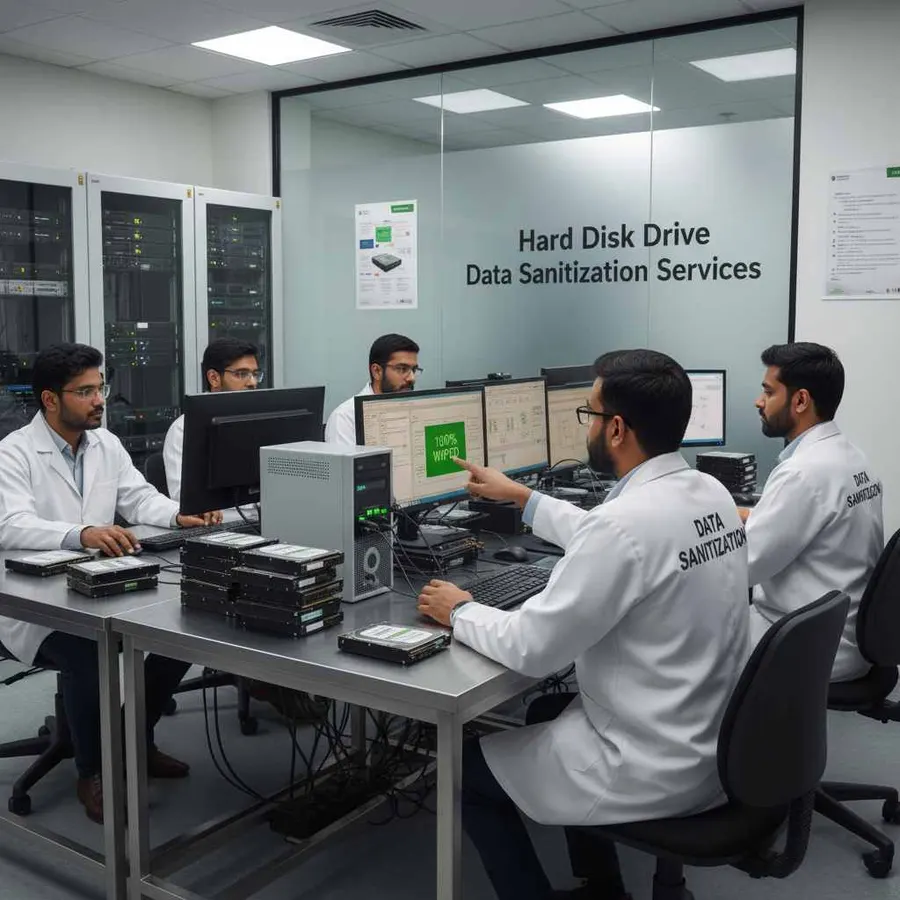
SAN HDD Data Erasure
Traditional enterprise SAN environments may contain large numbers of hard disk drives.
When those drives are removed during storage upgrades or SAN decommissioning, they can still contain previously stored information.
DSP supports a structured workflow for supported SAN HDD erasure:
- Detect
- Erase
- Verify
- Certify
This can be useful during:
- Storage upgrades
- Drive replacement
- SAN refresh projects
- Data-center decommissioning
- ITAD processing
- Hardware retirement
Available drive information can be linked to the final erasure report.
SAN SSD Data Erasure
Modern SAN systems may also use SSDs.
Unlike traditional magnetic hard drives, SSDs use flash storage and controller-managed data placement. As a result, the sanitization method should be appropriate for the SSD's architecture and available capabilities.
Data Sanitization Pro supports SAN SSD data erasure workflows for supported configurations.
The exact method depends on the storage device, controller, firmware, interface and supported sanitization capabilities.
The goal is not to use one generic wipe method for every type of storage.
The goal is to select an appropriate method for the actual media.

SAN NVMe Data Erasure
Enterprise storage environments can also include NVMe-based storage.
For supported SAN NVMe devices, the sanitization process should consider:
- NVMe controller
- Firmware
- Connection path
- Device capabilities
- Available sanitization functions
- Verification options
Data Sanitization Pro can support SAN NVMe erasure and sanitization workflows for supported devices.
Where a specific device does not expose the required sanitization functionality, the storage should be assessed rather than automatically certified as successfully erased.
SAN SAS Data Erasure
Enterprise SAN storage commonly uses high-performance storage interfaces and enterprise drive technologies.
Supported SAN SAS drives can be processed through the appropriate sanitization workflow.
The available operation depends on the actual drive, controller and connection environment.
DSP can associate available SAS device information with the processing record, helping organizations maintain asset-level documentation.
SAN RAID Data Sanitization
Many SAN platforms use RAID or other redundancy architectures to manage physical storage.
That creates an important distinction:
RAID Configuration ≠ Physical Drive Sanitization
An organization may remove a logical storage pool or retire a RAID configuration, but the physical member drives can remain data-bearing assets.
For that reason, SAN RAID data erasure should be planned at the appropriate physical-media level after the storage has been decommissioned.
Data Sanitization Pro can support sanitization workflows for supported physical drives.
Enterprise SAN Data Erasure
Large organizations may operate SAN environments across:
- Data centers
- Private clouds
- Enterprise applications
- Database environments
- Virtualization infrastructure
- Backup systems
- Business-critical storage
During infrastructure refresh, hundreds of physical storage devices may be removed over time.
Professional enterprise SAN erasure software can help standardize the storage sanitization process.
The operational workflow can remain consistent:
- Identify
- Select
- Erase
- Verify
- Certify
while the actual method changes according to the media.
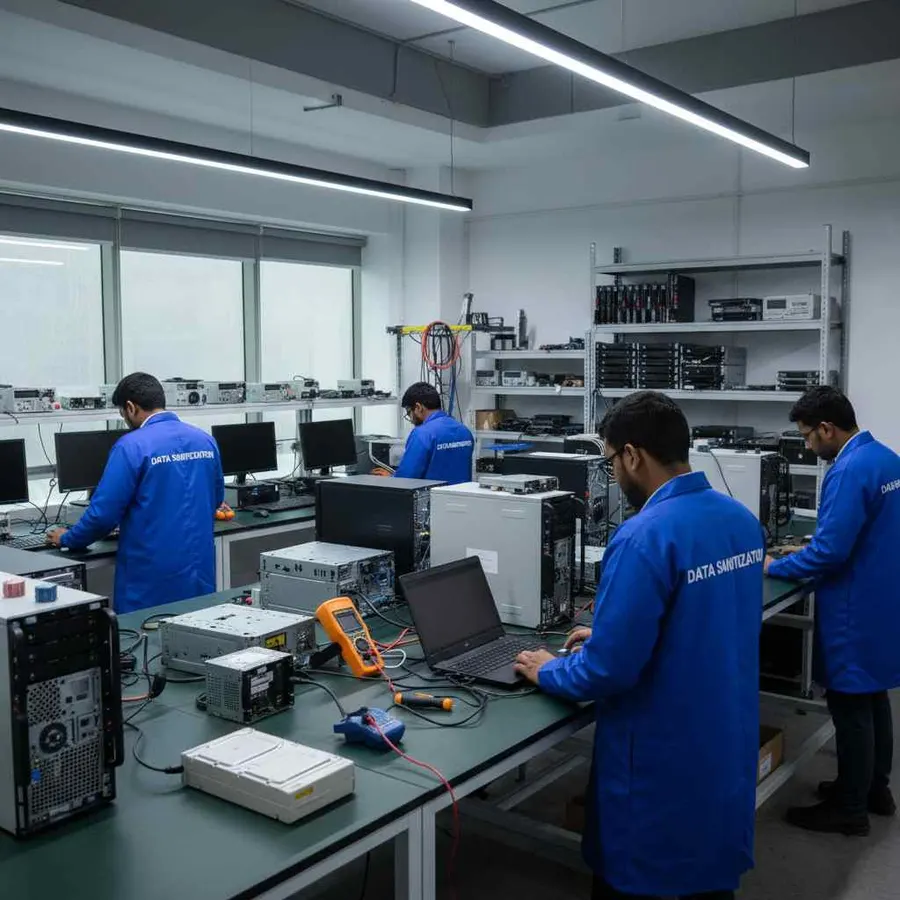
Data Center SAN Sanitization
SAN storage is often a major part of data-center infrastructure.
When a data center is being refreshed or decommissioned, storage assets may move through several stages:
- Production
- Decommissioning
- Staging
- Sanitization
- Verification
- Disposition
The storage should remain clearly identified throughout the process.
Relevant asset information may include:
- Rack location
- Array reference
- Drive serial number
- Manufacturer
- Model
- Capacity
- Interface
- Sanitization method
- Verification result
- Certificate
This provides clearer reconciliation between the physical hardware and the final data-erasure documentation.

SAN Decommissioning Data Erasure
A SAN decommissioning project can involve much more than turning off the storage array.
A structured process can include:
- 01
Stop Production Use
Confirm that the selected storage is no longer required by production systems.
- 02
Identify Physical Storage
Map the physical storage assets that are included in the retirement scope.
- 03
Remove or Isolate the Storage
Prepare supported drives for the sanitization environment.
- 04
Perform Data Erasure
Apply the selected SAN data wiping or sanitization method.
- 05
Verify
Record the applicable verification result.
- 06
Certify
Generate asset-level data erasure documentation.
- 07
Final Disposition
Move the verified assets toward:
- Reuse
- Resale
- Refurbishment
- Recycling
- Retirement
This creates a more controlled SAN retirement workflow.
SAN Data Erasure for ITAD
Storage Area Network equipment often enters the ITAD lifecycle after infrastructure upgrades.
The assets may go to:
- ITAD providers
- Refurbishment companies
- Hardware resellers
- Recyclers
- Equipment brokers
Before that happens, the physical storage should go through the organization's approved SAN sanitization process.
A professional ITAD workflow can be:
- Asset Intake
- Identification
- SAN Storage Erasure
- Verification
- Certificate
- Disposition
Data Sanitization Pro can support this process for supported storage devices.
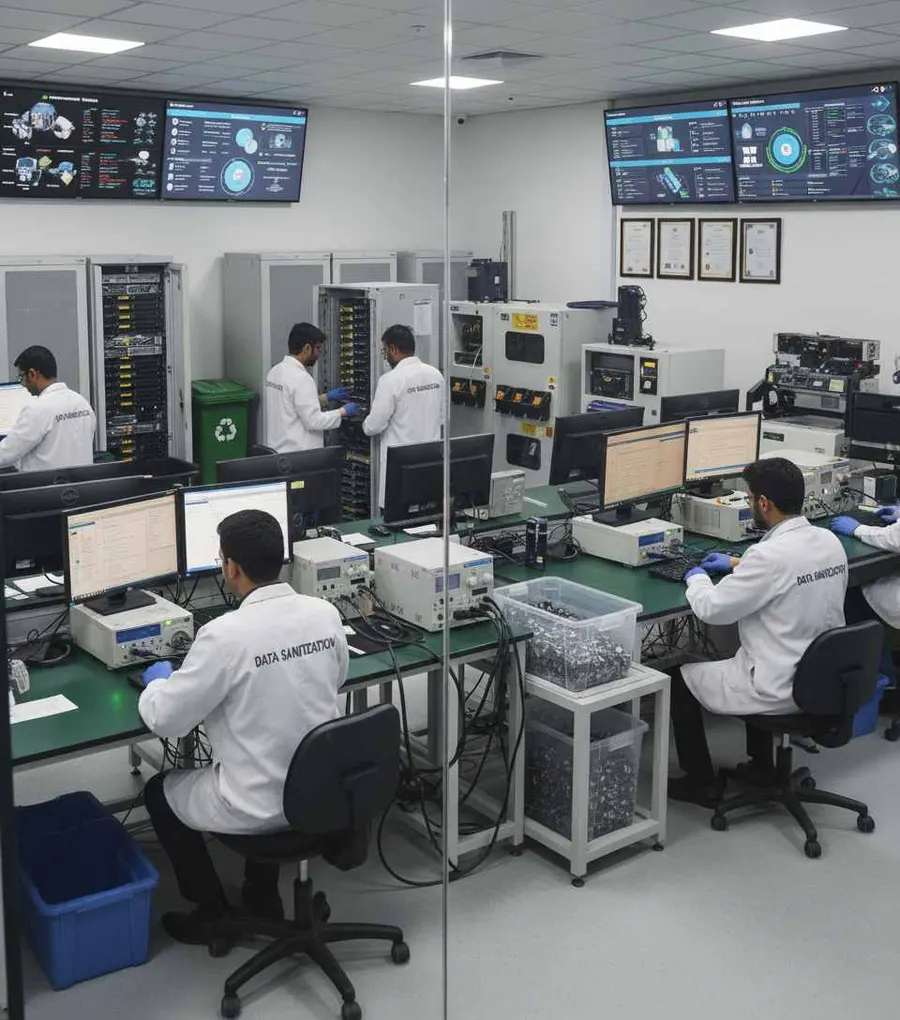
SAN Data Erasure for Reuse & Resale
SAN hardware can retain significant value after decommissioning.
When storage remains physically suitable, secure data erasure can allow it to move into another lifecycle stage.
Reuse
Sanitize supported drives before assigning them to another storage environment.
Refurbishment
Erase previous information before preparing used storage hardware.
Resale
Complete and document the required sanitization before the storage asset changes ownership.
Return
Sanitize supported storage before returning equipment to a supplier, lessor or other organization.
Recycling
Complete the required sanitization process before downstream recycling where applicable.
Retirement
Document the final storage-sanitization result before permanent retirement.
SAN Data Erasure Verification
A SAN data erasure process should not be considered complete simply because a storage-management interface reports that a volume has been deleted.
The relevant question is:
What happened to the physical storage media?
Data Sanitization Pro separates:
Erasure
from
Verification
and then from
Certification
Relevant information can include:
- Storage manufacturer
- Model
- Serial number
- Capacity
- Interface
- Firmware
- Selected method
- Operation status
- Verification result
- Processing timestamps
- Operator
- Asset reference
This provides a device-level record for the completed operation.
SAN Erasure Certificates & Reporting
Organizations often need to prove sanitization after a SAN is decommissioned.
Data Sanitization Pro can generate self-certified SAN data erasure certificates and reports.
A certificate can connect:
- SAN Storage Asset
- Device Identity
- Erasure Method
- Verification
- Result
Relevant documentation can include:
- Manufacturer
- Model
- Serial number
- Capacity
- Interface
- Selected sanitization method
- Processing status
- Verification result
- Processing date
- Operator information
- Asset reference
- Certificate/report number
This gives your IT, security and asset-management teams a clearer record of the work performed.

Process Multiple SAN Drives Simultaneously
Large SAN retirement projects can involve many physical drives.
Data Sanitization Pro supports up to 8 supported drives simultaneously in suitable configurations.
This can help during:
- SAN drive replacement
- Storage-array refresh
- Enterprise storage retirement
- Data-center decommissioning
- ITAD processing
- Bulk storage sanitization
Actual throughput depends on:
- Storage interface
- Drive performance
- Controllers
- Host hardware
- Bus bandwidth
- System resources
The goal is to increase processing efficiency without losing device-level documentation.
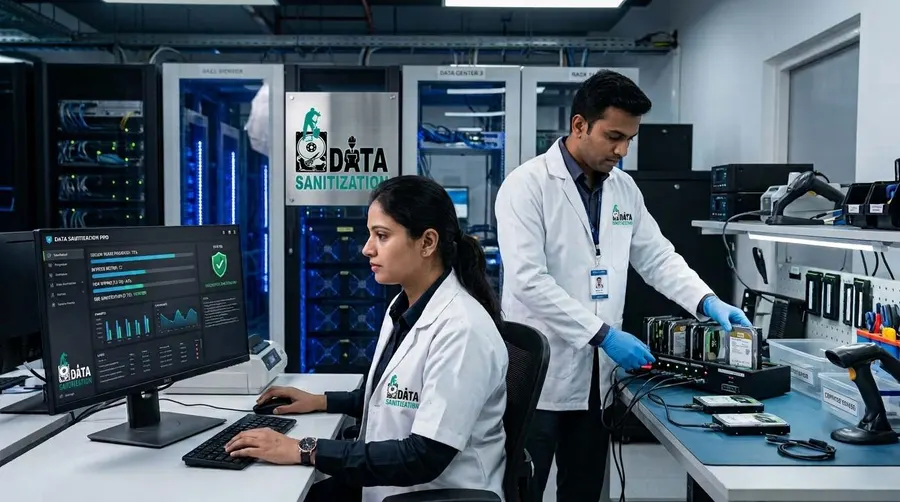
SAN Data Sanitization in Offline Environments
Enterprise storage can sometimes be processed inside controlled environments where normal internet access is restricted.
Data Sanitization Pro supports offline data sanitization workflows for suitable deployments.
This can be useful for:
- Secure data centers
- Restricted IT environments
- Air-gapped infrastructure
- Government facilities
- Controlled storage-processing areas
- Sensitive enterprise environments
Offline deployment allows the organization to keep the sanitization workflow within its controlled environment.
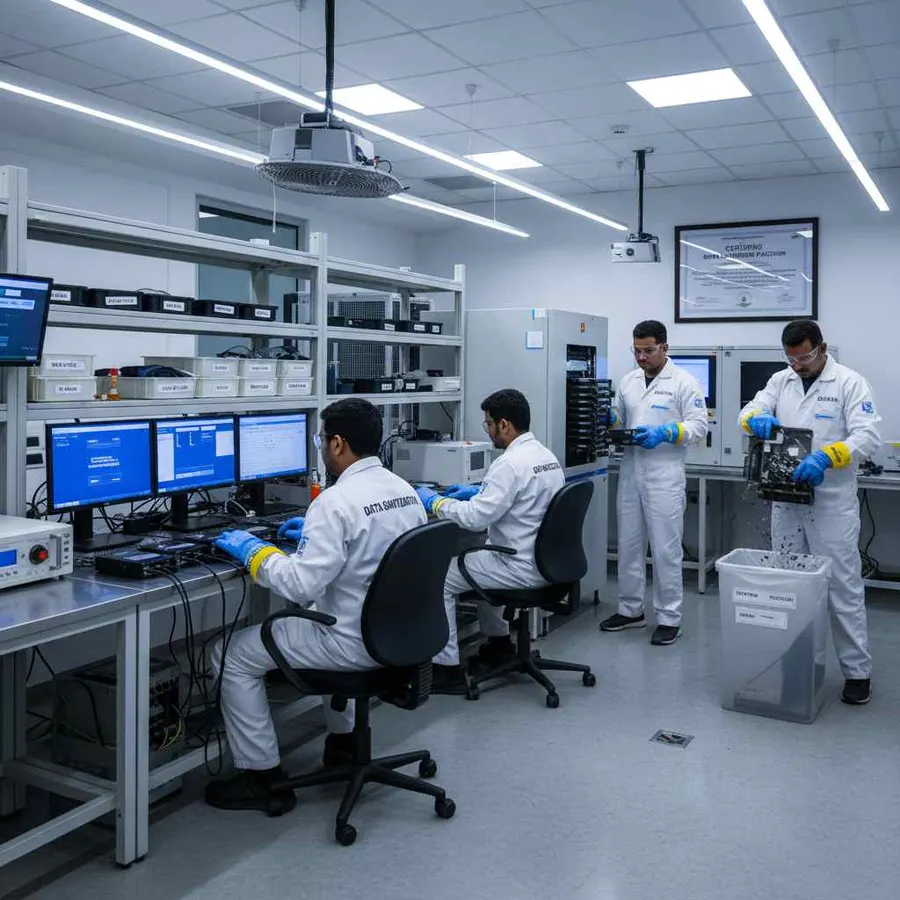
SAN Storage Health Assessment Before Reuse
Data security and hardware condition are separate decisions.
A SAN drive can complete the required data-erasure operation while still having a physical condition that makes it unsuitable for reuse.
Available storage information can help teams review:
- Drive health
- SMART information where available
- Bad sectors
- Read errors
- Storage status
- Device information
This allows two questions to remain separate:
Data Security: Was the storage successfully sanitized?
Asset Condition: Is the storage suitable for reuse?
That distinction is particularly useful for enterprise storage retirement.
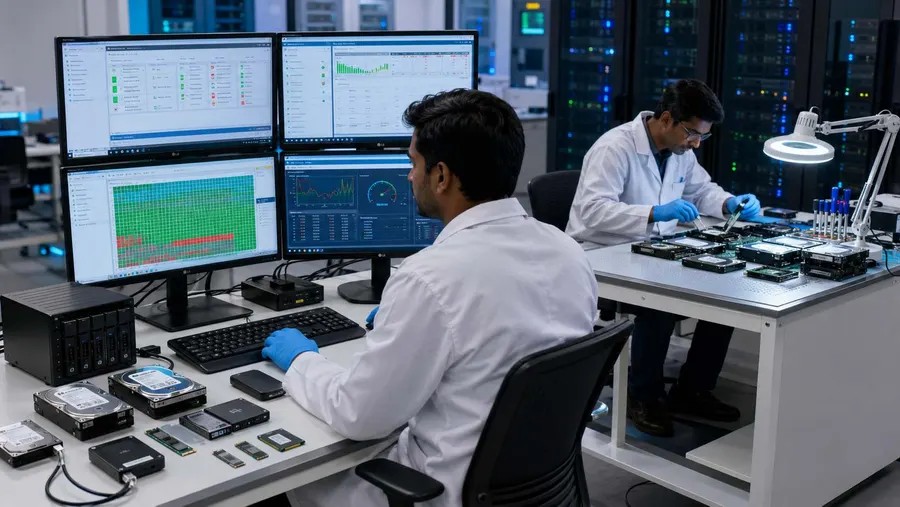
SAN Data Sanitization Standards
Media sanitization should be selected according to the storage technology, information sensitivity organizational policy and intended outcome.
NIST SP 800-88 Rev. 2
NIST SP 800-88 Rev. 2 is the current NIST publication for media sanitization. It describes sanitization as a process intended to make access to target data infeasible for a given level of effort and focuses on appropriate techniques and controls based on media characteristics and information sensitivity.
SAN-Specific Method Selection
A SAN can contain different physical storage technologies, so the same sanitization approach should not automatically be applied to every drive.
Standard vs Technical Operation
These are different concepts:
Standard / Guideline
Provides requirements or guidance.
Sanitization Method
Performs the technical operation.
Verification
Records the outcome.
Certificate
Documents the completed process.
Referencing NIST or another standard does not by itself prove that every storage device has been successfully sanitized according to that standard.
When SAN Storage Cannot Be Reliably Erased
Software-based sanitization depends on the target storage being accessible and capable of completing the selected process.
Further assessment may be required when a SAN storage device:
- Is not detected
- Has severe read/write errors
- Has controller problems
- Has firmware limitations
- Cannot complete the selected sanitization method
- Is exposed through an unsupported bridge
- Cannot provide the required verification result
A failed process should never be reported as a successful SAN data erasure.
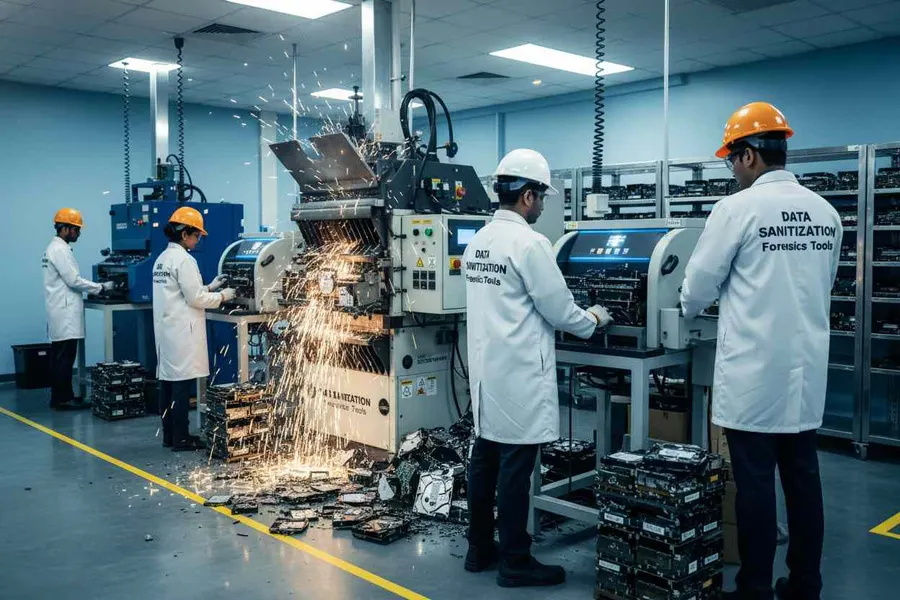
Where the required outcome cannot be achieved, the organization should evaluate an approved alternative disposition method, including physical destruction where appropriate.
Who Uses SAN Data Erasure Software?
Enterprise IT Teams
For SAN storage upgrades, retirement and hardware reuse.
Data Centers
For storage-array decommissioning and physical drive retirement.
ITAD Companies
For secure SAN storage processing before resale, refurbishment or recycling.
Storage Service Providers
For structured handling of customer storage assets.
Government & Defence Organizations
For controlled storage sanitization within restricted environments.
Banking & Financial Organizations
For enterprise storage retirement and documented data-erasure workflows.
Healthcare Organizations
For secure handling of data-bearing enterprise storage.
MSPs & Infrastructure Providers
For managing storage-device lifecycle processes for customers.
Why Choose Data Sanitization Pro for SAN Erasure?
SAN-Focused Data Erasure Workflow
Designed around physical storage sanitization rather than simply deleting logical volumes.
25 Erasure Methods
Choose from multiple supported data-erasure methodologies.
Verification
Record the outcome of the completed sanitization process.
Self-Certified Certificates
Generate asset-level data erasure reports and certificates.
Up to 8 Drives Simultaneously
Process multiple supported storage devices in parallel.
HDD, SSD, NVMe & SAS Workflows
Support different storage technologies according to their capabilities.
Offline Operation
Suitable for controlled and restricted environments.
USB & PXE Deployment
Support broader storage and enterprise computer-sanitation workflows.
Health Assessment
Review available storage-health information before reuse.
Enterprise & ITAD Ready
Support decommissioning, reuse, refurbishment, resale and retirement.
Frequently Asked Questions
What is SAN data erasure software?
SAN data erasure software is used to securely sanitize supported physical storage devices associated with a Storage Area Network during decommissioning, reuse, resale or retirement.
Can I erase a live production SAN with Data Sanitization Pro?
A live production SAN should not be treated as a normal sanitization target. The storage must first be appropriately decommissioned, isolated or otherwise made available through a supported sanitization environment.
What is the difference between SAN wipe and SAN sanitization?
“SAN wipe” is commonly used as a general term for removing data from SAN storage. SAN sanitization is broader and focuses on selecting an appropriate method, completing the operation, verifying the applicable result and documenting the process.
Can DSP erase SAN HDDs?
DSP can support SAN HDD data erasure workflows for supported physical drives.
Can DSP erase SAN SSDs?
Supported SAN SSDs can be processed using a sanitization method appropriate to the actual SSD technology and available capabilities.
Does DSP support SAN NVMe erasure?
DSP supports SAN NVMe sanitization workflows for supported configurations. The exact operation depends on the device, controller, firmware and connection path.
Can DSP erase SAN SAS drives?
Supported SAS storage devices can be processed through the appropriate sanitization workflow.
Can DSP erase a SAN RAID array?
A RAID configuration and its physical member drives are different considerations. For sanitization, the relevant physical storage devices should be appropriately decommissioned and made available to the supported sanitization environment.
Can DSP generate a SAN erasure certificate?
Yes. DSP can generate self-certified, auditable data erasure reports and certificates containing relevant device and processing information.
How many SAN drives can be processed at once?
DSP supports up to 8 supported drives simultaneously in suitable configurations.
Can SAN data erasure be performed offline?
Supported offline sanitization workflows are available for suitable deployments.
Is formatting SAN storage enough?
Formatting or deleting a logical volume should not automatically be treated as a complete documented physical-media sanitization process.
What happens if a SAN drive fails verification?
The failed result should be recorded and the asset should be evaluated for further assessment or an approved alternative disposition method.
Is SAN data erasure useful for ITAD?
Yes. A structured SAN erasure workflow can support ITAD, refurbishment, resale, recycling and enterprise-storage retirement.
What information can appear on a SAN erasure certificate?
Depending on the workflow, the documentation can include the manufacturer, model, serial number, capacity, interface, selected method, processing information, verification result, operator and asset reference.
Secure Your SAN Before It Leaves Production
With Data Sanitization Pro, supported SAN storage can move through a structured workflow: