
Certified Laptop Data Sanitization Software
Data Sanitization Pro (DSP) is professional laptop data erasure software designed to securely remove stored information from supported laptops through a controlled, software-based sanitization workflow.
A laptop can contain business documents, customer records, employee information, financial files, passwords, application data, browser information, project files and other sensitive data. Before a laptop is reused, reassigned, refurbished, resold, returned, recycled or retired, the storage should be processed using an appropriate data-erasure method.
DSP brings laptop data erasure, secure laptop wiping, storage detection, verification, reporting and data erasure certificates into one workflow.
It is designed for enterprise IT teams, businesses, ITAD companies, refurbishers, recyclers, data centres, government organizations, educational institutions, MSPs and other organizations managing laptops through their asset lifecycle.
Start Your 30-Day Free Trial
Test Data Sanitization Pro on your own supported laptops before you buy.

Laptop Data Erasure Software for Secure Reuse
Deleting files from a laptop does not provide the same result as securely processing the physical storage device.
Likewise, reinstalling Windows or formatting a drive should not automatically be treated as a complete media-sanitization process.
A professional laptop data erasure software workflow should identify the laptop and its storage, determine the available capabilities, select an appropriate method, erase the data, verify the result and keep a record.
Data Sanitization Pro follows:
- Identify
- Select
- Erase
- Verify
- Certify
This can support laptops being prepared for:
- Reuse
- Redeployment
- Employee reassignment
- Refurbishment
- Resale
- Leasing returns
- IT asset retirement
- ITAD processing
The software performs logical data erasure. It does not physically shred, crush, drill or destroy the laptop or its storage.
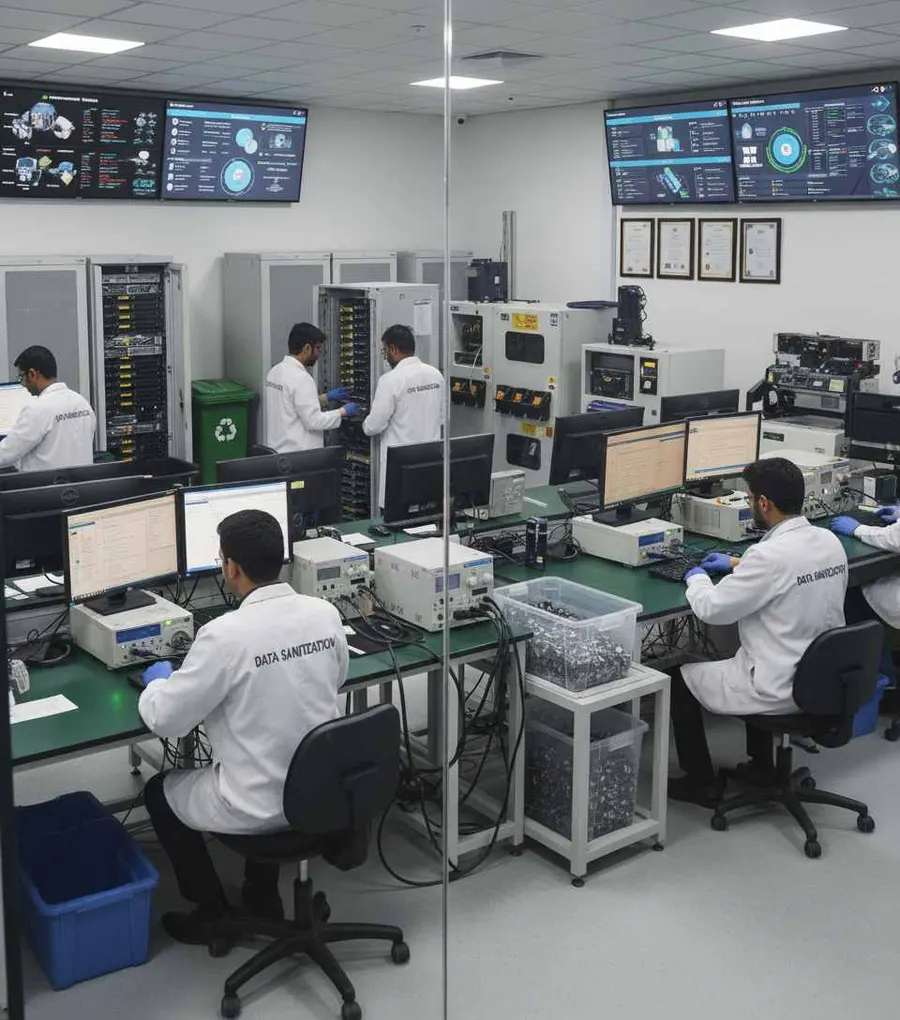
What Is Laptop Data Sanitization?
Laptop data sanitization is the controlled process of removing stored information from a supported laptop's storage using a suitable sanitization technique.
The important part is the storage inside the laptop, because different laptops can use different storage technologies.
A laptop may contain:
- HDD
- SATA SSD
- NVMe SSD
- PCIe Storage
- Supported Embedded Storage
The correct erasure method depends on the actual storage technology, device capabilities, firmware, security configuration and the organization's requirements.
NIST's current media-sanitization publication is SP 800-88 Rev. 2, finalized in September 2025. NIST describes media sanitization as making access to target data infeasible for a given level of effort and emphasizes selecting appropriate techniques and controls based on the media and information sensitivity.
Why Laptop Data Erasure Needs More Than File Deletion
A laptop usually passes through many hands during its lifetime:
- Employee
- IT Department
- Refurbishment
- New Employee
Or:
- Business
- Leasing Company
- ITAD
- Reseller
During these transitions, the original data should not travel with the hardware.
Deleting a folder removes the file-system reference to that data. It is not the same thing as running a controlled storage-erasure workflow.
Data Sanitization Pro provides a structured process for:
- Storage Identification
- Data Erasure
- Verification
- Documentation
This makes the result easier to manage at the individual asset level.
Data Sanitization Pro for Laptop Erasure
Data Sanitization Pro is designed for organizations that need more than a basic laptop wipe tool.
Laptop Data Erasure
Process supported laptop storage using the selected logical data-erasure workflow.
25 Data Erasure Methods
DSP supports 25 data erasure methods for different storage technologies and organizational requirements.
Secure Laptop Wiping
Use a controlled workflow for supported laptop drives instead of relying only on file deletion or formatting.
Verification
Check the completed operation and record the applicable verification result.
Data Erasure Certificates
Generate self-certified, auditable laptop data erasure reports and certificates.
Device Identification
Available information can include:
- Laptop Model
- Storage Model
- Serial Number
- Capacity
- Interface
- Firmware
Hardware Assessment
Available device-health, bad-sector and error information can help teams assess the laptop or underlying storage before reuse.
Multi-Drive Processing
DSP supports processing up to 8 selected drives simultaneously in supported configurations.
Offline Operation
Supported offline workflows allow organizations to work in controlled environments without continuous internet access.
USB and PXE Boot
Boot-based workflows allow supported system drives to be processed outside the active operating system.
How Laptop Data Erasure Works
- 01
Identify the Laptop
Capture the available laptop and asset information.
- 02
Detect the Storage
DSP identifies the accessible physical storage device.
- 03
Check the Storage Type
Determine whether the laptop contains supported:
- HDD
- SATA SSD
- NVMe SSD
- PCIe Storage
- 04
Select the Method
Choose the appropriate laptop data erasure method according to the storage technology and organizational policy.
- 05
Erase the Data
DSP performs the selected logical data-erasure process.
- 06
Verify the Result
The completed operation is checked through the applicable verification workflow.
- 07
Generate the Certificate
The processed laptop can be documented with a data erasure report or certificate.
The complete workflow is:
- Identify
- Erase
- Verify
- Certify
Laptop HDD Data Erasure
Some laptops still use traditional hard disk drives.
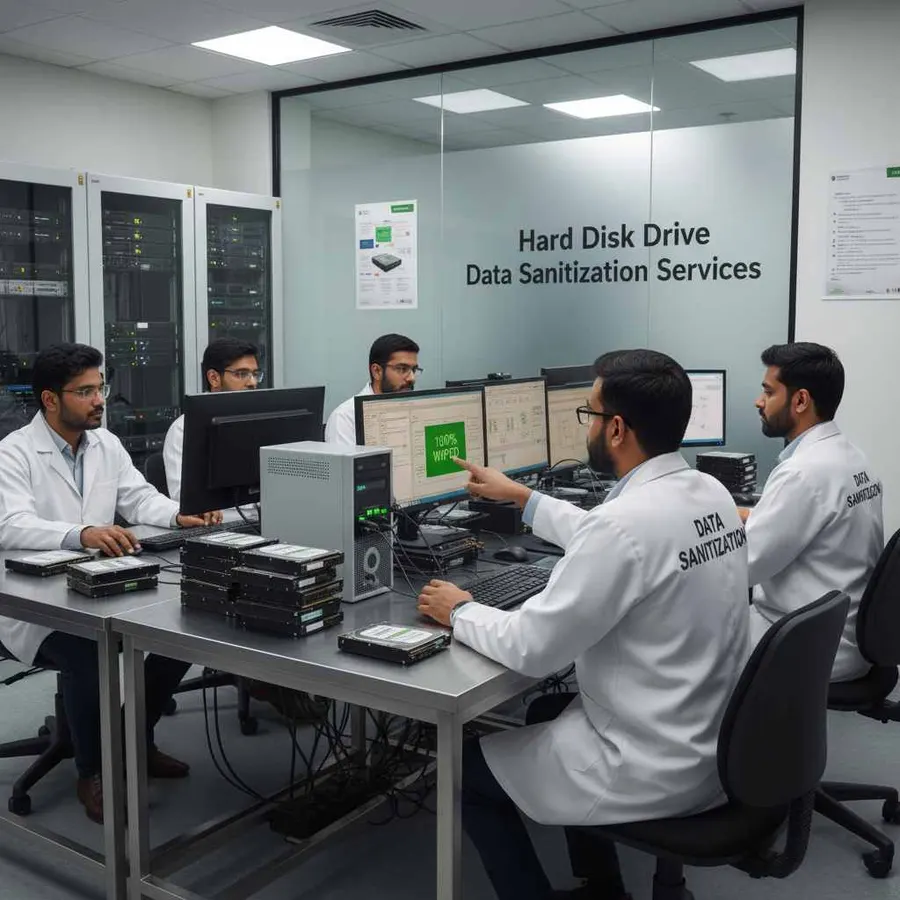
For supported HDD-based laptops, DSP can provide a controlled laptop hard drive erasure workflow.
This can apply to supported:
- 2.5-inch laptop HDDs
- SATA laptop HDDs
- Legacy laptop hard drives
- Supported external or internally connected storage
The appropriate method should be selected according to the storage device and organizational requirement.
A hard drive can often remain physically usable after successful logical data erasure, subject to its condition and the organization's reuse policy.
Laptop SSD Data Erasure
Modern laptops commonly use solid state storage.
Supported configurations can include:
- 2.5-inch SATA SSD
- M.2 SATA SSD
- M.2 NVMe SSD
- PCIe SSD
- Supported enterprise SSD configurations
SSD storage requires more careful method selection because the controller manages NAND flash through mechanisms such as the Flash Translation Layer, wear leveling, garbage collection and over-provisioning.
For this reason, laptop SSD erasure should not automatically be treated as identical to HDD wiping.
The appropriate operation depends on the SSD controller, firmware, interface and available capabilities.

Laptop NVMe Data Erasure
Many newer laptops use NVMe storage.
Supported laptop NVMe configurations may include:
- M.2 NVMe SSD
- PCIe NVMe SSD
- Other supported NVMe storage configurations
For laptop NVMe data erasure, the device's controller, firmware and available NVMe operations should be considered before processing.
Depending on the device, relevant operations can include NVMe secure-erase or sanitization functionality.
NVMe storage should therefore be treated as a device-specific technology rather than simply another version of an HDD.
Windows Laptop Data Erasure
A running Windows operating system generally cannot erase the physical system drive from which it is currently operating.
This is especially important when the laptop's internal SSD or HDD is the boot drive.
For supported systems, Data Sanitization Pro can use a USB boot environment so the sanitization software runs separately from the installed operating system.
This can support:
- Laptop retirement
- Employee device replacement
- Corporate hardware refresh
- Refurbishment
- ITAD processing
The target physical storage must be correctly detected by the boot environment.
Laptop Storage Technologies
The laptop itself does not determine the erasure method. The storage technology does.
HDD-Based Laptops
Traditional magnetic hard drives can use suitable HDD data-erasure methods.
SATA SSD Laptops
Supported SATA SSDs can use applicable secure-erase or sanitization workflows.
NVMe Laptops
Supported NVMe storage can use available NVMe erasure or sanitization operations.
M.2 Storage
M.2 is a form factor, not a storage protocol. An M.2 device can use SATA or NVMe, so the actual interface should be identified before choosing the erasure workflow.
This storage-aware approach helps avoid treating every laptop as if it contains the same type of drive.
Laptop Models and Business Device Fleets
Laptop inventories can include devices from many manufacturers.
Common business and consumer laptop families include:
- Dell
- HP
- Lenovo
- Acer
- ASUS
- Microsoft Surface
- Samsung
- MSI
- Razer
The actual laptop model is less important than the storage device and the way that storage is exposed to the sanitization environment.
Brand names are included for hardware identification and search relevance and do not imply manufacturer partnership or endorsement.
Business Laptop Data Erasure
Businesses often manage laptops through regular refresh cycles.
A typical asset lifecycle may look like:
- Purchase
- Employee Assignment
- Upgrade
- Return
- Erase
- Redeploy
Before a business laptop is assigned to another employee, the previous information should be removed according to the organization's data-security policy.
Data Sanitization Pro provides a controlled business laptop data erasure workflow with verification and reporting.
This can help standardize laptop processing across offices, departments and asset-refresh projects.
Enterprise Laptop Data Erasure
Enterprise organizations may need to process laptops across multiple locations and asset groups.
A structured enterprise laptop erasure software workflow can help with:
- Corporate hardware refresh
- Employee offboarding
- Laptop reassignment
- Leasing returns
- Refurbishment
- IT asset retirement
- Resale preparation
Each laptop can be processed using the applicable storage-specific method and documented with the resulting processing record.
Bulk Laptop Data Erasure
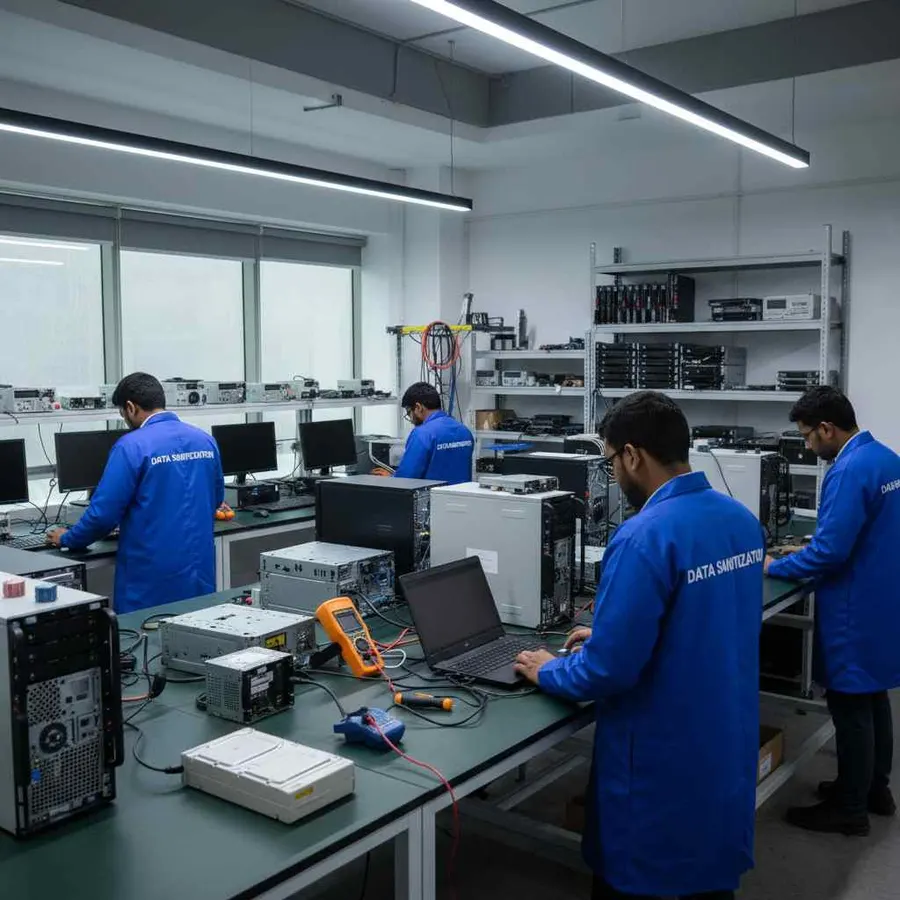
Large laptop refreshes create a different operational challenge from single-device erasure.
Organizations may need to process many systems while keeping asset information connected to the individual device.
Data Sanitization Pro supports workflows for multiple devices and can process up to 8 selected drives simultaneously in supported configurations.
For larger laptop deployments, the software can also use PXE-based boot workflows, with the standard configuration supporting up to 64 computers by default and an adjustable configured capacity.
Actual throughput depends on network bandwidth, host hardware, storage performance and deployment configuration.
Laptop Data Erasure for ITAD
Laptop data erasure is an important part of IT asset disposition (ITAD).
A typical workflow is:
- Asset Intake
- Device Identification
- Data Erasure
- Verification
- Certificate
- Lifecycle Decision
After successful processing, the laptop can move toward:
- Reuse
- Refurbishment
- Resale
- Return
- Recycling
The data-erasure record provides evidence of what happened to the processed asset.
This approach is especially useful for ITAD companies, refurbishers, recyclers, leasing companies and organizations managing returned equipment.
Laptop Data Erasure Before Resale and Reuse
A laptop often retains value after its first owner no longer needs it.
Before resale or reassignment organizations can process the laptop through a controlled erasure workflow.
Reuse
Remove the previous user's stored information before assigning the laptop to another employee.
Refurbishment
Sanitize supported storage before preparing the laptop for another deployment.
Resale
Complete and document the erasure process before the laptop changes ownership.
Leasing Returns
Process supported storage before returned equipment leaves organizational control.
The lifecycle becomes:
- Erase
- Verify
- Certify
- Reuse / Resell
Laptop Data Erasure Verification
A progress bar alone does not tell the full story.
Data Sanitization Pro can maintain information associated with the individual laptop and its storage, including:
- Laptop information
- Drive model
- Serial number where available
- Capacity
- Interface
- Firmware
- Selected erasure method
- Processing status
- Verification result
- Start time
- Completion time
- Operator information
- Asset reference
This makes the erasure record more useful for asset management and audit preparation.

Laptop Data Erasure Certificates
DSP can generate self-certified, auditable laptop data erasure certificates and reports.
The record can connect:
- Asset
- Laptop
- Storage Device
- Erasure Method
- Verification
- Result
A report can contain relevant information such as:
- Device Identity
- Storage Details
- Erasure Method
- Processing Details
- Verification Result
- Timestamps
- Asset Reference
This can support:
- IT asset records
- ITAD workflows
- Refurbishment
- Resale documentation
- Internal audits
- Customer records
- Equipment retirement
A device-level certificate is especially useful when an organization needs to answer a simple question:
What happened to this particular laptop?
Laptop Health Assessment Before Reuse
Data erasure and hardware condition are separate decisions.
A laptop can complete its storage erasure successfully and still require a hardware assessment before reuse.
DSP can provide available information relating to:
- Drive Health
- SMART Information
- Bad Sectors
- Read Errors
- Storage Status
This helps separate:
Data Security: Was the storage successfully erased and verified?
from:
Asset Condition: Is the laptop technically suitable for another lifecycle stage?
That distinction can be useful during refurbishment and ITAD processing.
Offline Laptop Data Erasure
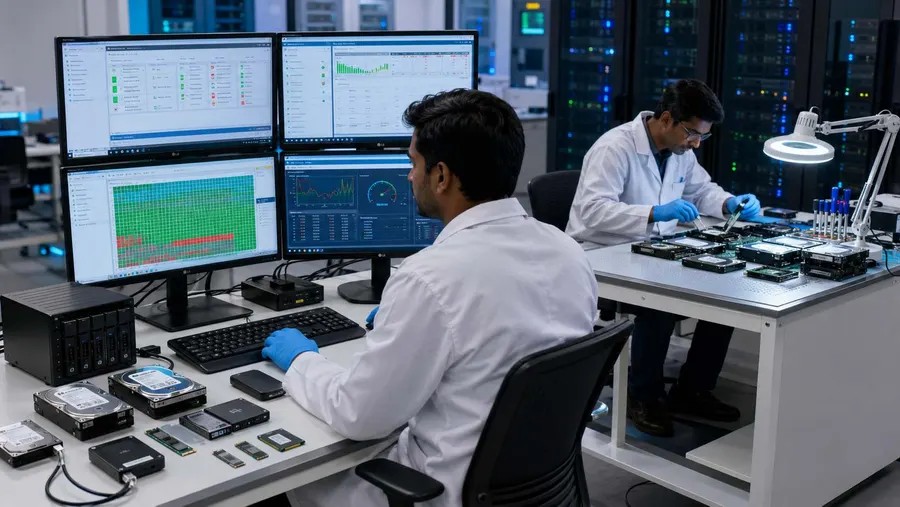
Some organizations need to process laptops inside controlled environments.
Data Sanitization Pro supports offline data-erasure workflows for appropriate deployments.
This can be useful for:
- Restricted networks
- Secure processing areas
- ITAD facilities
- Enterprise asset-processing rooms
- Government environments
- Controlled refurbishment operations
The exact workflow depends on the laptop hardware, storage configuration and deployment environment.
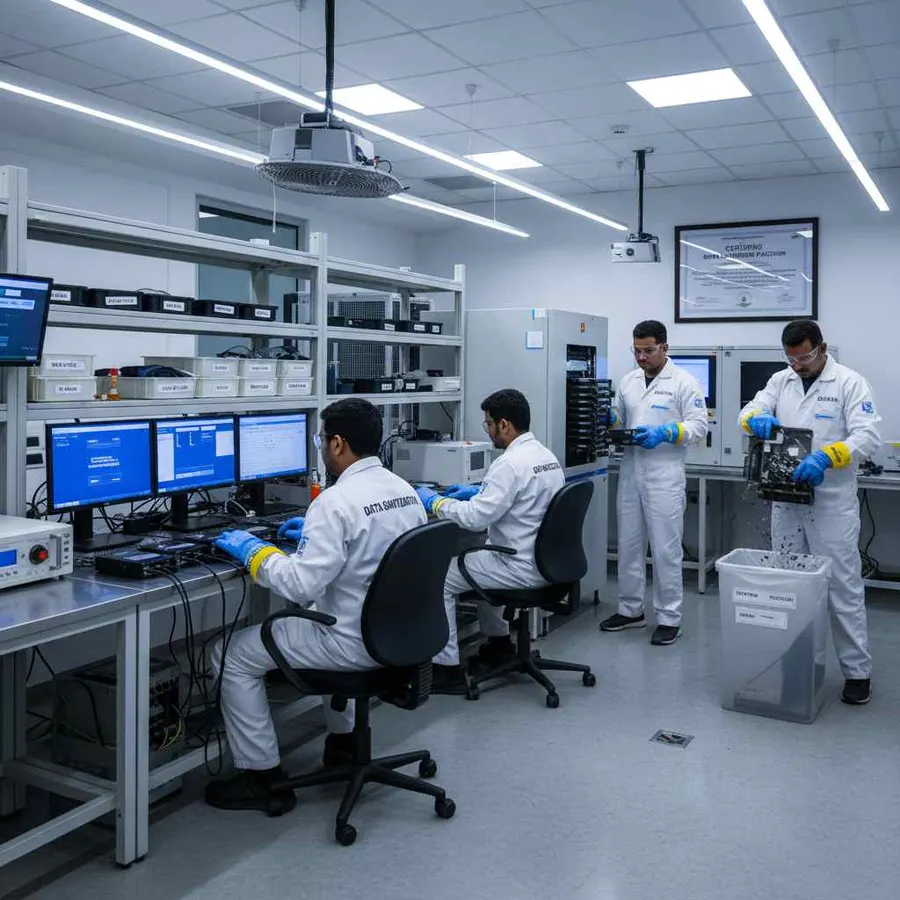
PXE Laptop Data Erasure
For organizations processing multiple laptops, PXE can provide a network-based boot workflow.
Data Sanitization Pro supports up to 64 computers by default through its PXE configuration, with the configured capacity adjustable for larger deployments.
A PXE-based workflow can reduce the need to manually prepare each laptop individually.
Actual performance depends on:
- Network Bandwidth
- PXE Server Resources
- Laptop Hardware
- Storage Performance
- Deployment Configuration
When a Laptop Cannot Be Reliably Erased
Not every laptop will expose its storage in the same way.
Additional assessment may be required when:
- The storage is not detected
- The internal drive is failing
- Firmware prevents the required operation
- Security settings restrict access
- The laptop cannot boot the required environment
- The erasure process fails
- Verification cannot be completed
A failed or incomplete operation should not be recorded as a successful data-erasure result.
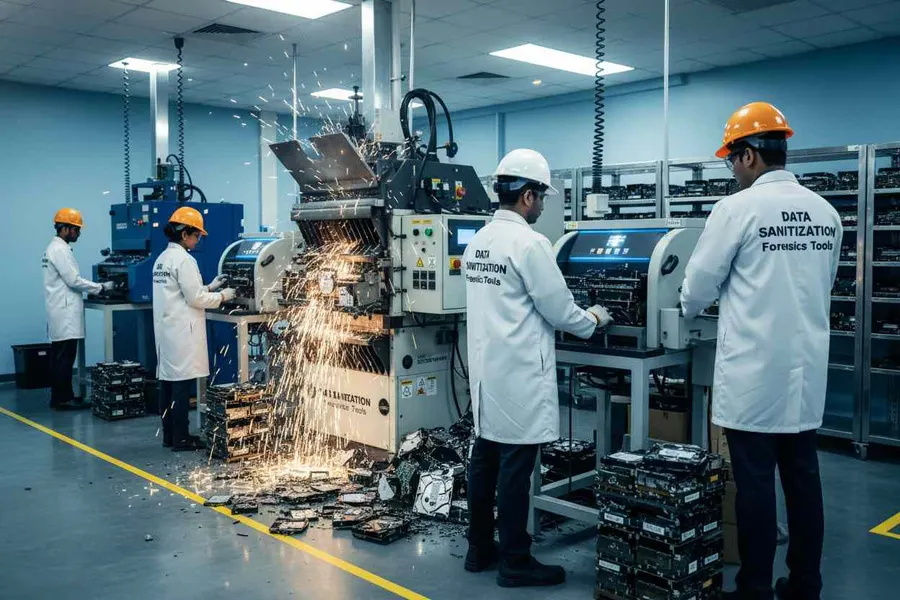
Data Sanitization Pro provides software-based logical data erasure. Physical destruction of the laptop or storage device is outside the scope of the software.
Laptop Data Erasure Standards
The applicable data-erasure method should be selected according to the storage technology, security requirement and organizational policy.
Data Sanitization Pro supports 25 data erasure methods.
Depending on the configured workflow, recognized methodologies and technologies can include:
- NIST SP 800-88
- IEEE 2883
- ATA Secure Erase
- ATA Sanitize
- NVMe Format / Sanitize
- Cryptographic Erase
- Secure Erase methodologies
- DoD 5220.22-M where specifically required by policy
NIST's current media-sanitization publication is SP 800-88 Rev. 2, which superseded Rev. 1 in September 2025. NIST emphasizes establishing an enterprise media-sanitization program and selecting techniques appropriate to the media and information sensitivity.
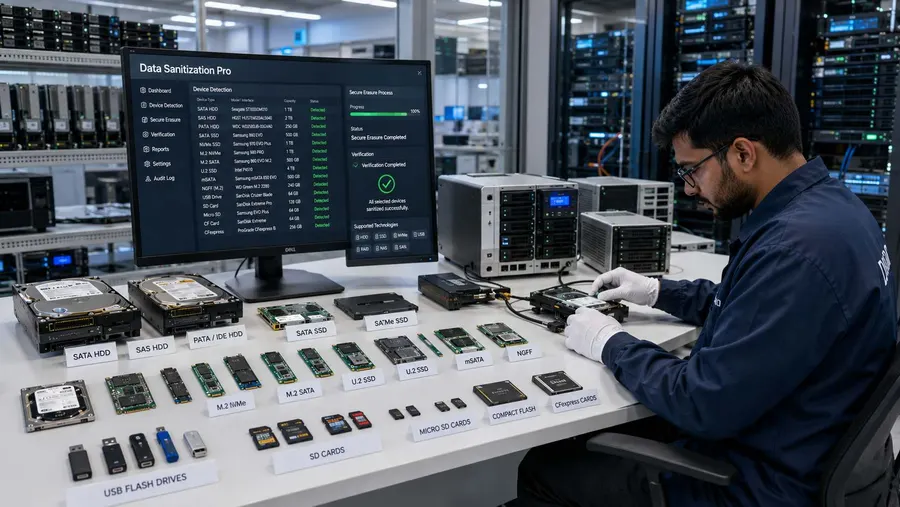
Why Choose Data Sanitization Pro for Laptop Erasure?
Laptop-Focused Workflow
Process supported laptops with storage-aware erasure methods.
HDD, SSD and NVMe
Handle supported laptop storage according to the underlying technology.
25 Erasure Methods
Multiple supported methods for different operational requirements.
Verification
Record the applicable result after processing.
Auditable Certificates
Generate self-certified laptop data-erasure reports and certificates.
Up to 8 Drives
Process multiple selected drives simultaneously in supported configurations.
USB and PXE
Support boot-based erasure for system drives and larger laptop deployments.
Offline Processing
Support controlled environments where continuous internet access is not required.
Hardware Assessment
Use available storage-health and error information when assessing assets for reuse.
30-Day Free Trial — Test Your Laptops
You can evaluate Data Sanitization Pro before purchasing.
The current DSP pricing page states that the 30-day trial is the full product, with no credit card or account required. It also lists the available standards, reports, verification, bootable media and offline activation among the product capabilities.
Test Your Laptop Erasure Workflow
Evaluate:
- Laptop Detection
- HDD / SSD / NVMe Processing
- Erasure Methods
- Verification
- Reports & Certificates
- USB Boot
- PXE Deployment
- Offline Workflow
Start Your Free Trial
- 30 Days
- Full Product
- No Credit Card
Start Free Trial
Frequently Asked Questions
What is laptop data erasure software?
Laptop data erasure software is designed to remove stored information from supported laptop storage through a controlled logical data-erasure workflow. It can include device identification, method selection, erasure, verification and reporting.
Is formatting a laptop enough to erase the data?
Formatting changes the logical storage structure but should not automatically be treated as a complete media-sanitization process. A dedicated laptop data-erasure workflow provides controlled processing, verification and documentation.
Can Data Sanitization Pro erase laptop HDDs?
Yes, supported HDD-based laptops can be processed using an appropriate data-erasure method based on the storage device and configuration.
Can DSP erase laptop SSDs and NVMe drives?
Yes, supported SATA SSD and NVMe laptop storage can be processed using applicable storage-specific erasure workflows. The actual operation depends on the drive, firmware, controller, interface and available capabilities.
Can DSP erase a Windows laptop system drive?
For supported configurations, DSP can use USB or PXE boot to run the sanitization environment outside the active Windows installation and process the physical system drive.
How many laptop storage devices can DSP process simultaneously?
DSP supports up to 8 selected drives simultaneously in supported configurations. For multi-computer deployments, the standard PXE configuration supports up to 64 computers by default.
Does DSP generate laptop data erasure certificates?
Yes. DSP can generate self-certified, auditable laptop data erasure reports and certificates containing relevant device, process and verification information.
Is there a free trial for laptop data erasure software?
Yes. Data Sanitization Pro offers a 30-day full-product trial with no credit card required.
Secure Your Laptops Before Reuse, Resale or Retirement
Before it moves to another employee, another company, a refurbisher, a reseller or the next stage of its lifecycle, use a controlled data-erasure process: