
- Home
- Solutions
- Business And Industry
- Automobile Data Erasure
Data Sanitization for Automotive Businesses
Secure Data Erasure Software for Automotive IT Assets
Automotive businesses handle sensitive data across laptops, computers, servers and storage devices.
When equipment is replaced, reused, resold or retired, the data should be secured first.
Data Sanitization Pro (DSP) provides professional data erasure software for automotive businesses to securely sanitize supported HDDs, SSDs, NVMe drives and other data-bearing storage.
- Identify
- Erase
- Verify
- Certify
- Secure Erasure
- Verification
- Certificates
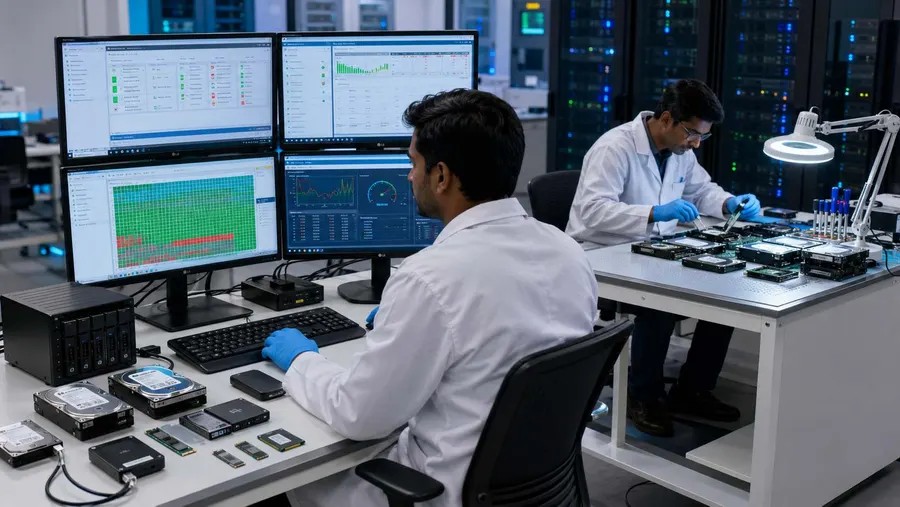
Overview
Data sanitization for automotive businesses with secure HDD, SSD and NVMe erasure, verification and certificates for reuse, resale and ITAD.
Why Data Sanitization Matters in the Automotive Industry
Data security is not limited to the vehicle itself.
Automotive organizations also depend on a large IT environment around the business.
This can include:
- Employee laptops
- Desktop computers
- Engineering workstations
- Service-center PCs
- Diagnostic computers
- Servers
- Backup drives
- SSDs
- NVMe storage
- USB drives
- Memory cards
- CCTV storage
- Other supported digital storage
When these assets are retired, deleting files or formatting a device does not automatically create a documented professional sanitization process.
A stronger workflow is:
- Identify
- Select
- Erase
- Verify
- Certify
This gives the organization a clearer record of what happened to the storage before the asset moves to its next lifecycle stage.
Data Sanitization Pro for Automotive Businesses
Data Sanitization Pro is built for organizations that need more than a simple file-deletion or disk-wiping utility.
Automotive Data Erasure Software
DSP provides a controlled software-based workflow for supported data-bearing storage.
The focus is not only on erasing information, but also on checking and documenting the result.
25 Data Erasure Methods
DSP supports 25 data erasure methods, allowing organizations to select an appropriate method according to their media, internal policy and required sanitization outcome.
Verification
After the erasure operation, the applicable verification result can be recorded.
This helps your team distinguish between:
Process Started
and
Process Completed & Verified
Data Erasure Certificates
DSP can generate self-certified and auditable data erasure reports and certificates containing relevant device and processing information.
Drive & Device Identification
Available information can include:
- Manufacturer
- Model
- Serial Number
- Capacity
- Interface
- Firmware
This helps connect the physical asset with its sanitization record.
Multi-Drive Processing
DSP supports processing up to 8 supported drives simultaneously, depending on the installed hardware and configuration.
Offline Data Sanitization
Supported offline workflows can be used where the environment has restricted internet access.
USB & PXE Deployment
For suitable computers, USB and PXE-based boot workflows can support system-drive sanitization outside the active operating system. DSP supports PXE deployment for up to 64 computers by default, with larger configurations depending on the deployment environment.
Automotive Dealership Data Sanitization
Dealerships regularly replace computers, laptops and other IT assets.
These devices can contain:
- Customer records
- Sales information
- Employee data
- Business documents
- Emails
- Internal reports
- Financial and operational files
Before a device is reused, resold, returned or sent for refurbishment, the storage should go through the dealership's approved data erasure process.
Data Sanitization Pro provides a repeatable workflow:
- Device Identification
- Data Erasure
- Verification
- Certificate
This is more useful for asset management than simply marking a computer as “formatted.”
Data Sanitization for Automotive Manufacturing
Automotive manufacturers and component suppliers operate large IT environments across factories, offices, engineering departments and support facilities.
Retired assets may include:
- Engineering PCs
- Design workstations
- Employee laptops
- Factory computers
- Servers
- Storage drives
- Backup devices
- Removable media
During a hardware refresh, many assets may need to be processed within a short period.
Automotive data sanitization software helps standardize that process.
Each supported storage asset can move through:
- Identify
- Erase
- Verify
- Certify
This creates a consistent workflow for equipment moving through retirement and reuse.
Data Erasure for Automotive Workshops & Service Centers
Workshops and service centers use computers throughout daily operations.
When these devices are upgraded or replaced, the storage can still contain business information.
Data Sanitization Pro can support supported storage used in:
- Workshop computers
- Service-center workstations
- Diagnostic PCs
- Office laptops
- Desktop systems
- Backup storage
- Removable media
The exact sanitization workflow depends on the device, storage technology and supported connection environment.
The practical objective is simple:
Sanitize the storage before the equipment changes hands.
Automotive Fleet & Rental Company Data Erasure
Fleet operators, rental companies and mobility businesses often manage equipment across multiple locations.
Their IT assets may move through:
- Deployment
- Redeployment
- Refresh
- Return
- Refurbishment
- Resale
Data sanitization becomes important at these transition points.
Data Sanitization Pro can help create a consistent fleet data erasure workflow for supported storage.
For larger computer fleets, PXE deployment can help standardize the boot environment across multiple systems.

Automotive ITAD & Asset Retirement
Automotive companies may work with ITAD providers, refurbishers, recyclers or resellers when retiring equipment.
A professional automotive ITAD data erasure workflow can be:
- Collect
- Identify
- Sanitize
- Verify
- Certify
- Release
The benefit is better asset-level visibility.
For example:
- Asset ID
- Storage Serial Number
- Erasure Method
- Verification Result
- Certificate
This makes it easier to reconcile the equipment inventory with the completed sanitization records.
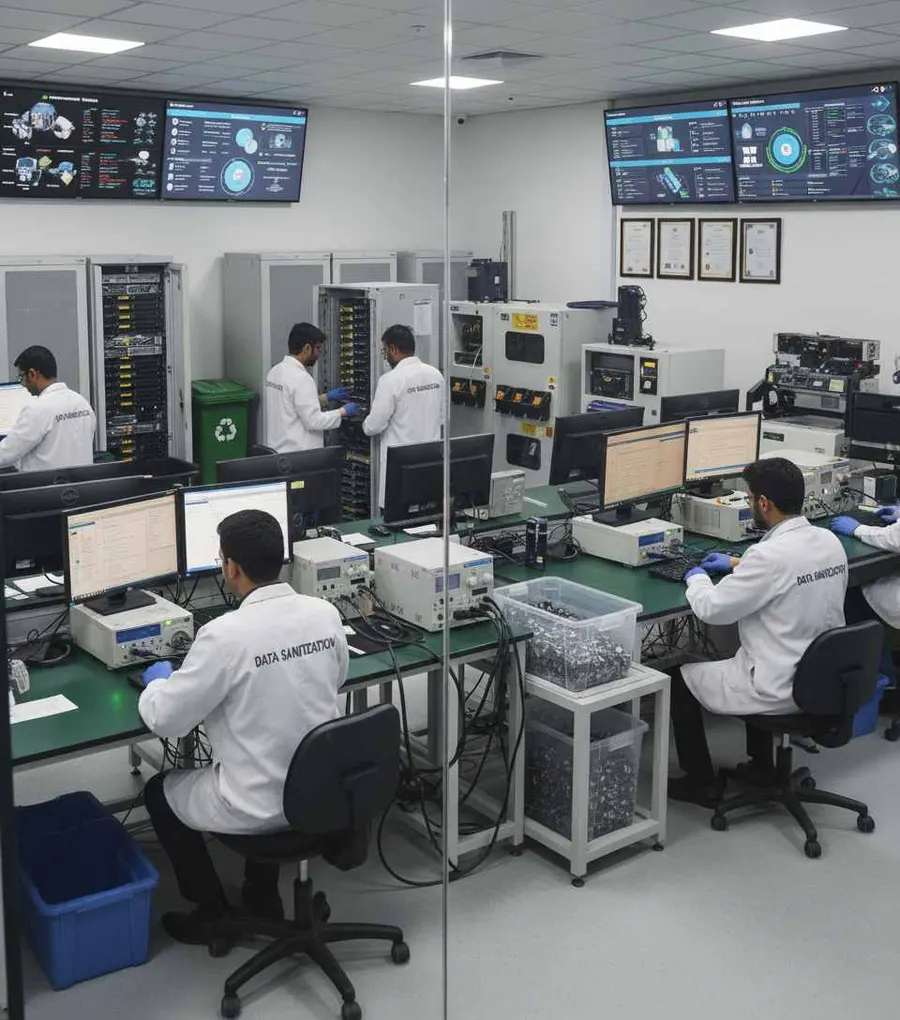
Secure HDD, SSD & NVMe Erasure
Automotive businesses use multiple storage technologies and they should not all be treated exactly the same.
HDD Data Erasure
Supported hard drives can be processed through appropriate logical sanitization methods.
Read MoreSSD Data Erasure
SSD storage uses flash memory and controller-managed functions, so an SSD-specific sanitization approach can be important. Your DSP material specifically distinguishes SSD sanitization from traditional HDD wiping because technologies such as NAND flash, wear leveling and the Flash Translation Layer affect how storage is managed.
Read MoreNVMe Data Erasure
For NVMe drives, the actual controller, firmware, interface and supported sanitization capabilities should be considered before selecting the operation.
Read MoreThat is why professional automotive data wiping software should focus on the actual storage media rather than assuming that one method works identically for every device.
Automotive Data Destruction Before Reuse & Resale
Secure data erasure can help businesses retain the value of reusable hardware.
Reuse
Erase previous information before assigning a device to another employee or department.
Redeployment
Sanitize a computer or storage device before moving it to another branch or facility.
Refurbishment
Erase previous information before used equipment enters a refurbishment process.
Resale
Complete the required data erasure and retain the certificate before the asset changes ownership.
Return
Sanitize leased or returned equipment before it leaves organizational control.
Retirement
Complete the approved sanitization workflow and retain the resulting documentation.
Automotive Data Wiping Verification
Erasure should not be treated as complete simply because the writing process finishes.
Data Sanitization Pro separates:
- ERASE
- VERIFY
- DOCUMENT
The resulting records can include:
- Manufacturer
- Model
- Serial number
- Capacity
- Interface
- Selected method
- Processing status
- Verification result
- Processing timestamps
- Operator information
- Asset reference
This gives your team a clearer answer to three questions:
What was processed?
What method was used?
What was the result?

Automotive Data Erasure Certificates & Reports
For a large automotive organization, a general batch report may not be enough.
Your team may need to trace one specific laptop, server drive or SSD.
DSP can generate self-certified, auditable data erasure certificates and reports linked to the processed asset.
A certificate can contain relevant information such as:
- Manufacturer
- Model
- Serial number
- Capacity
- Interface
- Selected erasure method
- Verification status
- Processing date
- Processing timestamps
- Operator information
- Asset reference
- Certificate or report identification
This helps connect:
- Physical Asset
- Erasure Process
- Verification
- Certificate
Automotive Data Sanitization for Large Asset Volumes
Large automotive organizations may retire many devices at once during:
- Hardware refresh
- Factory technology upgrades
- Dealership modernization
- Data-center migration
- Server replacement
- Fleet IT refresh
- ITAD programs
- Refurbishment projects
DSP supports up to 8 supported drives simultaneously in suitable configurations.
For larger computer fleets, supported PXE deployment can help establish a repeatable sanitization environment across multiple systems.
Actual throughput depends on system hardware, storage interfaces, network capacity, drive performance and deployment configuration.
Offline Data Sanitization for Automotive Environments
Some automotive environments operate with restricted connectivity.
Examples include:
- Manufacturing facilities
- Secure engineering environments
- Data centers
- Controlled IT rooms
- Asset-processing areas
- Restricted production networks
Data Sanitization Pro supports offline data sanitization workflows for suitable deployments.
This allows the organization to keep the sanitization process within its controlled operational environment.
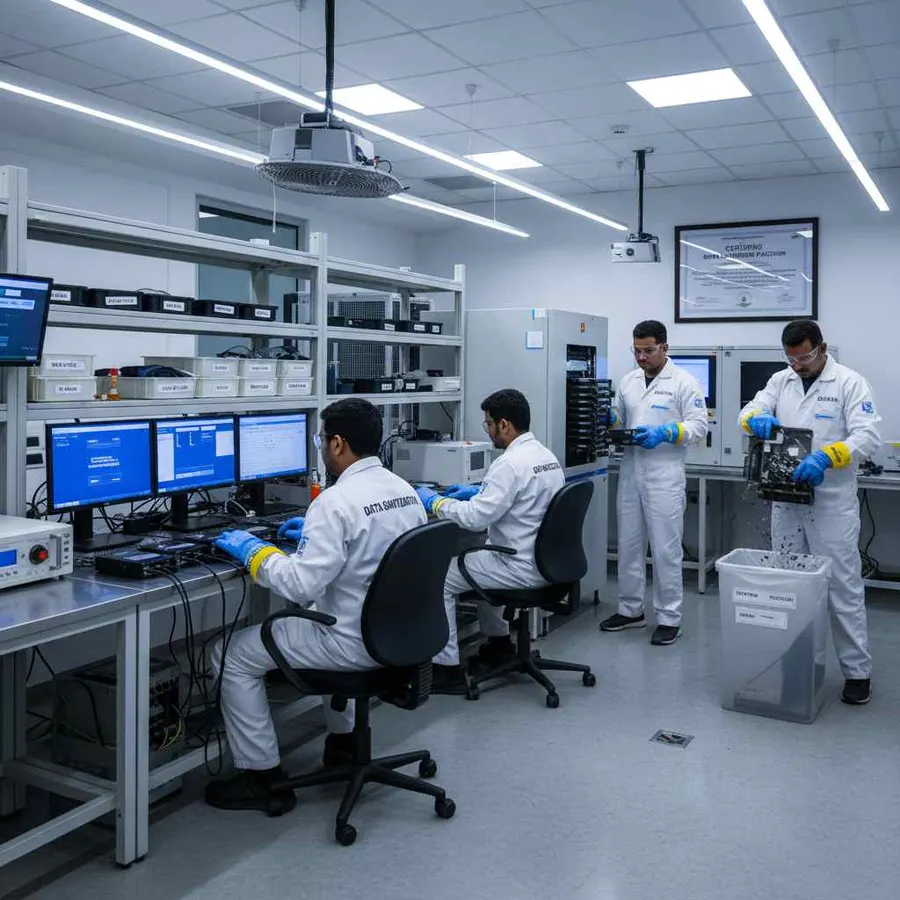
What About Data Inside Connected Vehicles?
Modern vehicles can contain digital systems and connected technologies, but their storage architecture varies significantly by manufacturer, model and system.
For this reason, Data Sanitization Pro should not be presented as a universal tool for erasing every:
- ECU
- Infotainment system
- Telematics module
- Vehicle control unit
- Embedded automotive memory
The automotive solution is primarily focused on supported data-bearing IT storage and equipment used by automotive organizations.
Where a vehicle-related system exposes a supported storage device and compatible sanitization environment, the actual hardware should be assessed before processing.
This keeps the service technically accurate and avoids treating every automotive system as if it uses the same storage technology.
Automotive Data Sanitization Standards
The appropriate sanitization method should be selected according to the storage technology, information sensitivity organizational policy and intended outcome.
NIST SP 800-88 Rev. 2
Your DSP material identifies NIST SP 800-88 Rev. 2 as the current NIST media-sanitization publication and emphasizes selecting an appropriate sanitization technique based on the media and information sensitivity.
IEEE 2883
IEEE 2883 can be used as a technical reference for media sanitization practices.
Internal Automotive Policies
Manufacturers, dealerships, suppliers and enterprise automotive groups may also have internal requirements covering IT asset retirement, data protection and disposal.
Remember:
- Standard
- Provides guidance
- Erasure Method
- Performs the technical operation
- Verification
- Records the result
- Certificate
- Documents the completed process
Mentioning a standard does not by itself mean that every device has been processed according to that standard.
When a Storage Device Cannot Be Reliably Erased
Not every storage device can successfully complete every sanitization process.
A device may:
- Not be detected
- Have controller problems
- Have severe read/write errors
- Have firmware limitations
- Be physically damaged
- Fail the selected operation
- Fail verification
- Use an unsupported connection path
A failed or incomplete operation should never be reported as a successful data erasure.
Where software-based sanitization cannot achieve the required result, the organization can evaluate another approved disposition method.
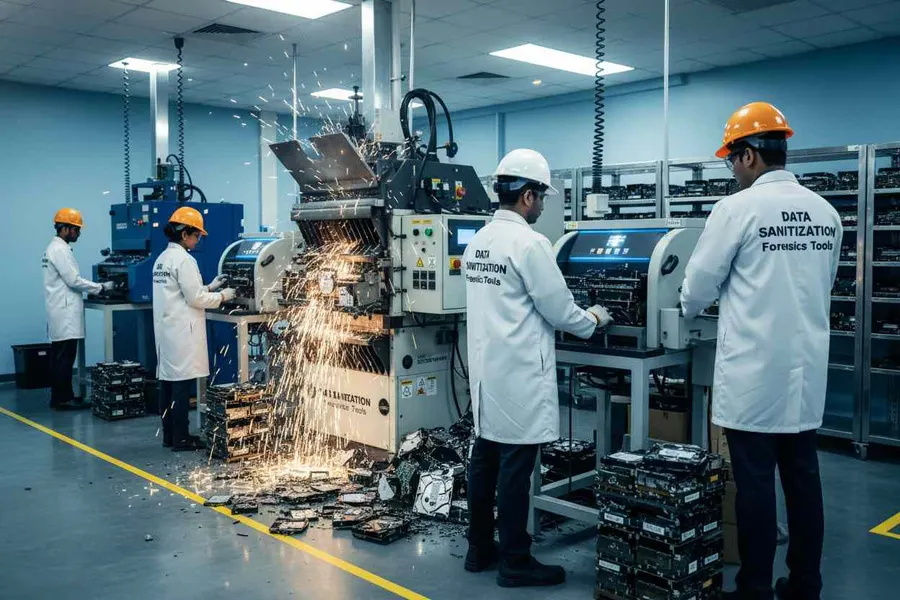
Automotive Data Sanitization Across the IT Asset Lifecycle
Data Sanitization Pro can support the storage-security stage across the wider asset lifecycle.
Deployment
Equipment enters the automotive business.
Redeployment
Hardware moves between teams or locations.
Refresh
Old devices are replaced.
Refurbishment
Used equipment is prepared for another lifecycle.
Resale
Sanitized hardware changes ownership.
Return
Leased or returned assets are processed.
Retirement
The organization completes its approved sanitization process and retains documentation.
Who Uses Automotive Data Erasure Software?
Automotive Manufacturers
For enterprise IT, engineering and manufacturing equipment.
OEMs & Component Suppliers
For supported storage used across corporate and technical environments.
Car Dealerships
For laptops, desktops and other IT assets approaching reuse or resale.
Workshops & Service Centers
For workshop computers, service PCs and supported storage.
Fleet Operators
For multi-location device lifecycle management.
Rental & Mobility Companies
For frequent redeployment, return and retirement workflows.
ITAD Providers
For secure automotive asset processing, verification and certification.
Refurbishers & Resellers
For sanitizing used equipment before it reaches its next owner.
Why Choose Data Sanitization Pro?
Professional Data Erasure Workflow
Designed for controlled data erasure rather than simple file deletion.
25 Erasure Methods
Multiple supported methodologies for different sanitization requirements.
Verification
Record the result of the completed operation.
Self-Certified Certificates
Generate auditable erasure reports and certificates.
Up to 8 Drives Simultaneously
Process multiple supported storage devices in suitable configurations.
USB & PXE Workflows
Support system-drive and larger fleet deployment scenarios.
Offline Capability
Useful for controlled and restricted environments.
Asset-Level Documentation
Connect the storage device with its processing result.
Lifecycle Ready
Support reuse, redeployment, refurbishment, resale, return and retirement workflows.
Frequently Asked Questions
What is automotive data erasure software?
Automotive data erasure software is used by automotive businesses to securely sanitize supported data-bearing storage before IT assets are reused, resold, redeployed or retired.
What does Data Sanitization Pro erase?
DSP focuses on supported storage and IT assets such as HDDs, SSDs, NVMe drives, laptops, desktops, servers and removable media.
Can dealerships use Data Sanitization Pro?
Yes. Dealerships can use the software for supported IT assets moving through reuse, resale, refurbishment, return and retirement workflows.
Can automotive manufacturers use DSP?
Yes. It can support sanitization workflows for supported IT storage used across enterprise, engineering, manufacturing and infrastructure environments.
Can DSP erase an automotive ECU?
DSP should not be presented as a universal ECU-erasure tool. Automotive electronic systems vary by manufacturer, model and architecture. The specific storage technology and technical compatibility must be assessed first.
Can DSP erase automotive diagnostic computers?
Supported laptops, desktops and workstation storage can be processed using the appropriate sanitization workflow.
Can DSP erase HDD, SSD and NVMe drives?
Yes, supported HDD, SSD and NVMe storage can be processed according to the device's available capabilities and selected sanitization workflow.
Can multiple drives be erased together?
DSP supports up to 8 supported drives simultaneously, depending on the system configuration.
Does DSP provide data erasure certificates?
Yes. DSP can generate self-certified, auditable data erasure reports and certificates for completed processing workflows.
Can automotive companies use DSP offline?
Yes. Supported offline deployments can be used in controlled environments.
Can DSP support large automotive IT refresh projects?
Yes. Multi-drive processing and supported PXE deployment can help organize larger sanitization projects.
Is formatting enough before selling an automotive company's old computer?
Formatting changes the logical storage structure, but it should not automatically be treated as a complete documented media-sanitization process.
What happens if a drive fails verification?
The failed result should be recorded. It should not be certified as successfully sanitized until the required outcome has actually been achieved.
Related Solutions
Enterprise IT
One workflow for laptops, desktops, servers and storage
Read MoreManufacturing
Factories, plants, offices and engineering facilities
Read MoreFMCG
Offices, warehouses and distribution centres
Read MoreConsulting Firms
Secure client and project data before assets move on
Read MoreITES & BPO
Erase devices before they are reused or replaced
Read MoreSecure Data Before Your Automotive Assets Move On
When an old computer, server or storage device leaves your organization, its data should not leave with it.