
- Home
- Solutions
- Business And Industry
- FMCG Data Erasure
Data Sanitization for FMCG Businesses
Secure Data Before Devices Move to the Next User
FMCG businesses use laptops, desktops, servers and storage devices across offices, warehouses, distribution centres and manufacturing locations.
When equipment is reused, redeployed, refurbished, resold or retired, stored data should be securely erased first.
Data Sanitization Pro (DSP) provides professional data erasure software for FMCG businesses to securely sanitize supported HDD, SSD and NVMe storage, verify the result and generate data erasure certificates.
- Erase
- Verify
- Certify
- Secure Data Erasure
- Verification
- Certificates
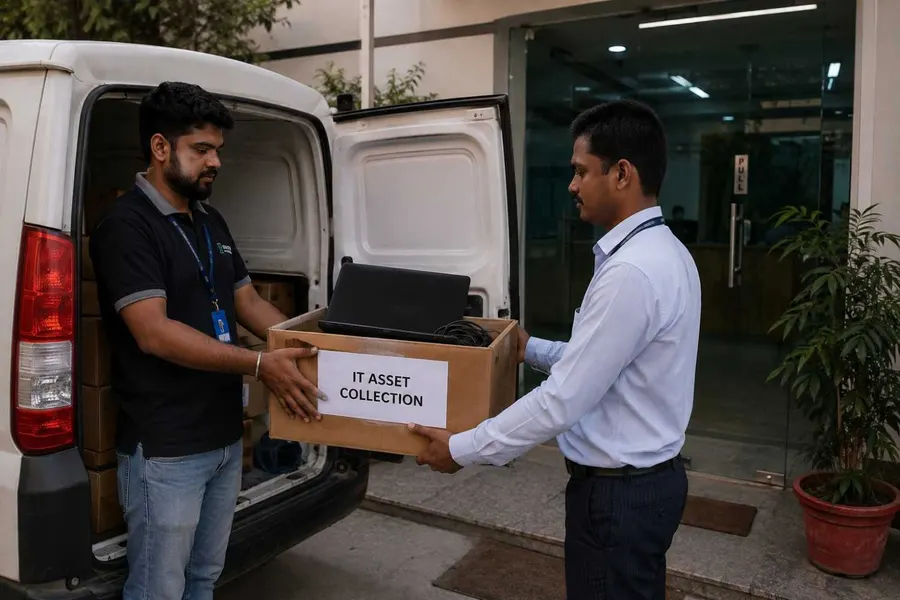
Overview
Data sanitization for FMCG businesses with secure HDD, SSD and NVMe erasure, verification and certificates for reuse, resale, ITAD and retirement.
Why Data Sanitization Matters in FMCG
FMCG companies handle important business information across multiple locations and devices.
This may include customer information, employee records, sales data, supplier information, pricing data, financial documents, marketing files and internal business records.
The risk does not end when a device is taken out of service.
A laptop sent for refurbishment, a desktop moved to another employee, a server replaced during an upgrade or a storage drive returned to a vendor may still contain data from its previous lifecycle.
Simply deleting files or formatting a drive should not automatically be treated as secure data sanitization.
A controlled data wiping and verification process helps organizations securely process supported storage and maintain documentation of the result.
What Does FMCG Data Sanitization Mean?
FMCG data sanitization means securely removing stored information from supported data-bearing devices before those assets move to another lifecycle stage.
Reuse
Erase previous data before assigning the device to another employee or department.
Redeployment
Sanitize equipment before moving it between offices, warehouses or business units.
Refurbishment
Remove stored information before preparing used IT equipment for another user.
Resale
Complete and document data erasure before equipment changes ownership.
Return
Sanitize leased or vendor-managed hardware before it leaves company control.
Retirement
Complete the approved logical sanitization process and retain the resulting certificate.
Data Sanitization Pro: Built for FMCG IT Asset Lifecycle
Data Sanitization Pro brings secure data erasure, verification and reporting into one controlled software workflow.
25 Data Erasure Methods
DSP supports 25 data erasure methods, allowing organizations to select a suitable supported methodology for the storage technology and internal requirements.
Data Erasure Verification
A completed erase command should not be the only record.
DSP provides a documented verification result so teams can distinguish between an attempted sanitization process and a completed, verified result.
Self-Certified Data Erasure Certificates
DSP can generate self-certified, auditable data erasure certificates and reports.
A certificate can connect:
- Asset
- Serial Number
- Erasure Method
- Verification
- Result
Depending on the workflow, the record can include:
- Manufacturer
- Model
- Serial Number
- Capacity
- Interface
- Firmware
- Method
- Verification
- Timestamps
- Operator
- Asset Reference
Multi-Drive Processing
DSP supports processing up to 8 supported drives simultaneously in suitable configurations.
Offline Data Erasure
Use supported offline sanitization workflows for controlled environments where internet access is restricted.
USB and PXE Boot
DSP supports USB and PXE-based boot workflows for suitable system-drive and fleet sanitization deployments.
Try Data Sanitization Pro Free
From FMCG Device Detection to a Verified Erasure Certificate
- 01
Detect
Connect the supported storage device and identify available device information.
- Manufacturer
- Model
- Serial Number
- Capacity
- Interface
- Firmware
- 02
Select
Choose the appropriate supported sanitization method for the storage technology and organizational requirements.
- 03
Erase
Run the selected secure data erasure process.
- 04
Verify
Verify the completed operation and record the result.
- 05
Certify
Generate the corresponding data erasure certificate or report.
This creates a more repeatable process for FMCG IT teams, asset managers, refurbishment companies and ITAD partners.
FMCG Laptop and Desktop Data Erasure
Laptops and desktops are regularly replaced during:
- Employee upgrades
- Hardware refresh cycles
- Office relocation
- Department transfers
- Business expansion
- Refurbishment
- Resale
- Retirement
Before a device is passed to another user, returned, resold or retired, the stored data should be securely addressed.
DSP supports data erasure workflows for supported HDD, SSD and NVMe storage used in business computers.
A running Windows installation normally cannot erase the physical system drive from which it is currently operating.
For suitable deployments, DSP supports USB and PXE boot workflows so the machine can start in the sanitization environment before its system storage is processed.

FMCG HDD Data Erasure
Hard disk drives can remain in service for years across offices, warehouses, servers and other business systems.
Professional HDD erasure software can provide a controlled workflow for supported drives being:
- Reused
- Redeployed
- Refurbished
- Resold
- Retired
DSP can support:
HDD Detection
Identify supported storage and device information.
Secure HDD Erasure
Run the selected logical sanitization method.
Verification
Record the completed result.
Certificate
Create a documented record for the processed asset.
FMCG SSD and NVMe Data Erasure
Modern FMCG environments use SSD and NVMe storage in laptops, desktops, workstations and servers.
SSD sanitization requires an appropriate method because solid-state storage uses controller-managed NAND flash, wear leveling and other technologies.
DSP supports supported SSD and NVMe sanitization workflows based on the capabilities exposed by the device.
Depending on the drive, available operations may include:
- Secure Erase
- Sanitize functions
- Cryptographic Erase
- Other supported sanitization methods
The correct approach depends on the actual storage device, firmware, controller, interface path and organizational requirements.
Get FMCG Data Erasure Software Pricing
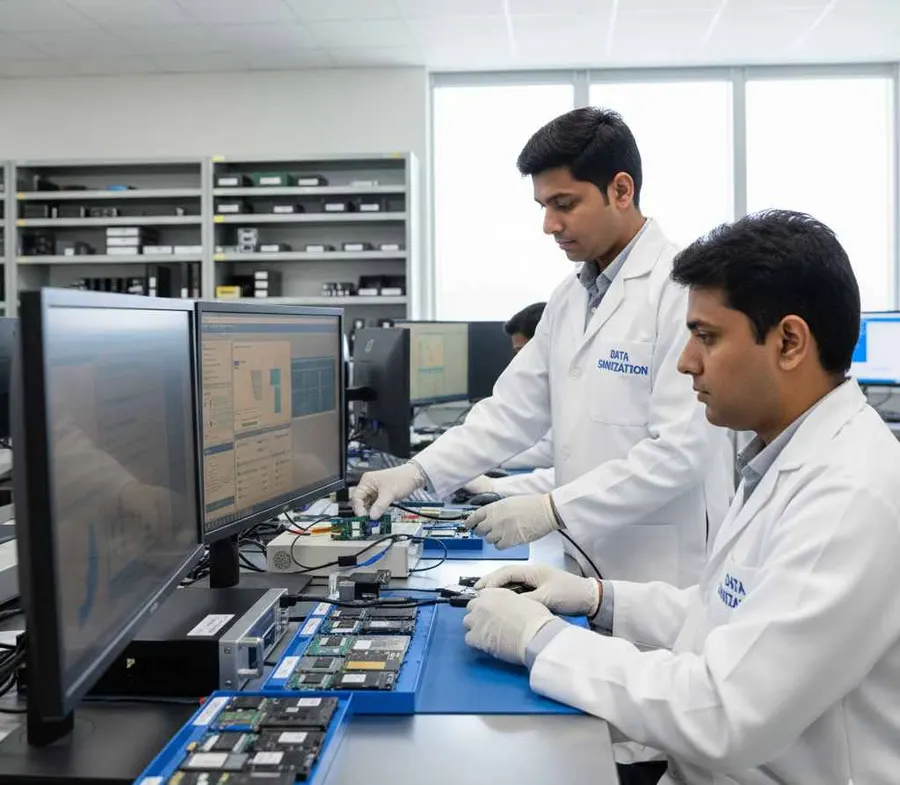
Data Sanitization for FMCG Warehouses and Distribution Centres
FMCG organizations often operate multiple warehouses, logistics facilities and distribution centres.
These locations may contain:
- Employee computers
- Warehouse workstations
- Business laptops
- Servers
- Storage devices
- Backup media
- Retired IT equipment
During hardware refreshes, site consolidation or technology upgrades, multiple assets may move through different lifecycle stages.
A standardized data wiping software workflow can help central IT teams apply a consistent process across supported storage devices.
Data Erasure for FMCG Manufacturing Facilities
Manufacturing environments may have separate IT infrastructure from corporate offices.
Computers and storage devices can be replaced during:
- Infrastructure upgrades
- Plant modernization
- Server replacement
- Workstation upgrades
- Office refresh
- Site relocation
- Equipment retirement
DSP can support software-based sanitization of compatible data-bearing storage removed from the lifecycle.
Specialized operational technology, controllers and embedded systems should be assessed separately rather than assuming standard IT storage sanitization applies to every device.
FMCG Data Erasure for Office and Field Devices
FMCG organizations often operate distributed teams across offices and field locations.
When business devices are:
- Transferred
- Refreshed
- Returned
- Refurbished
- Resold
- Retired
the stored information should be addressed before the next lifecycle stage.
DSP provides a structured data erasure, verification and reporting workflow for supported storage devices.
Multi-Drive Data Erasure for FMCG
Large FMCG organizations may need to process multiple drives during a hardware refresh or IT asset retirement project.
Data Sanitization Pro supports up to 8 supported drives simultaneously in suitable configurations.
This can be useful for:
- Laptop refresh projects
- Desktop replacement
- Bulk HDD wiping
- SSD retirement
- Refurbishment
- ITAD processing
- Data-centre upgrades
Actual throughput depends on the connected hardware, storage interfaces, controllers, bus bandwidth and available system resources.
Offline Data Sanitization for FMCG
Some business environments have restricted or isolated networks.
DSP supports offline data erasure workflows, helping organizations keep the sanitization process within controlled environments where network connectivity is limited or unavailable.
This can be useful where data-bearing assets should remain under internal control during processing.
PXE-Based Data Erasure for FMCG Fleets
For larger computer fleets, PXE deployment can simplify the sanitization workflow.
DSP supports PXE deployment for up to 64 computers by default, with configured capacity adjustable for larger environments.
Each system can boot into the sanitization environment and process its supported storage.
Overall throughput depends on:
- Network Capacity
- Hardware Configuration
- Storage Interfaces
- Processing Resources
FMCG Data Erasure Verification and Reporting
For an FMCG asset retirement program, knowing that a drive was selected for erasure is not the same as having documented evidence of the result.
DSP reporting can connect the asset with its actual sanitization process.
Device Identity
Manufacturer, model, serial number, capacity and interface.
Erasure Details
Selected method and relevant processing information.
Verification
Result of the completed sanitization operation.
Asset Reference
Internal asset number or reference where used.
Processing Record
Relevant timestamps and operator information.
This creates a structured data erasure audit trail for internal records and asset lifecycle management.
Data Sanitization Before Reuse, Resale and Refurbishment
Secure erasure becomes especially important when FMCG equipment moves outside its original user or department.
Reuse
Erase previous information before assigning the computer to another employee.
Redeployment
Sanitize devices before transferring them between locations or teams.
Refurbishment
Erase data before preparing used equipment for another lifecycle stage.
Resale
Complete and document sanitization before equipment changes ownership.
Return
Sanitize leased or vendor-managed equipment before it leaves company control.
Retirement
Complete the required sanitization process and retain the resulting certificate.
The objective is to protect stored information while allowing suitable hardware to continue through its lifecycle.
FMCG IT Asset Disposition and Data Erasure
IT Asset Disposition (ITAD) is an important part of the hardware lifecycle for organizations managing large technology estates.
For FMCG companies, a typical lifecycle can look like:
- Inventory
- Sanitization
- Verification
- Documentation
- Reuse / Resale / Recycling / Retirement
Data Sanitization Pro can support the data erasure stage by providing software-based sanitization, verification and reporting for supported storage devices.
The final asset disposition should follow the organization's security policy and the condition of the hardware.
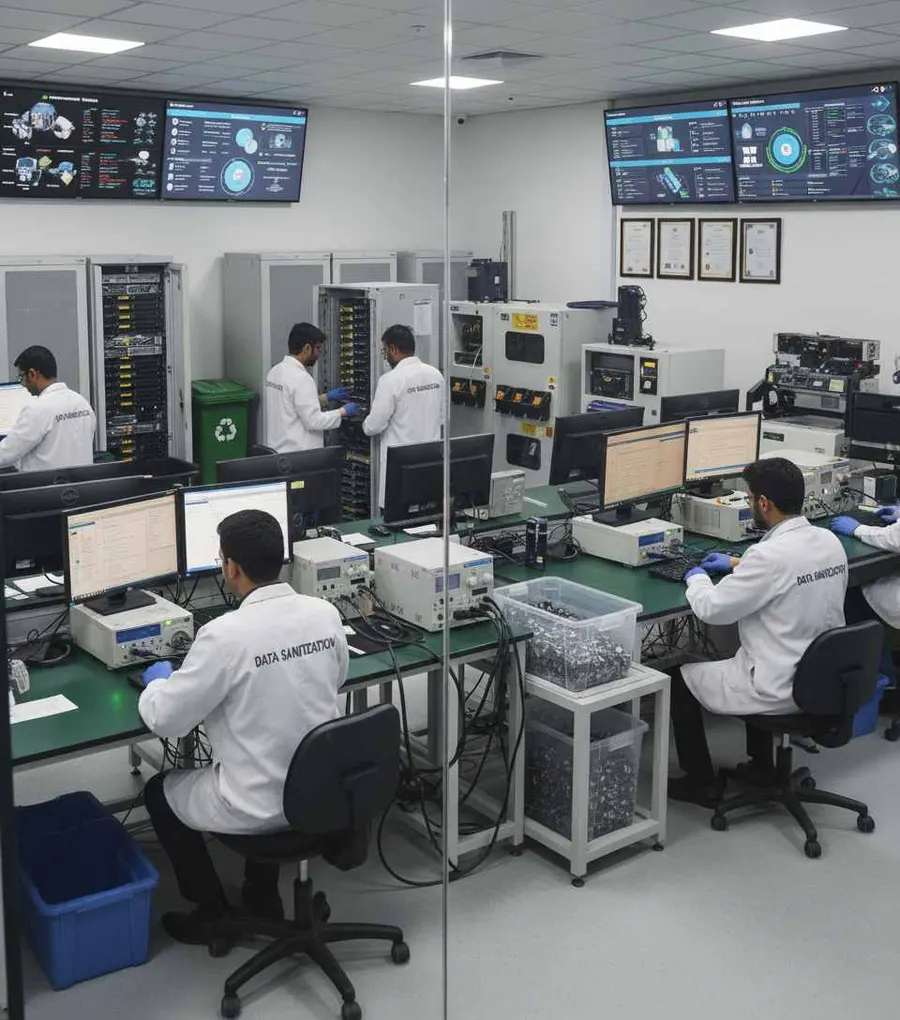
Data Erasure for FMCG IT Departments
FMCG IT teams can use DSP for recurring hardware lifecycle activities such as:
- Employee laptop replacement
- Desktop refresh
- Server replacement
- Storage upgrades
- Warehouse technology refresh
- Office relocation
- Hardware return
- Refurbishment
- Resale preparation
- Asset retirement
This helps create a more repeatable secure data wiping workflow instead of relying on inconsistent manual deletion processes.
Data Sanitization for FMCG ITAD and Refurbishment Partners
ITAD companies, resellers and refurbishment partners handling FMCG assets may need documented data erasure before equipment is remarketed.
DSP supports a workflow based on:
- Detect
- Erase
- Verify
- Certify
This helps connect the physical asset with its documented sanitization result.
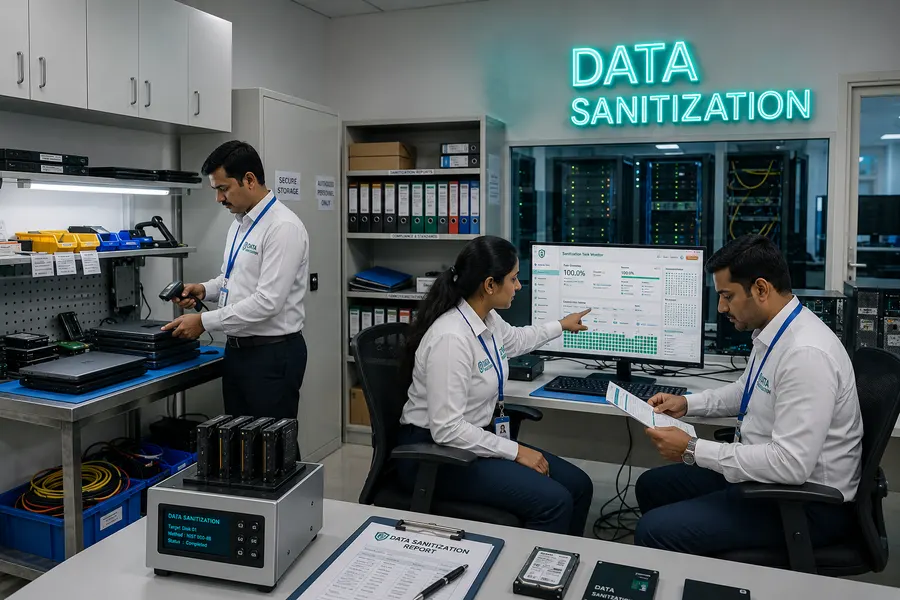
FMCG Data Sanitization Standards
Data sanitization should follow an appropriate standard or approved organizational process.
NIST SP 800-88 Rev. 2
NIST SP 800-88 Rev. 2 is the current NIST publication for media sanitization and emphasizes selecting appropriate sanitization techniques and controls according to the media and information involved.
IEEE 2883
IEEE 2883 provides technology-focused requirements and guidance related to storage sanitization.
The actual sanitization operation should always be matched to the storage technology and organizational requirements.
A software-generated certificate documents the completed sanitization job. It should not by itself be presented as proof that an organization is compliant with every applicable law or regulation.
When FMCG Storage Cannot Be Reliably Erased
Software-based sanitization depends on the storage device being accessible and exposing the required functionality.
A device may require additional assessment when it:
- Is not detected
- Has a controller problem
- Has firmware limitations
- Cannot complete the selected operation
- Does not expose the required sanitization functionality
- Is connected through an unsupported bridge or adapter
- Cannot provide the required verification result
A failed or incomplete process should not be treated as a successful sanitization result.
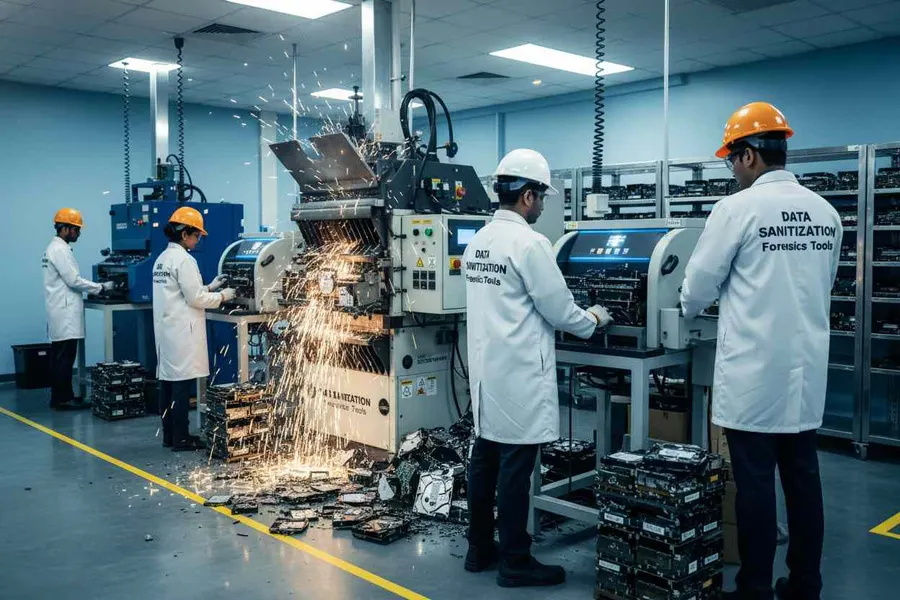
Data Sanitization Pro is software-based logical data destruction software. It does not physically shred, crush or drill storage devices.
Where software erasure cannot reliably achieve the required outcome, the organization should follow its approved alternative media-disposition process.
Health Assessment Before Reuse
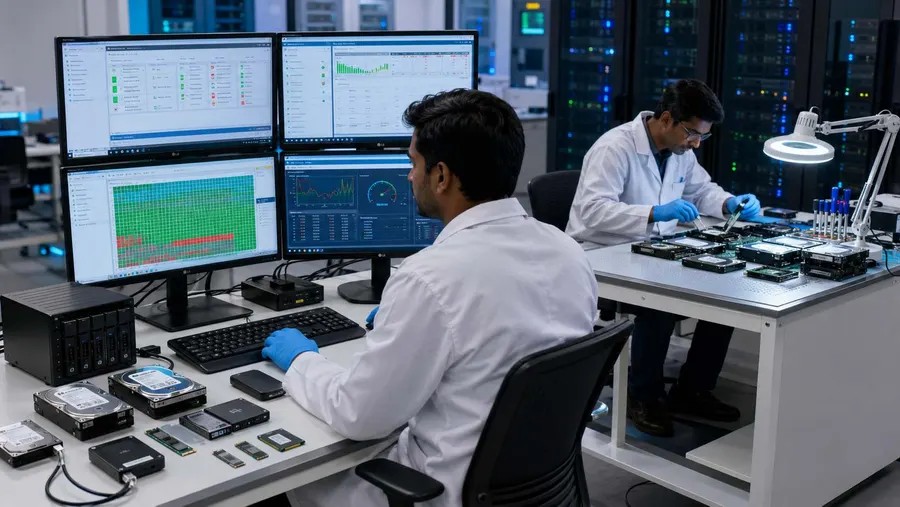
Data sanitization and hardware condition are separate decisions.
A drive may be successfully sanitized but still require a technical assessment before reuse.
Available device information can help teams review:
- Drive Health
- SMART Information
- Error Conditions
- Storage Status
- Device Information
This separates two important questions:
Sanitization Result: Was the data erasure completed and verified?
Asset Condition: Is the device suitable for its next lifecycle stage?
Who Uses FMCG Data Sanitization Software?
FMCG IT Teams
For laptop, desktop and storage lifecycle management.
Manufacturing IT
For supported storage removed during infrastructure upgrades and replacement.
Warehouses and Distribution Centres
For equipment refresh, reassignment and retirement workflows.
ITAD and Refurbishment Companies
For secure wiping, verification and reporting before reuse or resale.
Enterprise Asset Management Teams
For asset-level records and lifecycle documentation.
Resellers and Remarketing Partners
For sanitization before used equipment changes ownership.
Why Choose Data Sanitization Pro for FMCG?
Software-Based Data Erasure
Controlled logical data destruction for supported storage devices.
25 Erasure Methods
Multiple supported sanitization methodologies for different requirements.
Verification
Record the result of the completed sanitization operation.
Self-Certified Certificates
Generate auditable data erasure certificates and reports.
Up to 8 Drives
Process multiple supported drives simultaneously in suitable configurations.
Offline Workflows
Support controlled environments where internet access is restricted.
USB and PXE Boot
Support system-drive sanitization and larger deployment workflows.
Device-Level Reporting
Connect each storage device with its identity, method and verification result.
Reuse-Focused Process
Secure the stored information while allowing suitable hardware to continue through reuse, resale or refurbishment.
Frequently Asked Questions
What is data sanitization for FMCG businesses?
FMCG data sanitization is the controlled removal of stored information from supported devices before those assets are reused, redeployed, refurbished, resold, returned or retired.
What data erasure software can FMCG companies use?
Professional data erasure software can help FMCG organizations securely sanitize supported HDD, SSD and NVMe storage while providing verification and documentation.
Is formatting enough before selling an FMCG laptop?
Formatting should not automatically be treated as complete media sanitization. A professional data erasure workflow provides a more controlled process for removing stored information and documenting the result.
Can Data Sanitization Pro erase HDD and SSD drives?
DSP supports supported HDD, SSD and NVMe sanitization workflows using appropriate available methods.
Can multiple drives be processed at the same time?
Yes. Data Sanitization Pro supports up to 8 supported drives simultaneously in suitable configurations.
Can FMCG companies use DSP offline?
Yes. DSP supports offline sanitization workflows for controlled environments.
Does DSP generate data erasure certificates?
Yes. DSP can generate self-certified, auditable data erasure certificates and reports based on the completed sanitization workflow.
Can DSP erase a Windows system drive?
A running Windows installation normally cannot erase the physical drive it is currently using. For suitable deployments, DSP supports USB and PXE boot workflows for system-drive sanitization.
Is Data Sanitization Pro a physical hard drive shredder?
No. DSP is software-based. It performs logical data erasure and does not physically shred, crush or drill storage devices.
Can FMCG companies use DSP before resale?
Yes. A suitable workflow can sanitize and verify supported storage before equipment moves to resale, refurbishment, reuse or another approved lifecycle stage.
Related Solutions
Enterprise IT
One workflow for laptops, desktops, servers and storage
Read MoreManufacturing
Factories, plants, offices and engineering facilities
Read MoreAutomotive
Dealerships, workshops, suppliers and fleet operators
Read MoreConsulting Firms
Secure client and project data before assets move on
Read MoreITES & BPO
Erase devices before they are reused or replaced
Read MoreSecure FMCG Data Before the Next Lifecycle Stage
Before devices are reused, redeployed, refurbished, resold or retired, use a controlled and verifiable data erasure process.