
Certified NVMe Data Sanitization Software
Data Sanitization Pro (DSP) is professional NVMe data erasure software designed to securely remove data from supported NVMe SSDs through a controlled software-based sanitization workflow.
DSP helps enterprises, IT teams, data centres, ITAD companies, refurbishers, resellers and organizations preparing storage for reuse or retirement.
The platform brings together NVMe drive erasure, secure wiping, device assessment, verification, reporting and data erasure certificates in one workflow.
DSP supports modern PCIe NVMe storage, including supported M.2 NVMe, U.2, U.3 and enterprise NVMe SSDs.
Start Your 30-Day Free Trial
Test Data Sanitization Pro on your own supported NVMe drives before you buy.
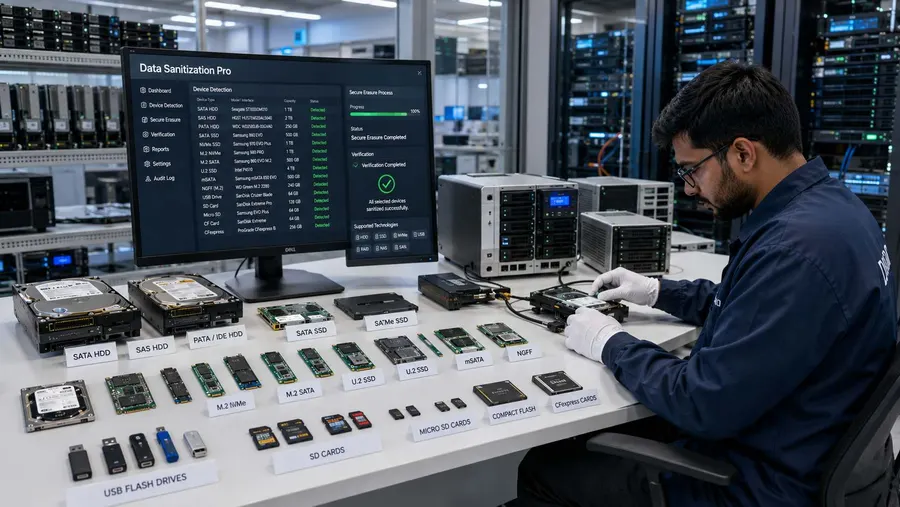
NVMe Data Erasure Software for Secure Drive Reuse
Deleting files or formatting an NVMe SSD is not the same as performing a controlled drive-erasure process.
NVMe storage uses flash memory managed by an internal controller. The drive may support device-level functions that are more appropriate than treating the device as a simple overwrite target.
A professional NVMe erasure software workflow should therefore:
- Detect
- Assess
- Select
- Erase
- Verify
- Report
Data Sanitization Pro is designed around this process.
The objective is to remove stored information through an appropriate supported logical erasure method while keeping the physical NVMe SSD intact for its next approved lifecycle stage.
This can support:
- Device reuse
- Redeployment
- Refurbishment
- Resale
- IT asset disposition
- Hardware retirement
DSP is a software-based logical data erasure solution. It does not physically shred, crush, drill or destroy the NVMe drive.

Why NVMe SSD Erasure Is Different
NVMe SSDs use NAND flash memory and an internal controller that manages how data is stored and accessed.
The controller can handle functions such as:
- Wear leveling
- Garbage collection
- Flash management
- Over-provisioning
- Internal data placement
- Controller memory
Because of this architecture, a generic NVMe wipe should not automatically be treated as equivalent to a device-supported sanitization operation.
NVM Express defines device-level mechanisms including Sanitize and secure-erase options within the NVMe specifications. Available operations depend on the individual controller and implementation.
For professional NVMe SSD data erasure, the practical sequence is:
- Identify the drive
- determine available capabilities
- select the appropriate method
- erase
- verify
What Is NVMe Data Sanitization?
NVMe data sanitization is the controlled process of removing or making stored information inaccessible on supported NVMe storage using an appropriate erasure technique.
The correct method depends on factors such as:
- NVMe controller
- Firmware
- Supported commands
- Security configuration
- Drive architecture
- Storage environment
- Organizational requirements
NIST's current media sanitization guidance is SP 800-88 Rev. 2, published in September 2025. It focuses on establishing appropriate media-sanitization controls based on the media and the sensitivity of the information.
That means there is no single erase operation that should be treated as automatically correct for every NVMe SSD.
NVMe Drive Erasure With Data Sanitization Pro
Data Sanitization Pro is built for organizations looking for more than a basic NVMe wipe tool.
25 Data Erasure Methods
DSP provides 25 data erasure methods for different storage technologies and organizational policies.
Secure NVMe Erasure
Use an appropriate supported erasure workflow based on the capabilities of the target drive.
Device Assessment
Review available device and storage information before processing.
Verification
Check and record the result of the completed erasure process.
Data Erasure Certificates
Generate self-certified, auditable data erasure certificates and reports for completed jobs.
Multi-Drive Processing
Process up to 8 selected drives simultaneously in supported configurations.
Offline Operation
Run supported workflows in controlled environments without requiring continuous internet access.
USB and PXE Boot
Use boot-based workflows when the active operating system cannot erase the target system drive.
How NVMe Data Erasure Works
- 01
Detect the NVMe Drive
DSP identifies supported NVMe storage exposed to the sanitization environment.
- 02
Read Device Information
Relevant information may include:
- Manufacturer
- Model
- Serial Number
- Capacity
- Firmware
- Interface
- 03
Assess Available Capabilities
The drive's controller and available storage functions help determine which erasure approach can be used.
- 04
Select the Method
Choose an appropriate NVMe data erasure method based on the device and organizational requirement.
- 05
Run the Erasure
DSP performs the configured software-based logical erasure operation.
- 06
Verify
The completed result is checked through the applicable verification workflow.
- 07
Generate Evidence
The operation can be documented through an erasure report or certificate.
This creates a repeatable workflow for NVMe drive erasure instead of relying only on file deletion or formatting.
NVMe Secure Erase and Sanitize
Modern NVMe SSDs can expose different secure-erasure capabilities.
Depending on the drive, these may include:
NVMe Sanitize
The NVMe specification defines Sanitize operations for removing user data from the sanitization target. Available sanitize mechanisms depend on the device.
Format NVM Secure Erase
NVMe Format NVM can provide secure-erase options on supported devices.
Cryptographic Erase
Where supported, cryptographic erase can make encrypted data inaccessible by changing or sanitizing the encryption key.
Overwrite
Overwrite can be used where appropriate and supported, but it should not automatically be treated as the universal solution for every NVMe SSD.
The correct operation should be selected according to the drive's actual capabilities.
PCIe NVMe Data Erasure
NVMe storage communicates through the PCIe interface, which is why it is commonly described as PCIe NVMe storage.
Data Sanitization Pro can therefore be relevant to supported:
- PCIe NVMe SSDs
- M.2 NVMe SSDs
- U.2 NVMe SSDs
- U.3 NVMe SSDs
- Enterprise NVMe drives
The M.2 label describes a form factor. M.2 alone does not guarantee that a drive is NVMe; some M.2 devices use SATA.
For accurate sanitization, the actual device interface and controller should be identified before processing.
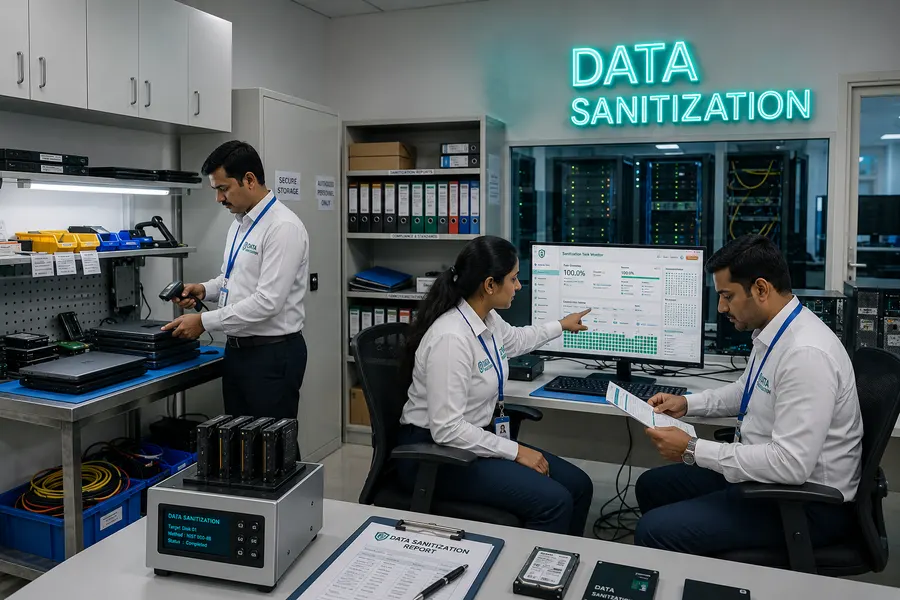
M.2 NVMe Data Erasure
M.2 is one of the most common physical form factors for NVMe SSDs.
M.2 NVMe drives are used in:
- Desktop PCs
- Laptops
- Workstations
- Enterprise systems
- High-performance computing systems
Data Sanitization Pro is designed to process supported M.2 NVMe SSDs according to the device capabilities exposed to the sanitization environment.
U.2 and U.3 NVMe Data Erasure
Enterprise NVMe storage can also use U.2 and U.3 form factors.
These drives are commonly found in server and enterprise storage environments.
For organizations processing enterprise NVMe storage, the sanitization workflow should consider:
- Drive Type
- Controller
- Firmware
- Available Commands
- Verification
DSP can be used for supported U.2 and U.3 NVMe configurations.
Enterprise NVMe Data Erasure
Enterprise NVMe storage may be used in:
- Data centres
- Server infrastructure
- Enterprise workstations
- Storage platforms
- ITAD environments
- Hardware refurbishment
Before an enterprise NVMe SSD is reassigned or leaves organizational control, the storage should be processed using the required data-erasure workflow.
Data Sanitization Pro provides a structured process for enterprise NVMe erasure, verification and documentation.
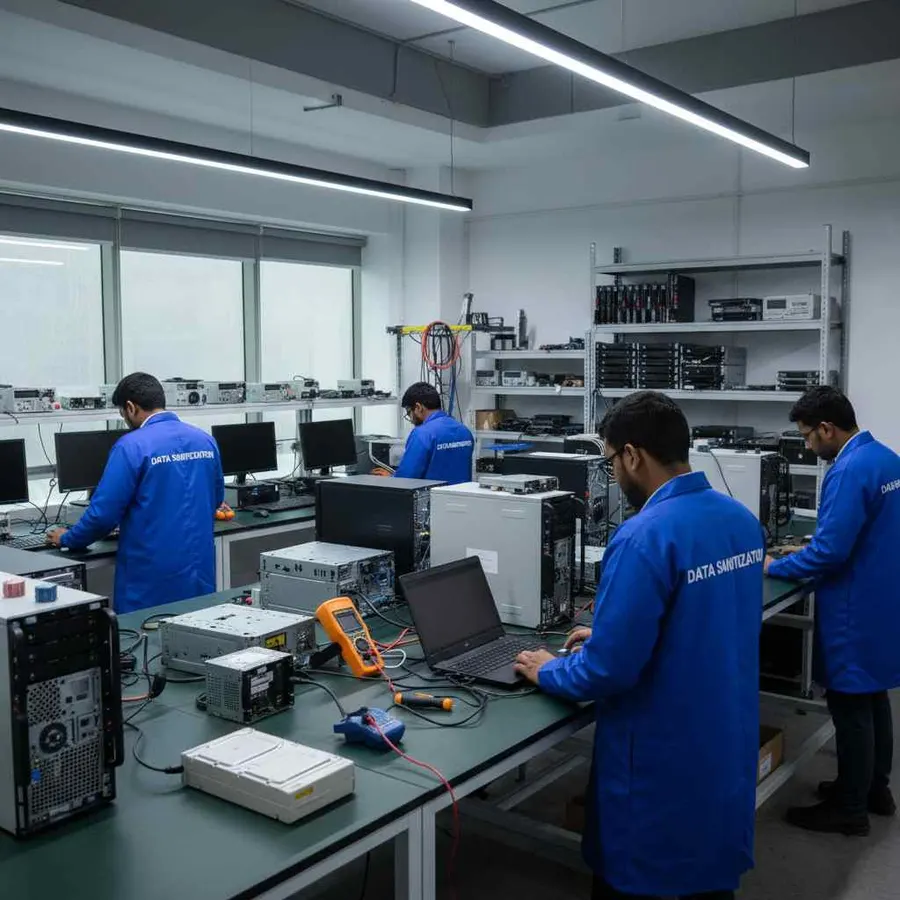
NVMe SSD Erasure for ITAD and Asset Lifecycle
NVMe storage has become increasingly common in IT asset disposition workflows.
DSP can support supported NVMe SSD processing for:
ITAD
Erase and document NVMe drives during asset disposition.
Reuse
Remove previous data before reallocating the SSD.
Refurbishment
Sanitize drives before preparing hardware for another user.
Resale
Maintain a record of the completed erasure process before transferring the asset.
Retirement
Complete the required logical data erasure workflow before final asset disposition.
This gives ITAD and refurbishment teams a repeatable NVMe SSD erasure workflow.
Permanent NVMe Data Erasure
Organizations searching for permanent NVMe erasure, permanent NVMe sanitization or permanent NVMe data erasure generally need more than simple file deletion.
DSP provides software-based logical data erasure for supported NVMe storage.
The goal is to remove the previous information through the applicable device-aware erasure process and then document the result.
The physical SSD remains intact when the hardware is suitable for continued use.
Verify Every NVMe Erasure Job
An erase command returning successfully is not the same as having a complete documented sanitization workflow.
Data Sanitization Pro can record relevant information such as:
- Manufacturer
- Model
- Serial number
- Capacity
- Firmware
- Interface
- Selected method
- Processing status
- Verification result
- Start time
- Completion time
- Operator information
- Asset reference
This creates a device-level record that can follow the asset through its lifecycle.

NVMe Data Erasure Certificates and Reports
Data Sanitization Pro can generate self-certified, auditable NVMe data erasure reports and certificates.
The documentation can connect:
- Asset
- NVMe Device
- Erasure Method
- Verification
- Final Result
This can help with:
- IT asset management
- Internal records
- ITAD workflows
- Refurbishment
- Resale documentation
- Audit preparation
A device-level certificate provides stronger evidence than simply recording that a batch was started or completed.
Multiple NVMe Drives at the Same Time
Data Sanitization Pro supports up to 8 selected drives simultaneously in supported configurations.
This can help organizations processing groups of NVMe SSDs from:
- Enterprise workstations
- Server upgrades
- Data-centre refreshes
- ITAD projects
- Refurbishment operations
Each selected drive can have its own progress and processing result.
Actual throughput depends on the storage path, PCIe configuration, controller resources, drive performance and system hardware.
USB Boot for NVMe Data Erasure
A running operating system normally cannot securely erase the physical system drive from which it is currently operating.
For supported configurations, DSP can use a USB boot environment to start the sanitization software separately from the installed operating system.
This can be useful for:
- Laptop retirement
- Desktop retirement
- Workstation replacement
- System-drive erasure
- ITAD processing
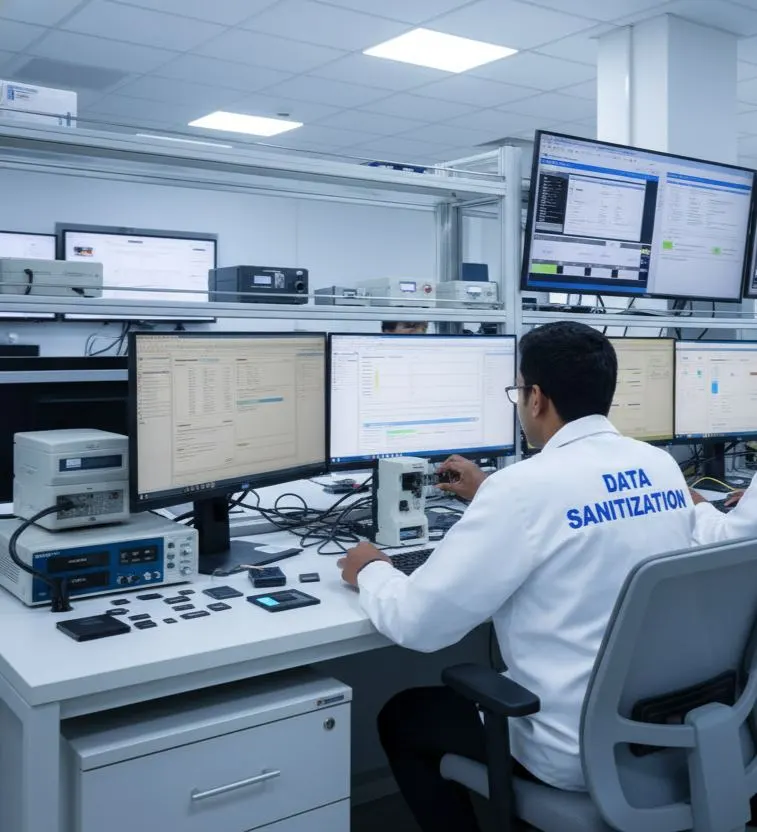
PXE NVMe Data Erasure
For larger environments, Data Sanitization Pro supports PXE-based deployment.
The default PXE configuration supports up to 64 computers, with the capacity configurable for larger environments.
Each booted computer can run its supported erasure workflow.
Actual deployment speed depends on:
- Network bandwidth
- PXE server resources
- Storage performance
- PCIe configuration
- System hardware
Offline NVMe Data Erasure Software
Some organizations need to perform sanitization inside isolated or restricted environments.
DSP supports offline data erasure workflows for appropriate deployments.
This can be useful for:
- Restricted networks
- Secure processing areas
- Data centres
- Controlled ITAD facilities
- Isolated systems
The goal is to keep the sanitization workflow under the organization's operational control.

NVMe Data Erasure for Reuse and Resale
A verified NVMe SSD can retain its hardware value when physical destruction is not required.
A typical lifecycle can be:
- Retire
- Erase
- Verify
- Certify
- Reuse / Resell
This is particularly relevant to organizations managing large numbers of enterprise SSDs.
DSP supports this process through software-based logical data erasure and device-level documentation.

When an NVMe SSD Needs Additional Assessment
Not every NVMe drive will expose the same capabilities.
Additional assessment may be required when a drive:
- Is not detected
- Has firmware limitations
- Cannot execute the required operation
- Is locked by a security configuration
- Fails during erasure
- Cannot complete verification
- Has significant hardware failure
A failed or incomplete operation should not be recorded as a successful erasure.
Data Sanitization Pro is a software-based logical data sanitization solution. Physical destruction of storage media is outside the scope of the software.

Why Choose Data Sanitization Pro for NVMe Erasure?
NVMe-Focused Workflow
Built around the requirements of supported NVMe storage.
25 Erasure Methods
Multiple methods for different storage technologies and policies.
Device-Aware Processing
Consider available drive capabilities before selecting the operation.
Verification
Record the final outcome of the erasure process.
Self-Certified Reporting
Generate auditable reports and certificates for completed jobs.
Up to 8 Drives
Process multiple selected drives simultaneously in supported configurations.
USB & PXE
Support boot-based workflows for system drives and larger deployments.
Offline Operation
Support controlled environments with limited or no continuous internet connectivity.
30-Day Free Trial — Test Your NVMe Drives
You can test Data Sanitization Pro before purchasing the software.
The current DSP trial offer provides a 30-day free trial, allowing organizations to evaluate the product on their supported environment before making a purchase.
Test Your NVMe Workflow
Evaluate:
- NVMe Drive Detection
- NVMe Erasure Methods
- Secure Erase / Sanitization Workflow
- Verification
- Reports & Certificates
- USB Boot
- PXE Deployment
No Credit Card Required
- 30 Days
- Full Product Trial
Frequently Asked Questions
What is NVMe data erasure software?
NVMe data erasure software is designed to remove stored information from supported NVMe SSDs using an appropriate logical erasure method. A professional workflow can include device detection, method selection, erasure, verification and reporting.
Can Data Sanitization Pro erase NVMe SSDs?
Yes, DSP is designed for supported NVMe SSD configurations. The exact operation depends on the capabilities exposed by the target drive and its system configuration.
What is the difference between NVMe wiping and NVMe sanitization?
NVMe wiping generally refers to removing stored data, while sanitization is the broader process of selecting an appropriate method, performing the operation, verifying the result and documenting what happened.
Can DSP erase M.2 NVMe drives?
Yes, supported M.2 NVMe SSDs can be processed according to their available capabilities and the configured erasure workflow.
Does DSP support U.2 and U.3 NVMe drives?
Supported U.2 and U.3 NVMe configurations can be processed where the drive is correctly detected and the required capabilities are available.
How many NVMe drives can DSP erase at once?
Data Sanitization Pro supports up to 8 selected drives simultaneously in supported configurations. Actual performance depends on the system and storage architecture.
Does DSP provide an NVMe data erasure certificate?
Yes. DSP can generate self-certified, auditable data erasure reports and certificates containing relevant device and processing information.
Is there a free trial for NVMe data erasure software?
Yes. Data Sanitization Pro offers a 30-day free trial, allowing organizations to test the software on supported NVMe storage before purchasing.
Secure Your NVMe SSDs Before Reuse, Resale or Retirement
Data Sanitization Pro provides certified NVMe data sanitization software for supported NVMe SSD environments, with: