
- Home
- Solutions
- IT Lifecycle And Resale
- Refurbishers Data Erasure
Data Sanitization for Refurbishers
Refurbishing a laptop or computer is more than repairing hardware and making it ready for resale.
A used device may still contain files, photos, documents, accounts, business information and other data from its previous owner.
Before refurbished equipment is resold, redeployed, exchanged, returned or released to a new customer, the storage device should go through an appropriate data sanitization process.
Data Sanitization Pro (DSP) provides professional data erasure software for refurbishers, helping refurbishment businesses securely sanitize supported HDDs, SSDs and NVMe drives, verify the result and generate professional erasure reports and certificates.
- Identify
- Erase
- Verify
- Certify
- Secure Data Wiping
- Verification
- Erasure Certificates
- Asset Records
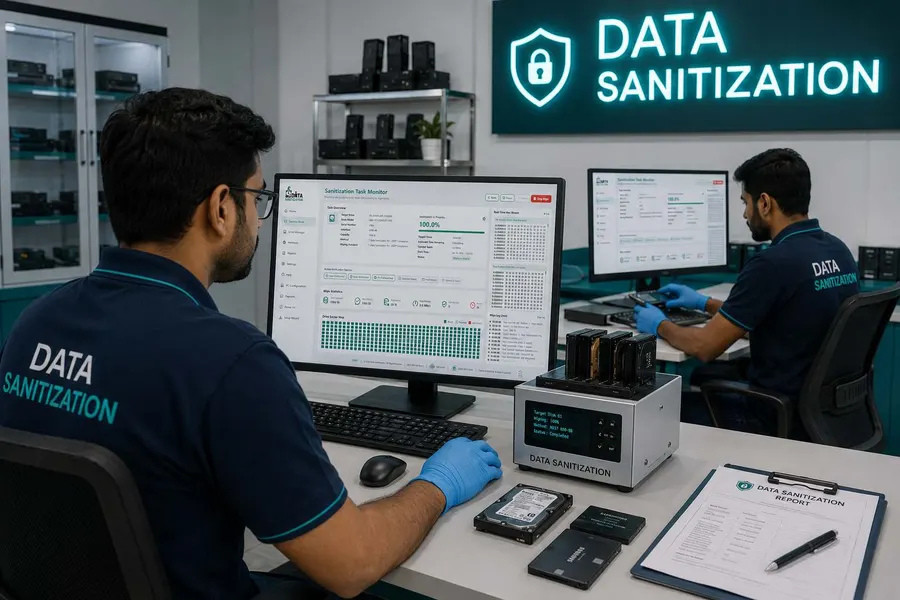
Overview
Data erasure software for refurbishers. Secure HDD, SSD and NVMe data before resale, verify results and generate professional erasure certificates.
Why Do Refurbishers Need Secure Data Erasure?
Refurbishers work with devices that previously belonged to someone else.
A returned laptop may contain personal files.
A corporate desktop may contain business documents.
A trade-in computer may still contain the previous owner's information.
A device may look completely clean after an operating-system reinstall while information can still remain on the storage media.
That is why secure data wiping before resale should be treated as part of the refurbishment workflow.
A controlled sanitization process can help refurbishment businesses:
- Remove data from supported storage devices
- Verify the completed erasure
- Identify the processed drive
- Maintain a record of the operation
- Generate an erasure certificate or report
- Prepare equipment for its next owner
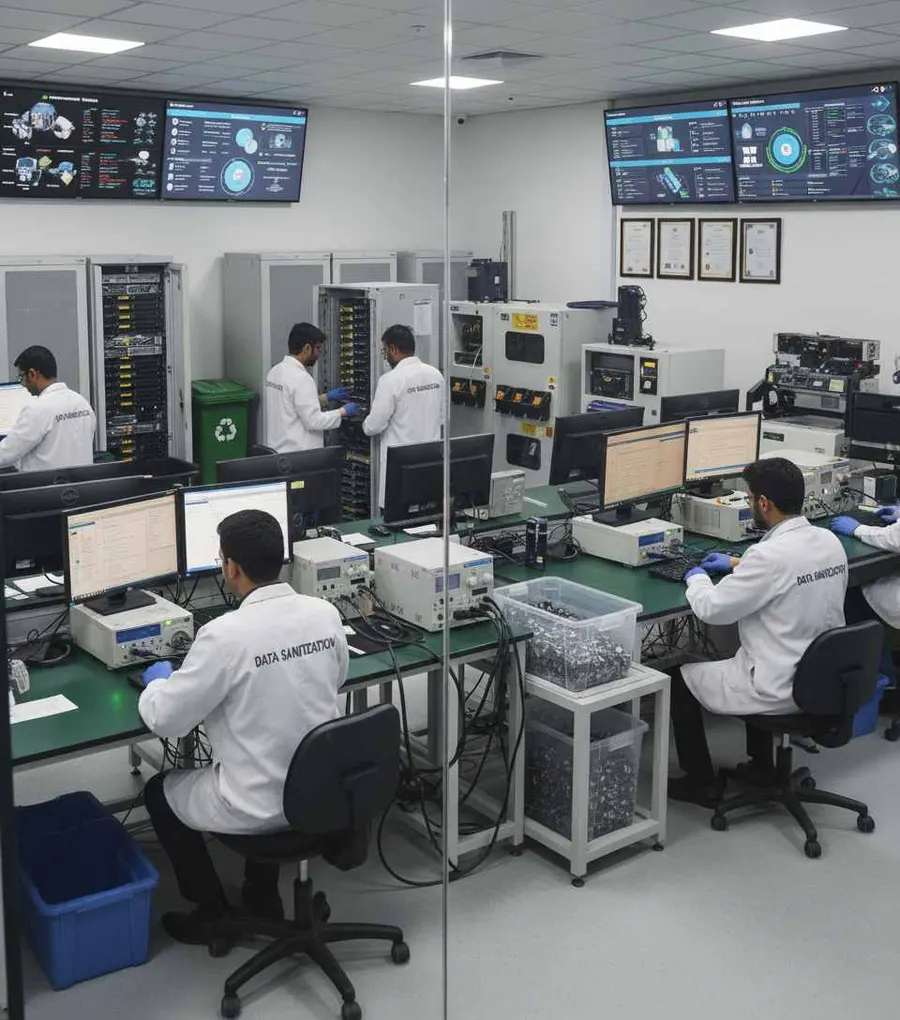
What Is Data Erasure for Refurbishers?
Refurbisher data erasure is the controlled sanitization of supported storage media before used or repaired equipment is prepared for another user.
A typical workflow can be:
- Receive
- Inspect
- Repair
- Data Erasure
- Verify
- Certify
- Test
- Resell
The exact order can vary according to the refurbishment operation, but the key objective remains the same:
Previous-owner data should be addressed before the device reaches its next owner.
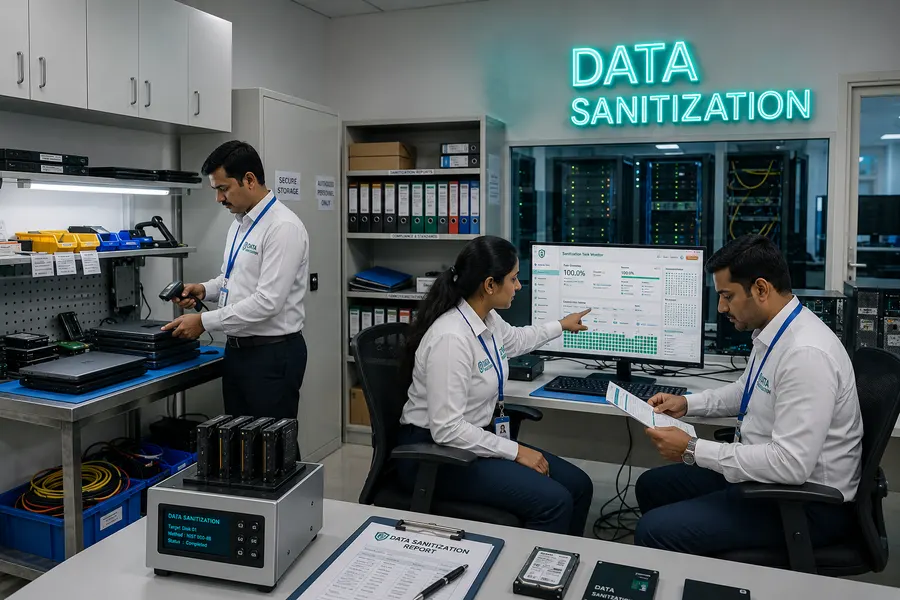
Data Sanitization Pro for Refurbishment Businesses
Professional Data Wiping Software
Data Sanitization Pro gives refurbishment teams a dedicated workflow for logical data erasure on supported storage devices.
DSP supports:
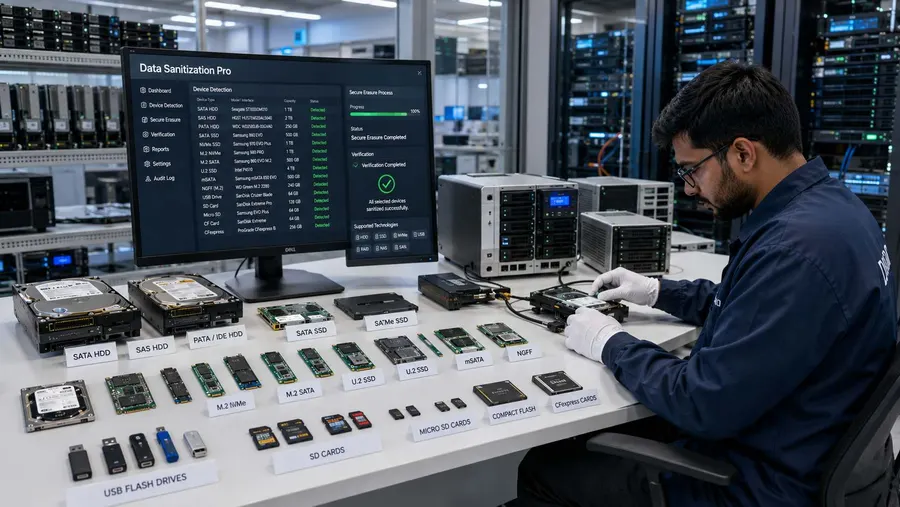
- HDD
- SSD
- NVMe
This allows refurbishers to include data sanitization in the same operational process used for used and refurbished equipment.
25 Data Erasure Methods
DSP provides 25 data erasure methods for supported workflows.
The appropriate sanitization method should be selected according to the storage technology, device capabilities, information sensitivity and the organization's approved process.
Erasure Verification
A refurbishment business should not have to depend only on a simple “wipe completed” status.
DSP provides verification of completed erasure for supported workflows, helping operators confirm and document the result.
Erasure Certificates & Reports
DSP can generate self-certified, auditable data erasure reports and certificates.
Depending on the workflow, records can include:
- Manufacturer
- Model
- Serial number
- Capacity
- Interface
- Drive type
- Firmware information
- Sanitization method
- Operation status
- Verification result
- Date and time
- Operator information
- Asset reference
This creates a documented link between the physical storage device and its sanitization process.
How Does Refurbished Device Data Wiping Work?
- 01
Receive the Used Device
The refurbisher receives a returned, traded-in, surplus or previously owned device.
- 02
Identify the Storage
Detect the supported storage device and capture its relevant information.
- 03
Inspect the Device
Review available device and health information where supported.
- 04
Select the Erasure Method
Choose the appropriate sanitization process for the storage media and approved workflow.
- 05
Erase the Data
Run the selected logical data erasure process.
- 06
Verify
Verify the completed operation for supported workflows.
- 07
Generate the Certificate
Create an erasure report or certificate for the device.
- 08
Complete Refurbishment
Continue with:
- Testing
- Grading
- Imaging / OS Preparation
- Cleaning
- Quality Check
- Resale
The exact refurbishment sequence can be adjusted to the business process.
Secure Data Wiping Before Reselling Refurbished Computers
A refurbished device can move through several hands before reaching the final customer.
For example:
- Previous Owner
- Collection
- Refurbisher
- Marketplace
- New Owner
The refurbisher has an important opportunity to address the previous owner's data before the equipment moves forward.
DSP helps make data wiping before resale a defined and documented part of that process.

Laptop Data Erasure for Refurbishers
Laptops are among the most commonly refurbished IT assets.
They may come from:
Corporate Refresh Programs
Trade-Ins
Lease Returns
Customer Returns
Employee Upgrades
Used Computer Dealers
ITAD Programs
The storage device can still contain information from the previous user.
DSP supports data-erasure workflows for supported laptop HDDs, SSDs and NVMe drives before the machine moves toward refurbishment and resale.
Desktop Computer Data Wiping
Used desktops also enter refurbishment workflows from businesses, institutions and individual owners.
Before a refurbished desktop reaches another customer, its supported storage media should be processed through the organization's approved sanitization workflow.
DSP can help refurbishers:
- Identify
- Erase
- Verify
- Certify
This provides a more structured process than relying only on deletion or formatting.

HDD Data Erasure for Refurbishment
Traditional hard drives are still found in many used desktops and older laptops.
When an HDD is removed, the refurbishment business may decide to:
Reuse
Refurbish
Resell
Return
Send to ITAD
Recycle
Retire
Before the drive moves into the appropriate path, an approved sanitization process can be applied where suitable.
DSP supports HDD data-erasure workflows for supported devices.
SSD Data Erasure for Refurbishers
SSD sanitization requires more attention than simple file deletion.
Solid-state storage involves technologies such as:
NAND
Controllers
Firmware
Wear Leveling
Device-Specific Capabilities
Because of these characteristics, the appropriate sanitization method should be selected for the actual storage technology and device capabilities.
DSP supports SSD data-erasure workflows for supported devices and provides verification and reporting.
NVMe Data Erasure Before Resale
Newer refurbished laptops and desktops frequently use NVMe storage.
A refurbisher may receive an NVMe-equipped device through a trade-in, corporate refresh, return or used-equipment program.
Before resale, the previous data should be handled through an appropriate sanitization workflow.
DSP supports NVMe data-erasure workflows for supported devices.
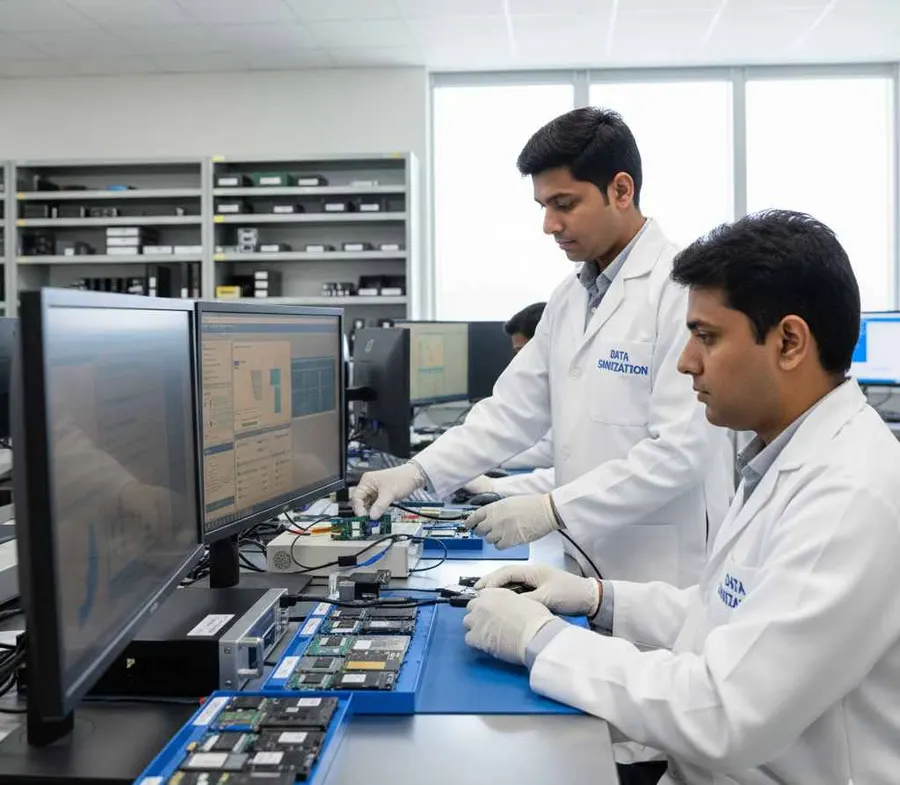
Secure Data Wiping for Trade-In Devices
Trade-in programs can create a large and regular flow of used computers.
A typical process may look like:
- Customer Trade-In
- Device Inspection
- Data Sanitization
- Refurbishment
- Testing
- Resale
The data-sanitization stage helps separate the previous owner's information from the refurbished product.
DSP can be incorporated into this workflow for supported storage devices.
Data Erasure for Returned Devices
Customer returns can create another data-security challenge.
A returned computer may be:
Exchanged
Refunded
Repaired
Restocked
Refurbished
Resold
Even when the device appears to be in excellent condition, the storage may still contain data.
Before it is returned to inventory, the refurbisher can include data sanitization as a defined part of the return-processing workflow.
Data Wiping Before Reimaging a Computer
Many refurbishers reinstall an operating system before resale.
That process should not automatically be confused with secure data sanitization.
A better workflow can be:
- Sanitize
- Verify
- Reimage
- Test
- Grade
- Resell
DSP can handle the data erasure and verification stage for supported storage devices.
Certified Data Erasure for Refurbishers
A refurbisher may tell a customer that a device has been wiped.
A documented record can provide much more detail.
A data erasure report can help answer:
Which storage device was processed?
What is the serial number?
Which sanitization method was used?
When was the process completed?
Was the erasure verified?
DSP can generate self-certified, auditable reports and certificates containing relevant device and process information.
This can help create a clearer record for refurbished inventory.
Asset-Level Traceability
Refurbishment businesses may process large volumes of similar laptops and computers.
That makes device identification important.
A useful workflow connects:
- Asset ID
- Drive Serial Number
- Erasure Method
- Verification
- Certificate
This can make internal tracking easier when multiple devices are being processed at the same time.
DSP can capture relevant device and operation information to support this record.
Process Multiple Drives at Once
Refurbishment facilities may process batches of machines every day.
DSP supports processing of up to 8 supported drives simultaneously, subject to hardware and system configuration.
This can be useful for:
Bulk Laptop Refurbishment
Desktop Refurbishment
Trade-In Batches
Returned Device Processing
Corporate Equipment
Used Computer Inventory
Actual throughput depends on the processing hardware and operational setup.
Offline Data Erasure for Refurbishment Centres
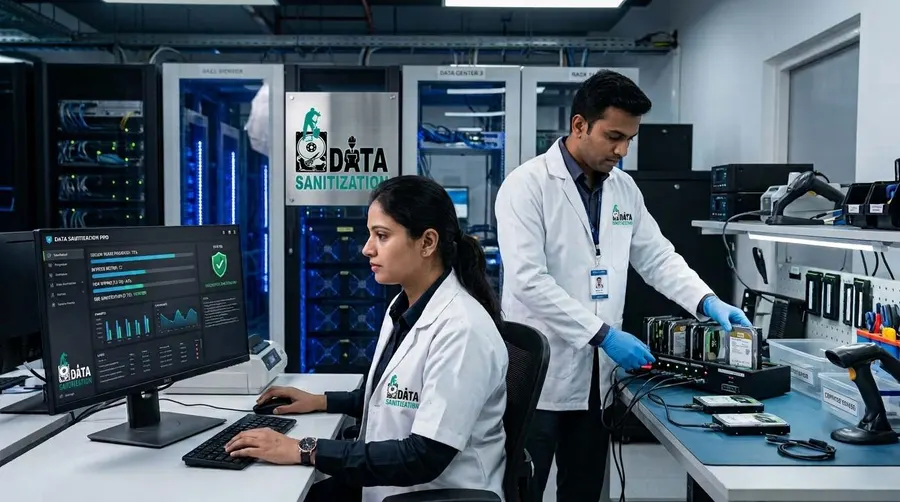
Refurbishment centres may prefer to perform data wiping in a controlled local environment.
DSP supports offline operation.
This can be useful for:
Refurbishment Workshops
Warehouse Processing Areas
Secure IT Rooms
Device Testing Centres
Controlled Asset Processing Facilities
An offline workflow can help keep the sanitization activity within the business's operational environment.
USB & PXE Boot Support
DSP supports USB and PXE boot workflows.
This is useful when the storage device being sanitized is the active system drive.
A Windows system drive generally cannot be erased while Windows is actively using it.
For suitable supported systems, operators can boot into an appropriate DSP environment through USB or PXE and perform the required sanitization workflow outside the active operating system.
PXE supports up to 64 computers by default, with higher configurations possible depending on deployment requirements.
Device Health Assessment for Refurbishers
Not every storage device is suitable for reuse.
A refurbishment business may need to understand the condition of the drive before deciding whether to:
Reuse
Refurbish
Resell
Replace
Recycle
Retire
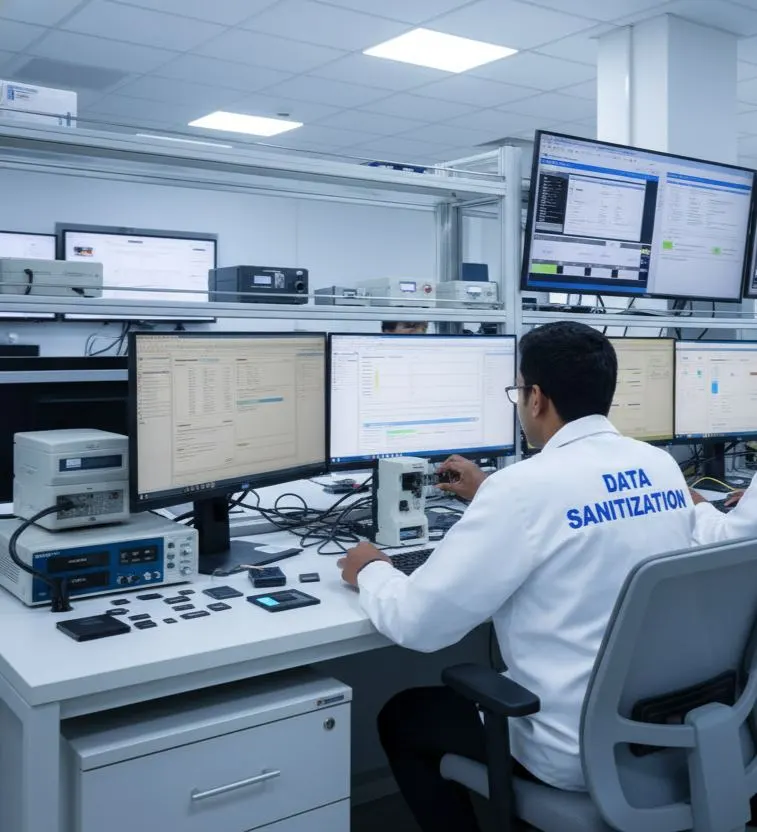
Where supported, DSP can provide information related to:
- SMART data
- Drive health
- Bad sectors
- Errors
- Device characteristics
This can help operators evaluate the storage media as part of the broader refurbishment workflow.
A storage device with serious hardware problems may require a different disposition rather than a normal logical-sanitization process.
When Software Erasure Is Not the Right Option
Logical data erasure is not the answer for every storage device or every situation.
A refurbisher may encounter media that:
- Is physically damaged
- Cannot reliably communicate with the required software environment
- Has hardware problems affecting sanitization
- Requires a different approved sanitization technique
- Must be physically destroyed under the organization's policy
DSP focuses on software-based logical data erasure.
It does not physically shred, crush, drill or destroy storage devices.
When software sanitization is unsuitable, the appropriate alternative should be selected according to the organization's approved media-disposition policy.
Standards-Based Data Sanitization for Refurbishers
Refurbishment operations that process corporate or customer-owned equipment may have specific requirements for media sanitization and evidence.
NIST SP 800-88 Rev. 2, finalized in September 2025, focuses on establishing a media sanitization program and choosing appropriate techniques and controls based on information sensitivity and media characteristics.
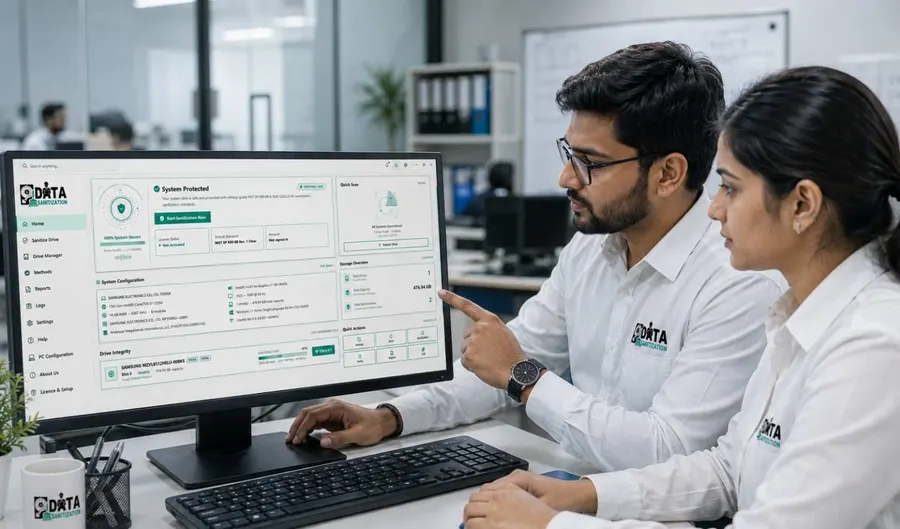
DSP is designed to support standards-based data erasure workflows, including method selection, verification and documentation.
The chosen sanitization approach should always match the actual media, device capabilities and the organization's approved requirements.
Refurbishment + ITAD Data Erasure
Refurbishment and IT Asset Disposition often work closely together.
A typical lifecycle can be:
- Corporate Asset
- ITAD
- Refurbishment
- Sanitization
- Testing
- Resale
or:
- Trade-In
- Refurbishment
- Data Erasure
- Verification
- Resale
DSP can support the sanitization stage within these workflows for supported storage devices.
Learn more about ITAD Data Erasure.
Data Sanitization for Refurbishers Worldwide
Refurbishment businesses operate across global used-electronics markets.
Data Sanitization Pro is designed to support controlled data-erasure workflows for refurbishers worldwide.
It can be useful for:
Laptop Refurbishers
Desktop Refurbishers
Used Computer Dealers
Electronics Refurbishment Centres
Trade-In Businesses
Recommerce Companies
ITAD Providers
Electronics Resellers
Warehouse Processing Teams
Whether devices are processed in India or as part of an international refurbishment operation, the basic principle remains:
Erase the previous data before the device reaches the next owner.
Who Can Use Data Sanitization Pro?
Laptop Refurbishers
Securely sanitize supported storage before refurbished laptops are resold.
Computer Refurbishers
Create a documented data-wiping process for used desktops and workstations.
Electronics Refurbishment Centres
Add secure data erasure to the device refurbishment workflow.
Trade-In Businesses
Sanitize devices received through buyback and trade-in programs.
Used Computer Dealers
Wipe supported storage before selling used equipment.
Recommerce Businesses
Include data sanitization in the used-device lifecycle.
ITAD & Asset Recovery Companies
Use data erasure before assets move toward refurbishment or resale.
Marketplace Sellers
Prepare used electronics for a new owner with a documented sanitization workflow.
Why Choose Data Sanitization Pro for Refurbishment?
Professional Data Erasure Software
Built for controlled logical data sanitization workflows.
25 Erasure Methods
Multiple methods for supported storage technologies and operational requirements.
Verification
Verify the completed erasure for supported workflows.
Erasure Certificates
Generate self-certified, auditable reports and certificates.
HDD, SSD & NVMe
Support multiple storage technologies through one software workflow where supported.
Offline Operation
Useful for controlled refurbishment environments.
USB & PXE Boot
Support flexible system-drive sanitization workflows.
Device Identification
Capture important device information for better asset tracking.
Health Information
Review available SMART, health, error and bad-sector information where supported.
Worldwide Use
Designed for refurbishers and used-device businesses operating worldwide.
Refurbisher Data Erasure FAQs
What is data erasure for refurbishers?
It is the controlled sanitization of supported storage devices before used or refurbished equipment is resold, reused, returned, transferred or recycled.
Why should refurbishers wipe used computers before resale?
Used computers may still contain information from the previous owner. Secure data wiping helps address that data before the device reaches a new customer.
Is reinstalling Windows enough to remove old data?
Reinstalling an operating system should not automatically be treated as a complete media-sanitization process. The appropriate sanitization method depends on the storage technology, device capabilities and required level of assurance.
Can DSP erase refurbished laptop HDDs?
Yes. DSP supports HDD data-erasure workflows for supported drives.
Can DSP erase refurbished SSDs?
Yes. DSP supports SSD data-erasure workflows for supported devices.
Can DSP erase NVMe drives before resale?
Yes. DSP supports NVMe data-erasure workflows for supported devices.
Can refurbishers verify data erasure?
Yes. DSP provides verification of completed erasure for supported workflows.
Can DSP generate a data erasure certificate?
Yes. DSP can generate self-certified, auditable reports and certificates containing relevant device and process information.
Can DSP be used for trade-in devices?
Yes. DSP can be incorporated into trade-in and buyback workflows where supported storage devices need to be sanitized before refurbishment or resale.
Can DSP erase multiple drives at once?
Yes. DSP supports up to 8 supported drives simultaneously, subject to hardware and system configuration.
Can refurbishers use DSP offline?
Yes. DSP supports offline data-erasure workflows.
Can DSP erase a Windows system drive?
A Windows system drive actively being used by Windows generally cannot be erased from within the running operating system. USB or PXE boot can be used for suitable supported workflows.
Does DSP physically destroy hard drives?
No. DSP is software-based and focuses on logical data erasure and sanitization. Physical destruction requires a separate process.
Is DSP suitable for refurbishment businesses worldwide?
Yes. DSP is designed to support controlled data-erasure workflows for refurbishers, resellers and recommerce businesses worldwide.
Related Solutions
ITAD & Recyclers
Controlled erasure inside the ITAD workflow
Read MoreData Centres
Erasure as part of server decommissioning
Read MoreMSPs & Resellers
Add professional data erasure to your IT services
Read MoreRepair Shops
Erase the drive before the device changes hands
Read MoreMarketplaces
For used, returned and refurbished devices
Read MoreSecure the Data Before Reselling the Device
Before a used device is refurbished, reimaged, resold, reused or transferred, make secure data erasure part of the workflow.