
Certified RAID Array Data Sanitization Software
Data Sanitization Pro (DSP) is a professional RAID data erasure software solution designed to support controlled sanitization workflows for supported RAID storage environments and physical member drives.
RAID systems can contain databases, virtual machines, application data, file shares, backups, customer records and other sensitive information distributed across multiple physical drives.
When a RAID server or storage system is decommissioned, upgraded, refurbished, resold or returned, simply deleting files or removing a logical volume should not automatically be treated as complete media sanitization.
DSP helps organizations erase, verify, certify and document supported RAID storage sanitization operations.
The platform combines RAID data erasure, multiple sanitization methods, physical drive identification, verification, health assessment and auditable certificates in one controlled workflow.
- RAID Array
- RAID Storage
- RAID Drives
- HDD
- SSD
- SAS
- SATA
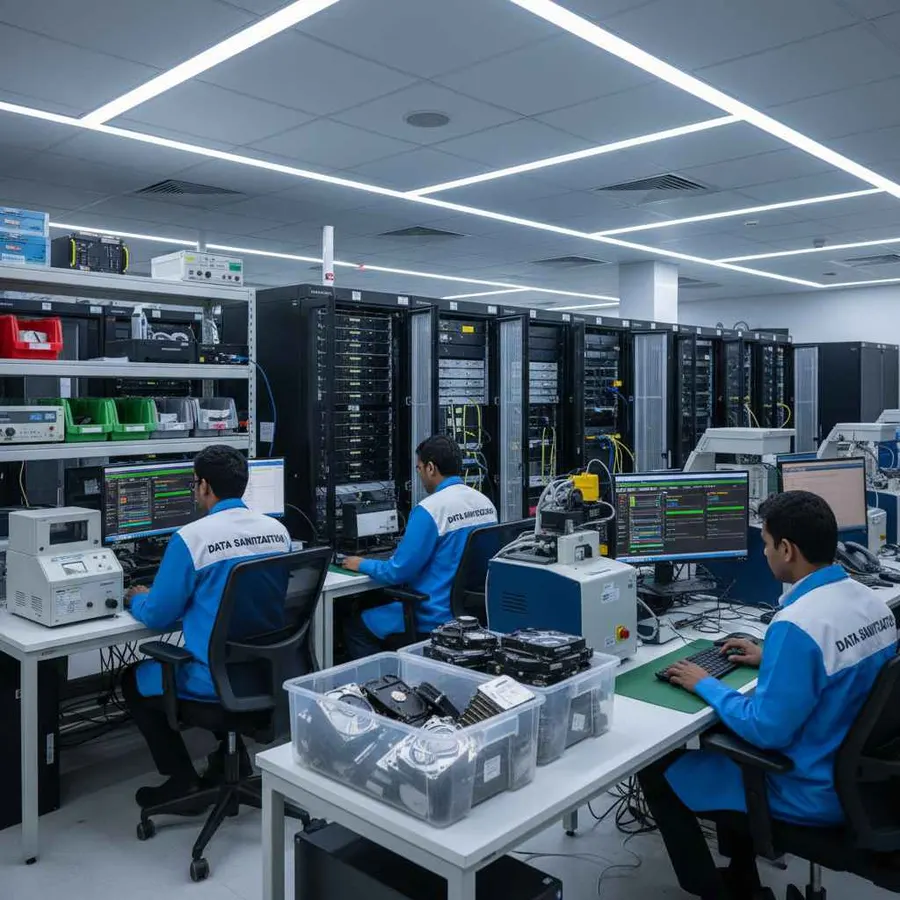
Secure Data Erasure for RAID Arrays
RAID is designed to provide redundancy, performance or capacity by combining multiple physical storage devices into a logical storage system.
That means sensitive information may be distributed across more than one physical drive.
Depending on the configuration, a RAID environment can contain:
- Business databases
- Virtual machines
- File-server data
- Application data
- Backups
- Customer information
- Employee records
- Financial information
- Email data
- Archived files
- System and security logs
Deleting a folder, removing a partition or destroying a logical volume does not by itself establish that every physical member drive has been appropriately sanitized.
Professional RAID array data erasure software provides a structured approach to processing supported storage media after the array has been properly decommissioned.
Data Sanitization Pro is designed around a simple operational workflow:
- Identify
- Isolate
- Select
- Erase
- Verify
- Certify
The physical RAID hardware remains intact. DSP provides software-based logical data destruction rather than physically shredding, crushing or drilling the drives.

What Does RAID Array Data Sanitization Mean?
RAID array data sanitization is the controlled process of removing information from the physical storage media associated with a RAID environment so that access to the target data is no longer feasible for the selected sanitization outcome.
A RAID system can involve:
- Physical HDDs
- Enterprise SSDs
- SAS drives
- SATA drives
- NVMe storage
- RAID controllers
- HBAs
- Hot-swap drive bays
- Multiple RAID arrays
- Spare and replacement drives
Professional sanitization is different from:
- Deleting files
- Quick formatting
- Removing a partition
- Deleting a logical disk
- Rebuilding an array
- Removing a virtual machine
- Reinstalling an operating system
- Resetting a storage controller
The key issue is the physical media.
A logical RAID volume may present storage as one usable device while the underlying information can be distributed across several member drives.
For this reason, a RAID data erasure software workflow should begin by identifying how the physical storage is presented and which devices can be safely processed.
Data Sanitization Pro: Built for Controlled RAID Erasure
Data Sanitization Pro (DSP) is designed for organizations that need more than a basic RAID wipe tool.
The software provides relevant capabilities for supported RAID-storage sanitization workflows, including:
Permanent Data Erasure
DSP is designed to permanently erase information from supported physical storage through a software-based logical sanitization process.
Logical Data Destruction
The selected erasure workflow targets accessible storage media while keeping the physical drives available for an approved next lifecycle stage.
Multiple Erasure Methods
DSP supports 25 data erasure methods, allowing organizations to select an appropriate methodology for their operational requirements.
Verification
The completed erasure process can be verified and the resulting status recorded.
Auditable Reporting
DSP can generate self-certified, auditable data erasure reports and certificates containing relevant device and processing information.
Physical Drive Identification
Available information such as manufacturer, model, serial number, capacity, interface and firmware can be associated with the processing record.
Drive Health Assessment
Available SMART, bad-sector, error and health information can help teams evaluate member drives before reuse.
Multi-Drive Processing
DSP supports processing up to 8 drives simultaneously in supported configurations.
Offline Operation
Supported offline workflows allow sanitization to be performed in controlled environments where internet connectivity is restricted.
From RAID Drive Detection to a Verified Erasure Certificate
- 01
Identify the RAID Environment
Record the server or storage system and understand its RAID configuration before processing begins.
- RAID Controller
- HBA
- Array
- Physical Drives
- Storage Type
- 02
Decommission the RAID Environment
Confirm that the array, server and associated storage are no longer required for production use.
Before erasure, the organization should complete its approved migration, backup, retention and decommissioning procedures.
- 03
Expose the Physical Drives
Determine whether the RAID controller or HBA presents the individual member drives to the sanitization environment.
A logical RAID volume and the underlying physical disks are not necessarily the same processing target.
- 04
Select the Sanitization Method
Choose the appropriate RAID data wiping method according to the storage technology, device capabilities and organizational policy.
- 05
Erase the Data
DSP performs the selected RAID data erasure workflow against the supported accessible storage.
- 06
Verify the Result
Review the completed operation using the applicable verification workflow.
- 07
Certify and Report
Generate the relevant erasure documentation and associate the certificate with the processed physical drive or asset record.
- 08
Complete the Asset Lifecycle
After successful processing and verification, the drives can move to their next approved lifecycle stage.
RAID Array Types and Storage Configurations
RAID can be implemented using different layouts depending on the required redundancy, capacity and performance.
RAID 0
Data is striped across multiple drives for performance and capacity without traditional redundancy.
For sanitization, all physical member drives may need to be addressed because the logical data is distributed across the array.
RAID 1
Data is mirrored across drives.
A physical member drive can contain a complete copy of the mirrored data, making individual media handling important during decommissioning.
RAID 5
Uses striping with distributed parity across multiple drives.
Sensitive information and parity information can be distributed among the physical members.
RAID 6
Uses distributed parity with additional redundancy.
All relevant physical member drives should be considered during the storage retirement process.
RAID 10
Combines mirroring and striping.
Multiple physical drives participate in the storage layout, so member-drive handling is important.
RAID 50
Combines RAID 5 arrays with striping across the groups.
The physical storage layout can involve a larger number of drives.
RAID 60
Combines RAID 6 arrays with striping across groups.
Large enterprise storage environments can contain many physical members.
The exact sanitization workflow depends on the RAID implementation, controller, physical drive access and decommissioning process.
RAID Controllers and Storage Access
RAID environments often use a hardware or software layer between the operating system and physical disks.
Common components include:
Hardware RAID Controllers
Dedicated controllers manage RAID arrays and may abstract individual physical drives behind logical volumes.
Host Bus Adapters
HBAs can provide a different storage presentation and may allow direct access to physical drives depending on the configuration.
Software RAID
The operating system can combine multiple disks into a software-managed RAID configuration.
Hot-Swap Drive Bays
Enterprise servers can contain removable drive bays connected to a RAID controller or backplane.
Storage Backplanes
Backplanes can affect how drives are presented to the server and sanitization workstation.
Before erasure, the organization should determine whether the target environment exposes:
Logical RAID Volume
or
Individual Physical Drives
For a media sanitization workflow, the physical drive is often the important processing target.
RAID HDD, SSD and NVMe Storage
RAID arrays can use several storage technologies.
RAID HDD
Enterprise hard drives are common in capacity-focused storage environments.
Common workflows include:
RAID HDD Erasure
RAID HDD Wiping
RAID HDD Sanitization
RAID Hard Drive Erasure
RAID Hard Drive Data Wiping
RAID SSD
SSDs can be used in high-performance RAID environments.
SSD sanitization should account for flash-storage behavior, controller management and the capabilities exposed by the device.
RAID NVMe
Modern enterprise storage systems can use NVMe-based drives.
The applicable RAID NVMe data erasure process depends on the NVMe device, storage architecture and controller configuration.
RAID SAS
SAS drives are widely used in enterprise servers and storage systems.
Supported SAS drives can be processed through an appropriate sanitization workflow when the individual drives are accessible.
RAID SATA
SATA HDDs and SSDs can also be used in RAID environments.
The selected sanitization method depends on the actual device and available operations.
RAID Interfaces and Drive Connections
RAID storage can involve different physical interfaces and connection architectures.
SAS
Common in enterprise servers and storage systems.
SATA
Used with many HDD and SSD configurations.
NVMe / PCIe
Used for high-performance flash storage.
HBA Connections
Can provide direct or controlled physical-drive access depending on the architecture.
RAID Controller Connections
Can abstract several physical disks into one logical storage device.
Drive Backplanes
Can connect multiple hot-swappable drives to the server's storage controller.
Actual processing depends on the specific controller, firmware, storage device and access path.
Data Erasure Methods for RAID Storage
Different organizations may have different requirements for RAID wiping, RAID erasure and RAID data sanitization.
Data Sanitization Pro supports 25 data erasure methods, allowing organizations to select an appropriate methodology for supported storage workflows.
The current NIST media-sanitization publication is SP 800-88 Revision 2. NIST describes media sanitization as a process that renders access to target data infeasible for a given level of effort and emphasizes choosing applicable techniques and controls based on the information and media involved.
For RAID environments, the decision should consider:
- RAID level
- Storage technology
- Controller architecture
- Physical-drive accessibility
- Encryption
- Information sensitivity
- Organizational policy
- Intended lifecycle outcome
The appropriate method should be selected based on the actual media and environment rather than simply choosing the largest overwrite pass count.
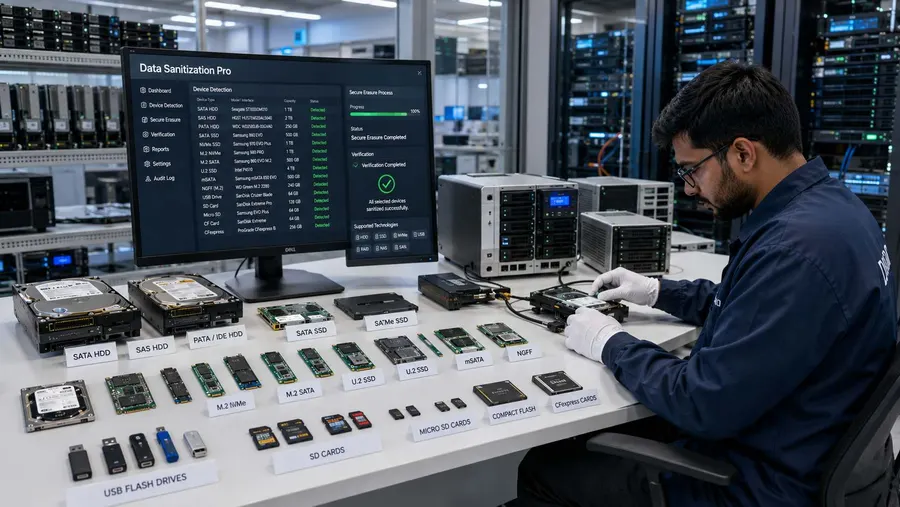
Permanent RAID Data Erasure
Organizations may use different terms when searching for secure RAID wiping:
Permanent RAID Erasure
Permanent RAID Array Erasure
Permanent RAID Wipe
Permanent RAID Sanitization
Complete RAID Data Erasure
Secure RAID Erasure
Secure RAID Wiping
Irrecoverable RAID Data Erasure
For Data Sanitization Pro, the relevant capability is:
Permanent Software-Based Logical Data Erasure for Supported Storage
DSP is designed to erase data from supported physical drives while keeping the hardware intact.
This makes the software suitable for approved workflows involving:
Reuse
Redeployment
Refurbishment
Resale
IT Asset Disposition
Storage Retirement
RAID Verification and Data Erasure Validation
A RAID sanitization project should not be considered complete simply because a logical volume has been deleted or a storage controller reports that an array has been removed.
A professional RAID data erasure verification workflow should establish what physical storage was actually processed.
Relevant information can include:
- Manufacturer
- Model
- Serial number
- Capacity
- Interface
- Firmware
- Drive type
- RAID role
- Erasure method
- Processing status
- Verification result
- Start time
- Completion time
- Operator information
- Asset reference
This creates a more traceable record for each processed storage device.

Self-Certified and Auditable RAID Erasure Certificates
A professional RAID data erasure certificate should be associated with the physical storage asset and the operation performed on it.
Data Sanitization Pro can generate self-certified, auditable data erasure certificates and reports for supported workflows.
The record can connect:
- RAID Asset
- Physical Drive
- Erasure Method
- Verification
- Certificate
Relevant information may include:
- Server or storage reference
- RAID environment
- Drive manufacturer
- Model
- Serial number
- Capacity
- Interface
- Selected sanitization method
- Processing details
- Verification result
- Processing timestamps
- Operator information
- Asset reference
- Certificate or report identification
This can provide useful evidence for internal asset records, data-center decommissioning, ITAD, refurbishment, resale and audit preparation.
Explore RAID Erasure Reports and Certificates
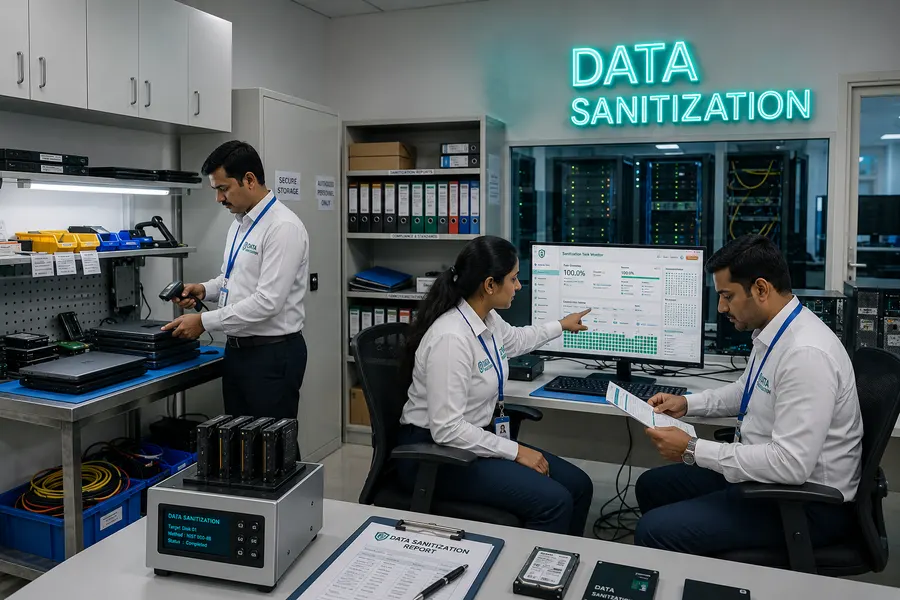
Process Multiple RAID Drives at the Same Time
Professional RAID wiping software becomes especially valuable during server retirement and data-center migration projects.
A single RAID environment can contain multiple physical storage devices.
Data Sanitization Pro supports up to 8 drives simultaneously in supported configurations.
This can be useful during:
- RAID decommissioning
- Server refresh
- Storage replacement
- Data-center migration
- ITAD processing
- Refurbishment
- Resale preparation
Actual throughput depends on:
- RAID controller
- HBA configuration
- Drive interface
- Host hardware
- Bus bandwidth
- Drive performance
- Storage architecture
- System resources
Parallel processing does not automatically mean that every RAID environment can be sanitized at the same speed.
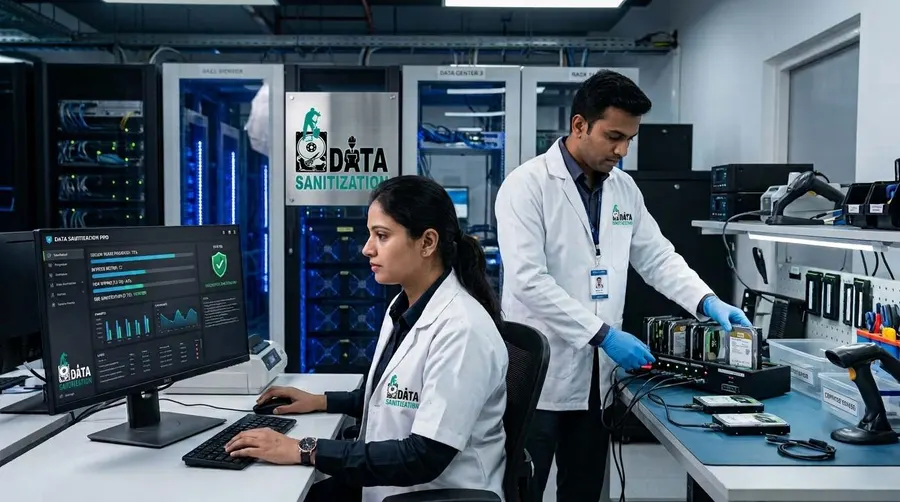
RAID System Drive and Boot-Based Erasure
A server's active operating-system storage generally cannot be sanitized from the same operating environment that is running from it.
For decommissioned server infrastructure, a separate boot environment may therefore be required.
Data Sanitization Pro supports USB and PXE-based boot workflows for supported deployments.
This can allow a server to start in a controlled sanitization environment before the target physical storage is processed.
This is particularly useful for:
Windows Servers
Linux Servers
Virtualization Hosts
Database Servers
File Servers
Storage Servers
The exact workflow depends on the server, controller, boot configuration and whether the individual member drives are exposed correctly.
PXE Deployment for Large RAID and Server Fleets
For larger infrastructure environments, network boot can simplify deployment across multiple systems.
Data Sanitization Pro supports PXE deployment for up to 64 computers by default, with configured client capacity adjustable for larger environments.
This can support large-scale server and endpoint sanitization projects.
Each system can perform its own supported sanitization operation while overall throughput depends on:
- Network capacity
- Server hardware
- Storage performance
- Controller configuration
- PXE infrastructure
- Deployment architecture
- Available system resources
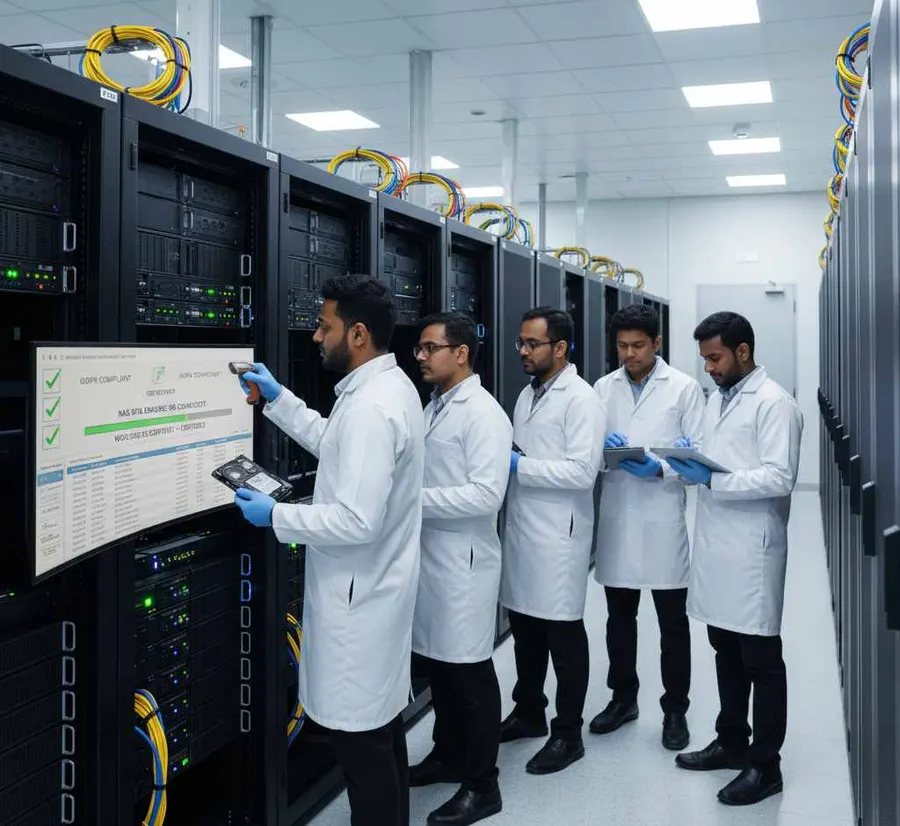
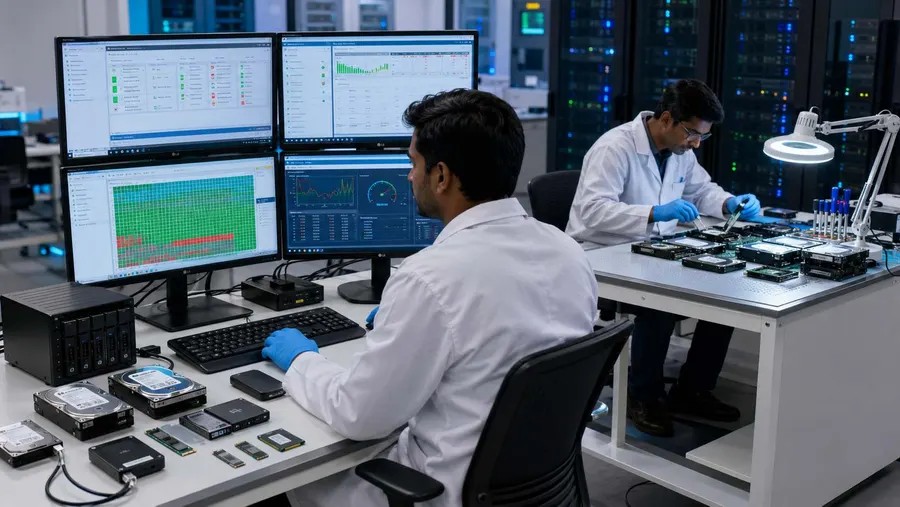
RAID Drive Health Assessment Before Reuse
Data erasure and hardware condition are separate decisions.
A RAID member drive can successfully complete a sanitization process and still be unsuitable for reuse.
DSP can provide available information relating to:
- SMART data
- Drive health
- Bad sectors
- Read errors
- Storage status
- Hardware condition
This helps organizations separate:
Data Security: Was the required sanitization process completed?
Asset Condition: Is the physical drive suitable for reuse?
That distinction is particularly important for server refurbishment and ITAD operations.
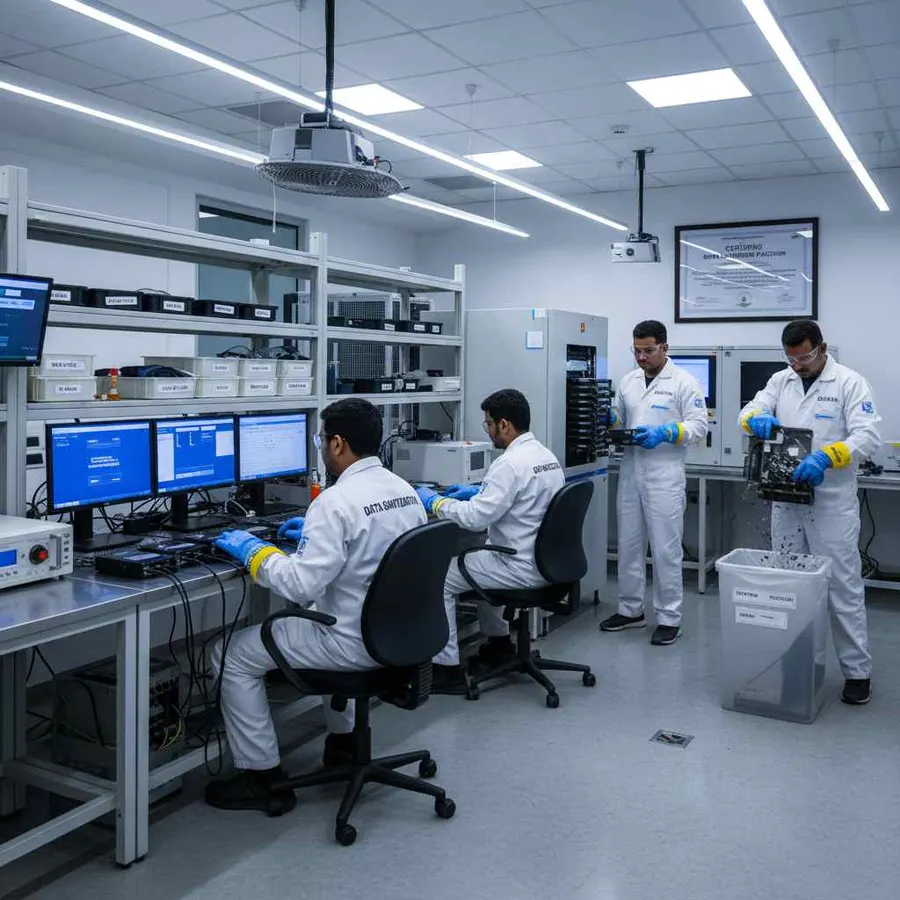
Offline RAID Data Sanitization
Some organizations require storage media to remain inside controlled environments during sanitization.
Data Sanitization Pro supports offline data sanitization workflows for supported deployments.
This can be relevant to:
- Data centers
- Government facilities
- Financial institutions
- Enterprise IT environments
- Secure processing rooms
- ITAD facilities
- Restricted infrastructure locations
The exact deployment model depends on the organization's infrastructure and software configuration.
RAID Sanitization Across the IT Asset Lifecycle
A professional RAID array data erasure software workflow can support several stages of infrastructure lifecycle management.
Decommissioning
Sanitize physical member drives after the RAID system is removed from production.
Storage Upgrade
Process retired drives after replacing them with newer storage.
Server Refresh
Sanitize drives removed during server replacement.
Redeployment
Prepare eligible storage for another approved infrastructure role.
Refurbishment
Remove previous data before used server equipment enters refurbishment.
Resale
Document sanitization before server hardware changes ownership.
ITAD
Integrate RAID drive erasure into a controlled asset-disposition workflow.
Return
Sanitize leased or returned infrastructure before it leaves organizational control.
Retirement
Complete the approved sanitization process and retain the resulting documentation.
Who Uses RAID Data Sanitization Software?
Enterprise IT
For server refresh, storage retirement and infrastructure decommissioning.
Read MoreData Centers
For large-scale RAID server and storage lifecycle operations.
ITAD Companies
For physical RAID-drive wiping, verification, reporting and asset documentation.
Refurbishers
For used server and storage hardware being prepared for resale or reuse.
Government Organizations
For controlled media sanitization during infrastructure retirement.
Banking and Finance
For servers and storage containing sensitive financial and operational data.
Healthcare
For storage media associated with systems containing sensitive organizational information.
Read MoreCloud and Hosting Providers
For storage and server retirement during infrastructure upgrades.
MSPs and Resellers
For adding professional server and RAID data erasure to asset-lifecycle workflows.
Certifications, Verification and Trust
Data Sanitization Pro combines software-based data-erasure capabilities with documented processing output.
The platform provides:
Software-Based Logical Data Erasure
Controlled data erasure from supported physical storage without automatically physically destroying the RAID hardware.
Verification
A recorded result for the completed sanitization operation.
Self-Certified Certificates
Auditable reports generated from completed erasure workflows.
Detailed Drive Records
Available drive identity and processing information can be associated with the individual storage asset.
ISO and STQC Credentials
Applicable certifications and assessments can be presented according to their exact documented scope.
A software-generated RAID data erasure certificate documents a completed processing job. An ISO, STQC or other external certification has its own defined certification or assessment scope.
Why Choose Data Sanitization Pro for RAID Erasure?
Certified Data Sanitization Software
Built for organizations that need controlled and documented RAID-storage sanitization.
Permanent Data Erasure
Designed for permanent software-based logical erasure on supported physical storage.
25 Erasure Methods
Multiple supported methodologies for different organizational requirements.
Verification
Check and record the outcome of the completed storage-erasure process.
Auditable Certificates
Generate self-certified data erasure certificates and reports.
RAID HDD and SSD Workflows
Support supported HDD and SSD configurations where the physical drives are accessible.
SAS, SATA and NVMe Storage
Process supported storage devices according to their actual interface and device capabilities.
Multi-Drive Processing
Process up to 8 supported drives simultaneously.
USB and PXE Workflows
Support boot-based processing and larger deployment environments.
Offline Operation
Support controlled sanitization environments where internet access is restricted.
Drive Health Assessment
Review available drive-health and error information before reuse.
Frequently Asked Questions
What is RAID data erasure software?
RAID data erasure software is designed to securely remove information from supported storage media associated with a RAID environment. A professional workflow can combine physical-drive identification, erasure, verification, reporting and certification.
What is RAID array sanitization?
RAID array sanitization is the controlled process of removing information from the physical storage associated with a RAID environment so that access to the target data is no longer feasible for the selected sanitization outcome.
Is deleting a RAID volume enough to erase the data?
No. Deleting a logical volume or RAID configuration does not automatically mean that all physical member drives have been appropriately sanitized.
Can I wipe a live RAID array?
A live production RAID array should not be treated as a normal sanitization target. The organization should first complete its approved migration, backup, retention and decommissioning procedures.
Can Data Sanitization Pro erase RAID HDDs?
DSP supports HDD data-erasure workflows for supported physical drives. The actual process depends on whether the RAID controller or HBA exposes the individual member drives to the sanitization environment.
Can Data Sanitization Pro erase RAID SSDs?
DSP supports SSD sanitization workflows for supported configurations. The selected method depends on the SSD technology, controller, firmware and available device capabilities.
Does Data Sanitization Pro support RAID NVMe storage?
Supported NVMe storage can be processed where the device and storage architecture expose an applicable supported sanitization workflow.
Can SAS RAID drives be erased?
Supported SAS drives can be processed through an appropriate sanitization workflow when the physical drives are accessible to the processing environment.
Does RAID 1 require both drives to be sanitized?
For decommissioned RAID 1 storage, each physical member drive should be considered because the mirrored configuration can contain redundant copies of the stored information. The exact process should follow the organization's approved sanitization policy.
Does RAID 5 require all member drives to be processed?
A RAID 5 array distributes data and parity across multiple physical drives. The organization's decommissioning process should therefore account for all physical members that may contain relevant data.
Can Data Sanitization Pro generate a RAID data erasure certificate?
Yes. DSP can generate self-certified, auditable data-erasure certificates and reports for supported workflows containing relevant drive, method, processing and verification information.
How many RAID drives can DSP process simultaneously?
DSP supports up to 8 drives simultaneously in supported configurations. Actual throughput depends on controllers, interfaces, storage devices, host hardware and system resources.
Can RAID data erasure be used for ITAD and resale?
Yes. A documented physical-drive sanitization workflow can support ITAD, refurbishment, resale, return, redeployment and retirement where the hardware and processing method are supported.
Does NIST SP 800-88 apply to RAID storage?
Yes. NIST SP 800-88 Rev. 2 provides media-sanitization guidance for organizations and system owners. The appropriate technique depends on the media, information sensitivity and organizational requirements.
Secure Your RAID Data With Data Sanitization Pro
Before a decommissioned RAID system or its member drives reach the next lifecycle stage organizations need a controlled way to remove stored information and retain evidence of the process.