
- Home
- Solutions
- IT Lifecycle And Resale
- Repair Shop Data Erasure
Data Sanitization for Computer Repair Shops
Computer repair shops handle devices that may contain personal files, business documents, customer information and other sensitive data.
A laptop or desktop can come into a repair shop for a simple hardware repair and leave after a storage replacement, refurbishment, resale or return to the customer.
That makes secure data erasure for repair shops an important part of responsible device handling.
Data Sanitization Pro (DSP) helps repair shops and service centres securely erase supported HDDs, SSDs and NVMe drives, verify the completed erasure and generate professional erasure reports and certificates.
- Identify
- Erase
- Verify
- Certify
- Secure Data Wiping
- Verification
- Erasure Certificates
- Asset Records
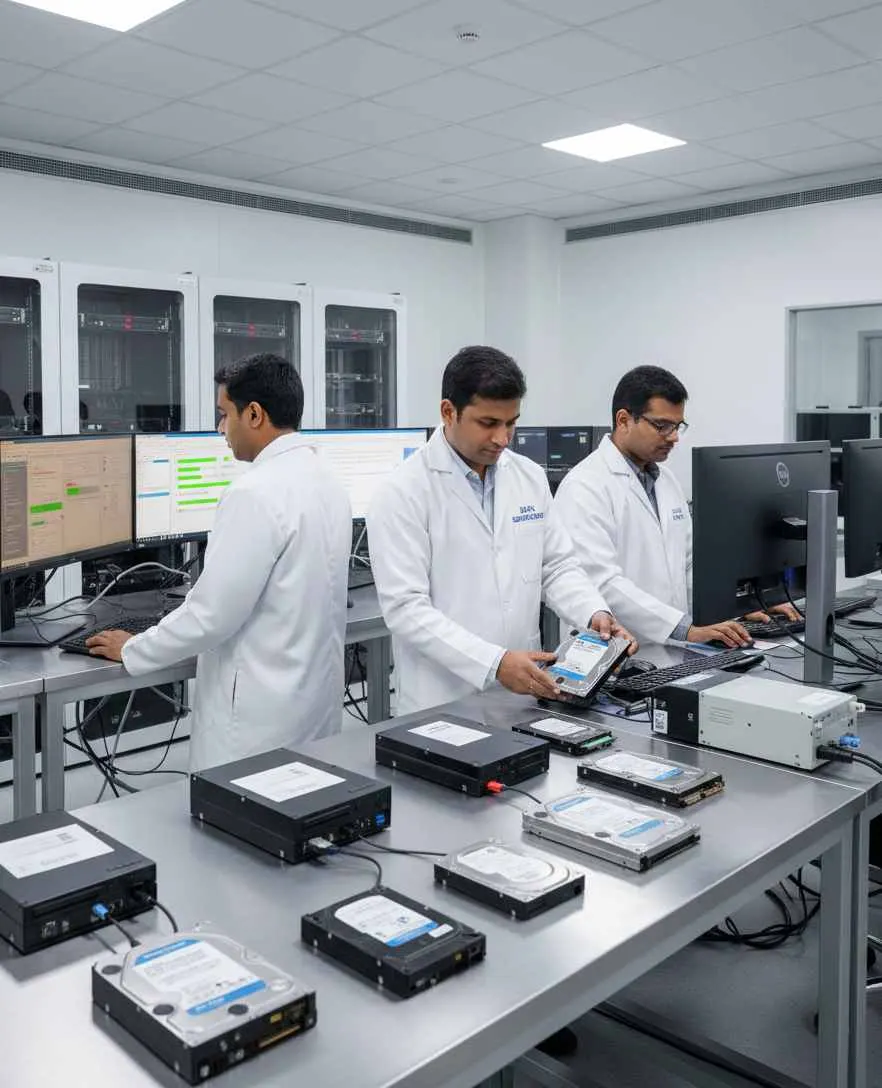
Overview
Data erasure software for computer repair shops. Secure HDD, SSD and NVMe data, verify results and generate certificates before reuse, resale or disposal.
Why Do Repair Shops Need Data Erasure?
A repair shop may receive a customer's computer because of:
- Hard drive failure
- SSD replacement
- Operating system problems
- Laptop upgrades
- Desktop repair
- Storage replacement
- Computer refurbishment
- Device resale
- Trade-in or exchange
During these jobs, storage devices can be removed, replaced or transferred.
The old drive may still contain customer data.
Simply deleting files, formatting the drive or reinstalling Windows should not automatically be treated as a complete data sanitization process.
A controlled data erasure workflow helps repair shops handle storage devices more professionally before they are reused, returned, resold, recycled or retired.
What Is Data Erasure for a Repair Shop?
Repair shop data erasure is the controlled sanitization of supported storage media before the device or drive moves to its next stage.
A typical repair-shop workflow can look like:
- Customer Device
- Storage Identification
- Data Erasure
- Verification
- Certificate
- Return / Reuse / Disposal
The process can be used when a storage device is:
- Replaced
- Refurbished
- Reused
- Resold
- Returned
- Retired
The important point is that data security should not stop when a device leaves the customer's hands.
Data Sanitization Pro for Repair Shops
Professional Data Wiping Software
Data Sanitization Pro gives repair shops a dedicated software workflow for supported storage-device erasure.
It can help standardize the process across multiple customer devices instead of relying on basic file deletion or manual formatting.
DSP supports:
- HDD
- SSD
- NVMe
25 Data Erasure Methods
DSP provides 25 data erasure methods for supported workflows.
The appropriate method should be selected according to the storage technology, device capabilities, organizational policy and the required level of sanitization.
Verification
A repair shop should know whether an erasure operation actually completed successfully.
DSP supports verification of completed erasure for supported workflows, providing an additional step between erase and certificate.
Erasure Reports & Certificates
DSP can generate self-certified, auditable data erasure reports and certificates.
Depending on the workflow, records can include:
- Manufacturer
- Model
- Serial number
- Capacity
- Interface
- Drive type
- Firmware
- Sanitization method
- Operation result
- Verification result
- Date and time
- Operator information
- Asset reference
This can give repair shops a documented record for the processed storage device.
How Does Repair Shop Data Wiping Work?
- 01
Identify the Drive
Connect the supported storage device and capture its device information.
- 02
Check the Device
Review available device and health information where supported.
- 03
Select the Erasure Method
Choose an appropriate sanitization method for the media and the repair shop's approved workflow.
- 04
Erase the Data
Run the selected logical data erasure process.
- 05
Verify the Result
Verify the completed operation and record the outcome.
- 06
Generate the Certificate
Create an erasure report or certificate for the processed drive.
- 07
Move the Device Forward
The sanitized storage device can then continue through the approved repair-shop workflow.
- Return to customer
- Reuse
- Refurbish
- Resale
- Recycling
- Retirement
Customer Data Should Stay Protected After the Repair
Many customers trust a repair shop with their personal or business computers.
The computer may contain:
Photos
Documents
Emails
Business files
Accounting information
Browser information
Work-related data
Customer records
The repair itself may be temporary, but the storage device can remain in the shop's possession after the job.
This is why a clear storage-device handling process matters.
Hard Drive Data Erasure for Repair Shops
Hard disk drives are still present in many laptops, desktops and older business systems.
When an HDD is replaced during a repair, the old drive may be:
- Kept by the shop
- Returned to the customer
- Reused
- Refurbished
- Sent to an ITAD partner
- Recycled
- Retired
Before choosing its next destination, the data on the drive should be handled through an appropriate sanitization process.
DSP supports controlled HDD data erasure workflows for supported devices.
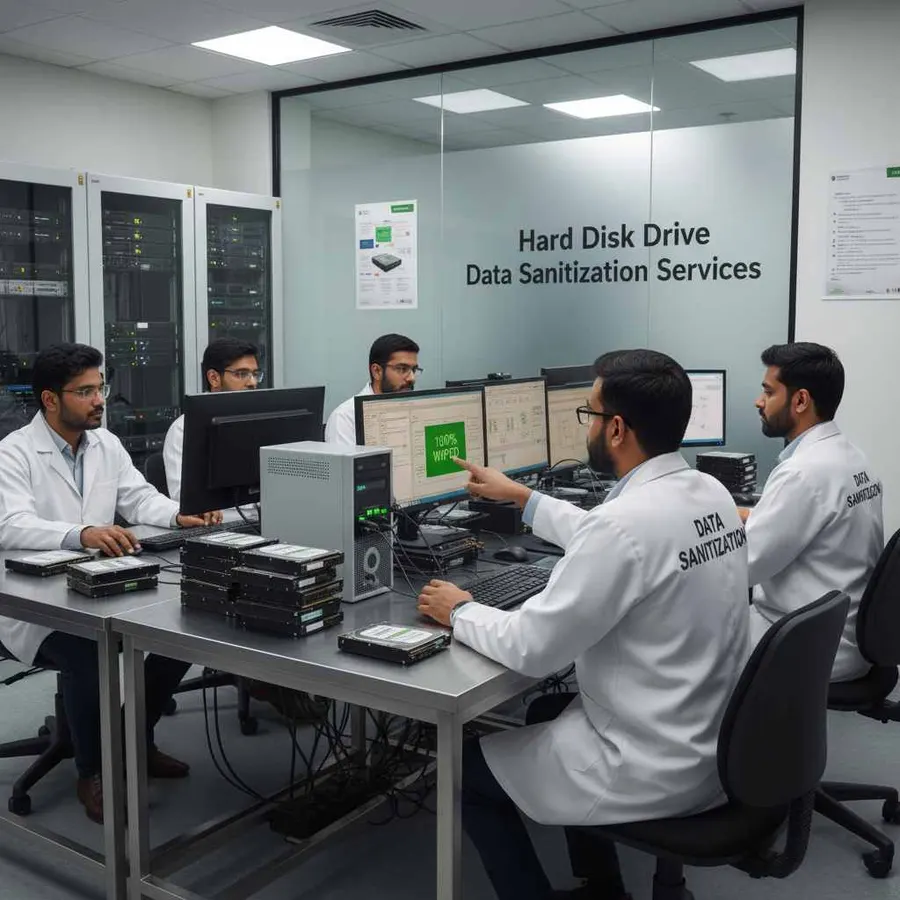
SSD Data Erasure for Repair Shops
SSD sanitization is different from simple file deletion because modern solid-state storage involves technologies such as NAND, controllers, firmware, wear leveling and device-level functions.
For repair shops handling SSD replacements, using a purpose-built data sanitization workflow can help create a more consistent process.
DSP supports SSD data erasure workflows for supported devices, with verification and reporting.
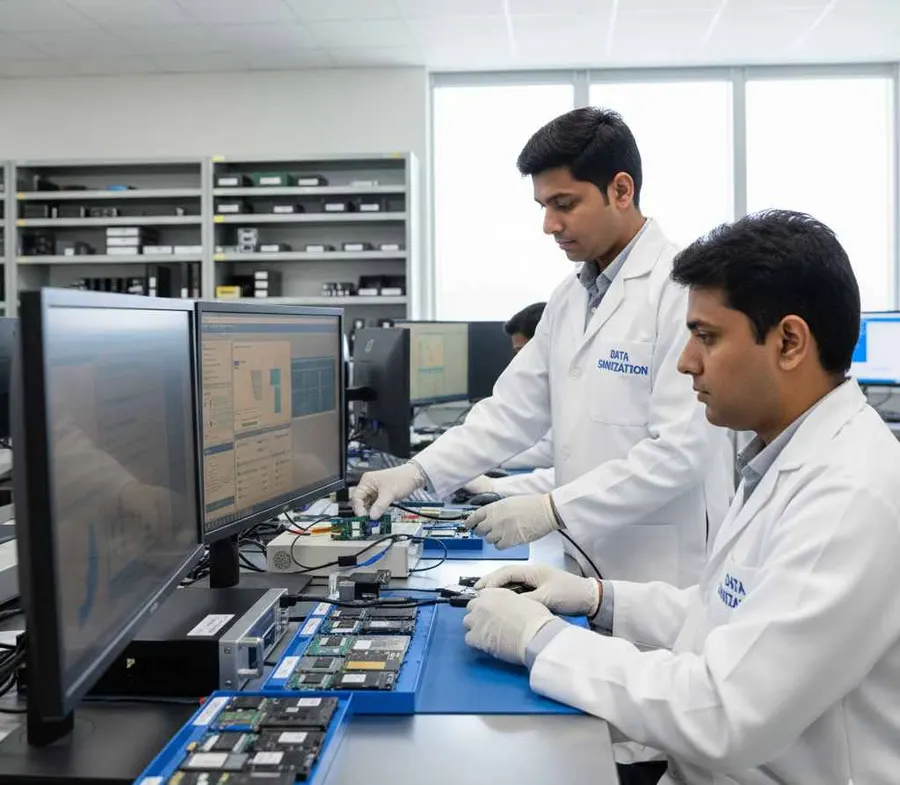
NVMe Data Wiping for Repair Centres
Modern laptops and desktops increasingly use NVMe storage.
A repair centre may replace an NVMe drive because of:
Upgrade requirements
Storage failure
System replacement
Performance issues
Refurbishment
Device resale
The removed NVMe drive may still contain customer information.
DSP supports NVMe data erasure workflows for supported devices so the storage can go through a controlled sanitization process before its next approved use.
What About a Customer's Old Drive?
This is one of the most common situations in repair operations.
A customer replaces a failed or slow drive.
The repair is complete.
Now what happens to the old drive?
There are several possibilities:
Customer Takes the Drive Back
The drive is returned to the customer.
Shop Reuses the Drive
The storage device is reused only after suitable sanitization where applicable.
Drive Goes for Resale
The drive moves into a refurbishment or resale workflow.
Drive Goes to Recycling
The storage media is sent to an approved recycler or downstream partner.
Drive Requires Physical Destruction
When software sanitization is not suitable or sufficient for the situation, the media may require an appropriate physical destruction process.
DSP focuses on the logical data erasure stage. It does not physically shred, crush, drill or destroy storage devices.
Repair Shop Data Wiping Before Resale
Many repair businesses also sell refurbished computers.
A repaired laptop may eventually become:
- Repair
- Refurbish
- Sanitize
- Test
- Resell
Data sanitization should happen before the device reaches a new owner.
DSP helps repair shops make secure data wiping a defined part of their refurbishment workflow.
This is especially useful when processing multiple used laptops or desktops for resale.
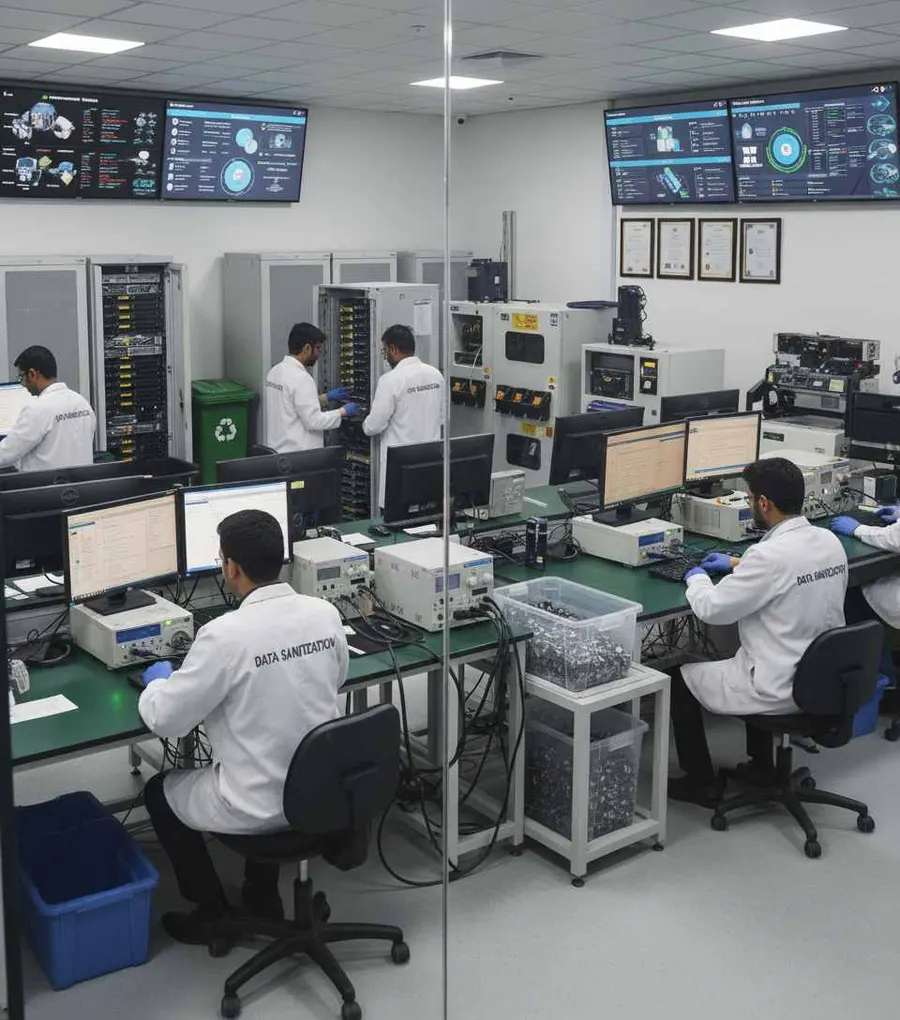
Data Erasure for Refurbished Computers
Refurbishment often involves a mix of activities:
Hardware Repair
Storage Replacement
Operating System Installation
Testing
Cleaning
Data Sanitization
Final Inspection
A secure data wiping step can help make sure old customer or previous-owner information is not carried forward into the refurbished device.
DSP can help document this stage with device information, erasure details and verification results.
Certified Data Erasure for Repair Shops
A repair shop may simply tell a customer:
“The drive has been wiped.”
A documented process provides more useful information.
An erasure certificate or report can help show:
Which drive was processed?
What was the serial number?
Which method was selected?
When was the operation performed?
Was the operation completed?
Was the result verified?
DSP helps repair businesses create this type of documented record.
This can be useful for internal tracking as well as customer-facing workflows where appropriate.
Add Professional Data Wiping as a Repair-Shop Service
Repair shops already provide services such as:
Laptop Repair
Desktop Repair
SSD Replacement
Hard Drive Replacement
Computer Upgrade
Data Transfer
Refurbishment
Adding a documented data sanitization workflow can create another professional service around storage-device handling.
For example:
Secure Drive Wiping
Certified Data Erasure
Old Drive Sanitization
Refurbishment Data Wiping
Storage Device Retirement
DSP helps repair shops perform the software-based erasure stage and maintain supporting documentation.
Process Multiple Drives
Repair centres may receive several devices at the same time.
DSP supports processing of up to 8 supported drives simultaneously, subject to hardware and system configuration.
This can help with batch workflows such as:
Refurbished laptop batches
Office computer returns
Storage replacement jobs
Trade-in equipment
Used computer inventory
The exact processing capacity of a repair operation will depend on the system hardware and workflow design.

Offline Data Erasure for Repair Shops
Some repair environments prefer to process drives without depending on an active internet connection.
DSP supports offline operation.
This can be useful for:
Repair workshops
Service centres
Controlled processing rooms
Refurbishment areas
Restricted IT environments
An offline workflow can keep the sanitization process focused on the storage device and the shop's approved procedure.
USB & PXE Boot Support
DSP supports USB and PXE boot workflows.
This is useful when the storage device being sanitized is the system drive of the computer.
A Windows system drive generally cannot be erased while Windows is actively using it.
For suitable supported systems, the repair team can boot into an appropriate DSP environment through USB or PXE and perform the required workflow outside the active operating system.
PXE deployment supports up to 64 computers by default, with higher configurations possible depending on the deployment environment.
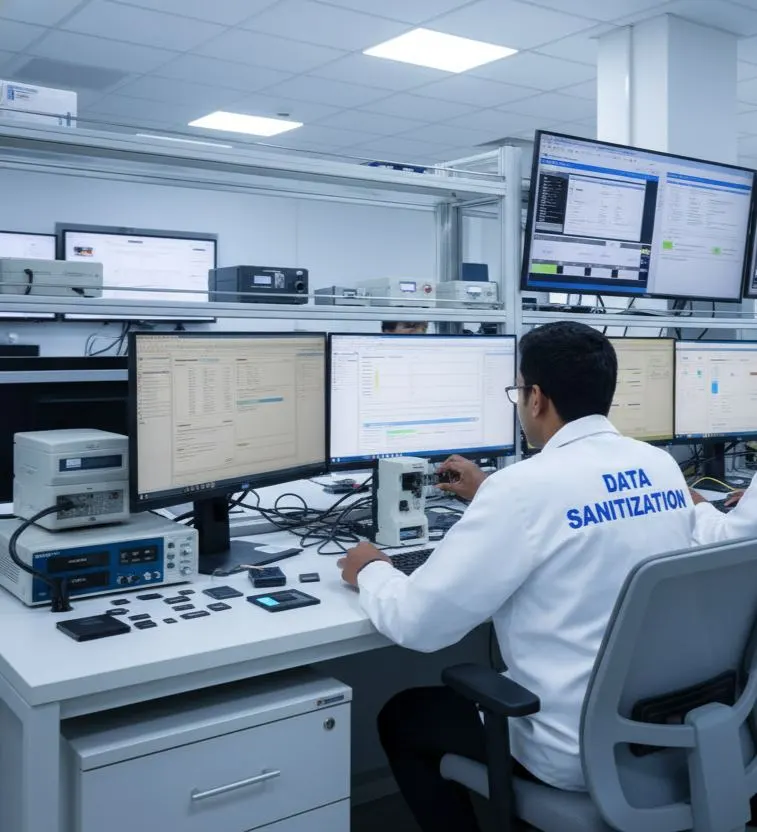
Device Health & Drive Assessment
Repair shops often need to understand a drive's condition before deciding what happens next.
Where supported, DSP can provide information relating to:
- SMART data
- Drive health
- Bad sectors
- Errors
- Device characteristics
This can help operators assess the storage media as part of the larger repair, refurbishment or retirement workflow.
A drive with a serious hardware problem should not automatically be treated as a normal logical-erasure case.
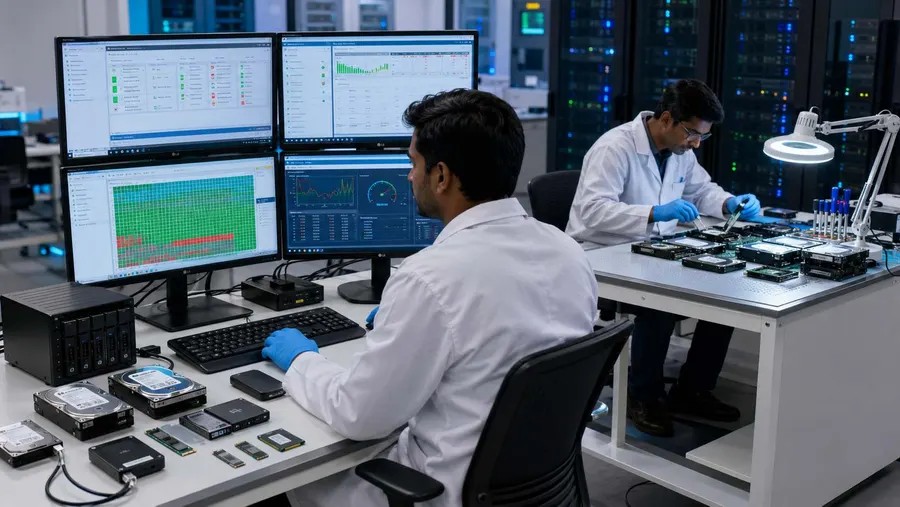
Standards-Based Data Sanitization
Professional repair businesses may work with corporate customers, refurbished hardware, ITAD companies or organizations that have defined media-sanitization requirements.
NIST's current SP 800-88 Rev. 2 provides guidance for establishing a media sanitization program and selecting applicable sanitization techniques and controls according to the sensitivity of information and characteristics of the media.
DSP is designed to support standards-based data erasure workflows, including sanitization method selection, verification and documentation.
The selected sanitization approach should always match the storage technology, device capability and the applicable organizational requirements.
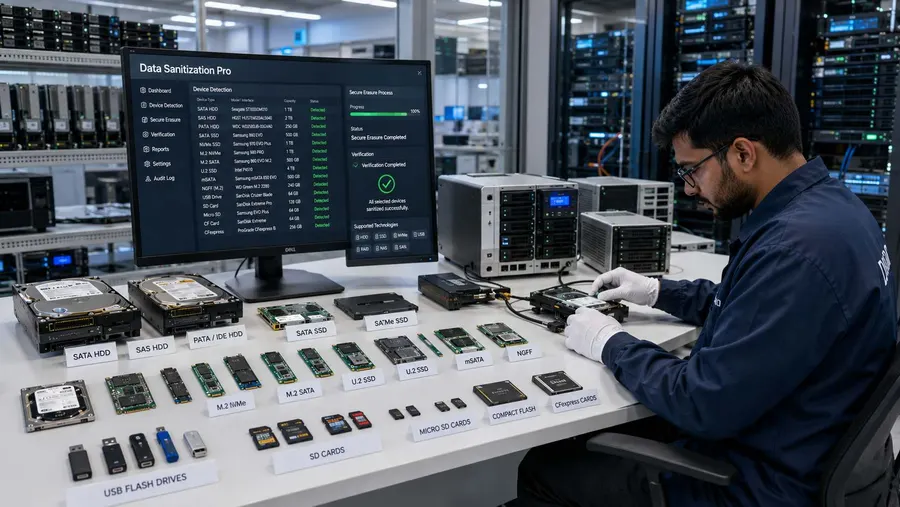
Data Sanitization for Repair Shops Worldwide
Repair businesses operate in many different markets.
The same basic problem exists whether a service centre operates in:
India
United States
United Kingdom
Australia
Canada
Europe
Middle East
Asia
A customer gives the repair shop a device.
The repair is completed.
The storage device changes status.
At that point, the business needs a clear process for handling the data.
Data Sanitization Pro supports professional data erasure workflows for repair shops and service centres worldwide.
Who Can Use Data Sanitization Pro?
Computer Repair Shops
Sanitize supported drives removed during laptop and desktop repairs.
Laptop Repair Centres
Process replaced HDD, SSD and NVMe storage before reuse or disposal.
Desktop Service Centres
Create a documented drive-erasure process for customer and business equipment.
Refurbishment Businesses
Erase previous-user data before refurbished equipment is resold.
Electronics Service Centres
Add controlled storage-device sanitization to equipment-handling workflows.
Used Computer Dealers
Sanitize supported drives before resale or transfer to a new user.
IT Service Providers
Use secure data wiping as part of equipment replacement and retirement.
Repair & ITAD Businesses
Connect repair operations with professional data sanitization before downstream handling.
Why Choose Data Sanitization Pro?
Professional Data Erasure Software
Built for controlled logical data sanitization workflows.
25 Erasure Methods
Multiple methods for supported storage technologies and workflows.
Verification
Verify completed erasure instead of relying only on a basic completion message.
Erasure Certificates
Generate self-certified, auditable reports and certificates.
HDD, SSD & NVMe
Support multiple storage technologies through one software workflow where supported.
Offline Operation
Useful for repair workshops and controlled environments.
USB & PXE Boot
Flexible workflows for supported system-drive sanitization.
Device Information
Capture important information about the processed storage device.
Worldwide
Designed for repair shops, service centres and refurbishment operations worldwide.
Repair Shop Data Erasure FAQs
What is repair shop data erasure?
Repair shop data erasure is the controlled sanitization of supported storage devices handled by a repair business before the device or drive is reused, returned, resold, recycled or retired.
Why should a computer repair shop wipe an old hard drive?
An old drive can still contain customer or business data. A controlled data erasure process helps address that data before the storage device moves to another user or lifecycle stage.
Is formatting a hard drive enough for secure data erasure?
Formatting and ordinary file deletion should not automatically be treated as a complete media-sanitization process. The appropriate sanitization method depends on the storage technology, device capabilities and required level of assurance.
Can repair shops use DSP for HDD data wiping?
Yes. DSP supports HDD data erasure workflows for supported drives.
Can DSP erase SSDs?
Yes. DSP supports SSD data erasure workflows for supported devices.
Can DSP erase NVMe drives?
Yes. DSP supports NVMe data erasure workflows for supported devices.
Can DSP verify the drive after erasure?
Yes. DSP provides verification of completed erasure for supported workflows.
Can a repair shop generate an erasure certificate?
Yes. DSP can generate self-certified, auditable data erasure reports and certificates containing relevant device and process information.
Can DSP work offline?
Yes. DSP supports offline operation.
Can DSP erase the Windows system drive?
A Windows system drive that is actively being used by Windows generally cannot be erased from the running operating system. An appropriate USB or PXE boot workflow can be used for suitable supported systems.
Does DSP physically destroy drives?
No. DSP is software-based and focuses on logical data erasure. Physical shredding, crushing or drilling requires a separate destruction process.
Can repair shops use DSP before selling refurbished computers?
Yes. Repair and refurbishment businesses can use DSP as part of their approved data sanitization workflow before supported devices move to resale or another lifecycle stage.
Is Data Sanitization Pro available for repair shops worldwide?
Yes. DSP is designed to support professional data erasure workflows for repair shops and service centres worldwide.
Related Solutions
ITAD & Recyclers
Controlled erasure inside the ITAD workflow
Read MoreData Centres
Erasure as part of server decommissioning
Read MoreMSPs & Resellers
Add professional data erasure to your IT services
Read MoreRefurbishers
Secure the data before reselling the device
Read MoreMarketplaces
For used, returned and refurbished devices
Read MoreSecure the Drive Before the Device Changes Hands
But the data should also be handled properly before the device moves to its next owner.