
- Home
- Solutions
- Regulated Sectors
- Education Data Erasure
Data Sanitization for Education & Research Institutions
Secure Education Data Before IT Assets Move to the Next Lifecycle
Schools, colleges, universities, research centres and training institutions worldwide use laptops, desktops, workstations, servers and storage devices across classrooms, computer labs, offices, libraries and research facilities.
When IT equipment is reused, redeployed, refurbished, resold, returned or retired, the stored data should be securely erased first.
Data Sanitization Pro (DSP) provides professional data erasure software for education institutions worldwide to securely sanitize supported HDD, SSD and NVMe storage, verify the result and generate data erasure certificates.
- Erase
- Verify
- Certify
- Secure Data Erasure
- Verification
- Certificates
- Worldwide
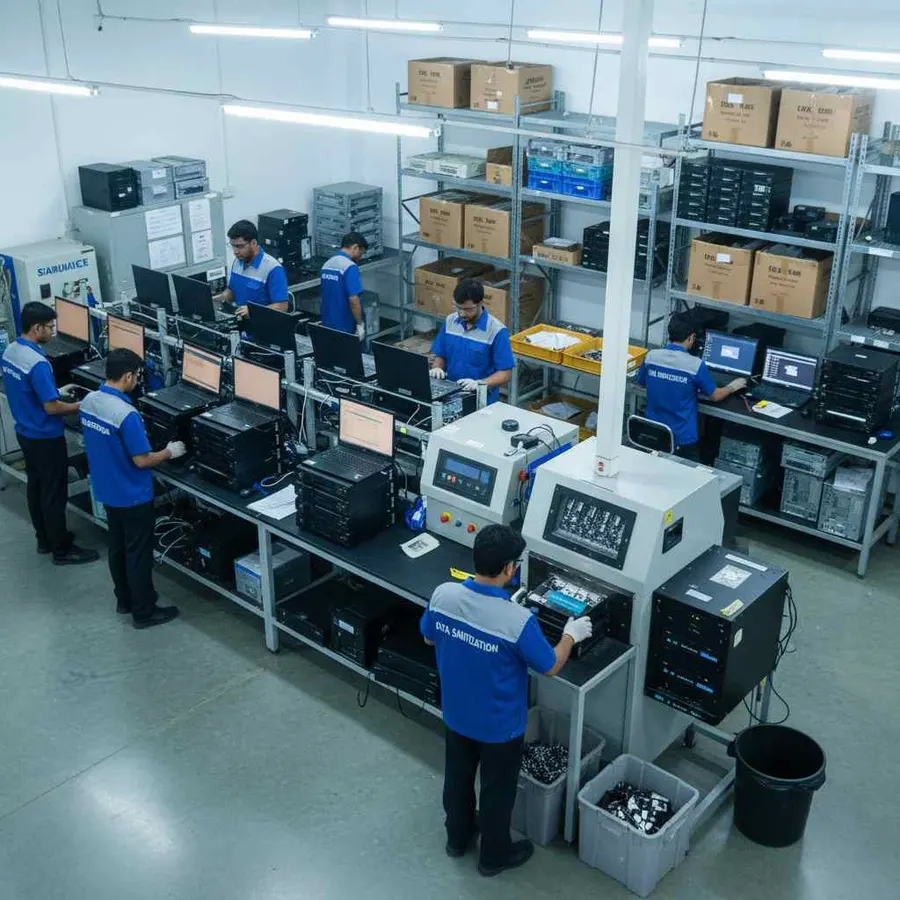
Overview
Education data erasure software for schools, colleges and universities worldwide. Secure HDD, SSD and NVMe data, verify results and generate certificates.
Why Data Sanitization Matters in Education
Educational institutions worldwide manage large and distributed IT environments.
Schools may manage classroom computers.
Colleges may operate computer labs.
Universities may maintain multiple campuses, research departments and data centres.
Research institutions may use dedicated workstations and servers for technical projects.
These systems can contain:
- Student information
- Faculty and staff records
- Academic documents
- Examination data
- Research files
- Administrative information
- Financial records
- Admission records
- Project documentation
- Internal institutional data
The security risk does not end when a device is removed from active use.
A student computer may be reassigned.
A lab may receive new systems.
An old workstation may be transferred to another department.
A server may be replaced during an infrastructure upgrade.
Retired hardware may be sent for refurbishment, resale or recycling.
Simply deleting files or formatting a drive should not automatically be treated as complete media sanitization.
A professional data wiping and verification process provides a more controlled way to process supported storage and document the result.
What Does Education Data Sanitization Mean?
Education data sanitization is the controlled removal of stored information from supported devices before those assets move to their next approved lifecycle stage.
For education organizations worldwide, this can include:
Reuse
Erase previous data before assigning the device to another student, teacher, researcher or employee.
Redeployment
Sanitize devices before moving them between classrooms, departments, campuses or facilities.
Refurbishment
Remove stored information before preparing used computers for another academic user.
Resale
Complete and document data erasure before retired equipment changes ownership.
Return
Sanitize leased or vendor-managed equipment before it leaves institutional control.
Retirement
Complete the approved logical sanitization process and retain the resulting certificate.
Data Sanitization Pro: Built for Education IT Asset Lifecycle
Data Sanitization Pro combines secure data erasure, verification and reporting into one controlled software workflow.
25 Data Erasure Methods
DSP supports 25 data erasure methods for different sanitization requirements. The selected method should be matched to the actual storage technology and institutional requirements.
Data Erasure Verification
An erase process should not simply end with a "complete" status.
DSP provides verification of the completed sanitization operation so the institution can maintain a record of the result.
Self-Certified Data Erasure Certificates
DSP can generate self-certified, auditable data erasure certificates and reports.
The record can connect:
- Asset
- Device Identity
- Erasure Method
- Verification
- Result
Available device information can include:
- Manufacturer
- Model
- Serial Number
- Capacity
- Interface
- Firmware
- Method
- Verification
- Timestamps
- Operator
- Asset Reference
Multi-Drive Processing
DSP supports processing up to 8 supported drives simultaneously in suitable configurations.
Offline Data Erasure
DSP supports offline sanitization workflows for controlled education and research environments where internet access is restricted.
USB and PXE Boot
USB and PXE workflows can support suitable system-drive sanitization and larger education computer-fleet deployments.
From Campus Device Detection to a Verified Erasure Certificate
- 01
Detect
Connect the supported storage device and identify available device information.
- Manufacturer
- Model
- Serial Number
- Capacity
- Interface
- Firmware
- 02
Select
Choose an appropriate supported sanitization method according to the storage technology and institutional requirements.
- 03
Erase
Run the selected secure data erasure process.
- 04
Verify
Verify the completed operation and record the result.
- 05
Certify
Generate the corresponding data erasure certificate or report.
This creates a repeatable workflow for schools, colleges, universities, research institutions and education IT teams worldwide.
Education Laptop and Desktop Data Erasure
Schools and universities worldwide may manage hundreds or thousands of laptops and desktop computers.
Devices can be replaced because of:
- Computer lab upgrades
- Student device refresh
- Faculty laptop replacement
- Classroom modernization
- Campus expansion
- Department relocation
- Lease expiry
- Refurbishment
- Resale
- Retirement
Before a computer moves to another user or leaves institutional control, its stored data should be securely addressed.
DSP supports data erasure workflows for supported HDD, SSD and NVMe storage used in education computers.
A running Windows installation normally cannot erase the physical system drive from which Windows is operating.
For suitable deployments, DSP supports USB and PXE boot workflows so the machine can start in the sanitization environment before its system storage is processed.

Computer Lab Data Sanitization
Computer labs are one of the most common places where educational institutions manage large numbers of similar devices.
A typical lab refresh can look like:
- Old PCs
- Data Erasure
- Verification
- Reuse / Refurbishment / Resale
DSP can support the data erasure stage for compatible storage devices.
This provides a more consistent process when a school, college or university refreshes multiple systems at once.
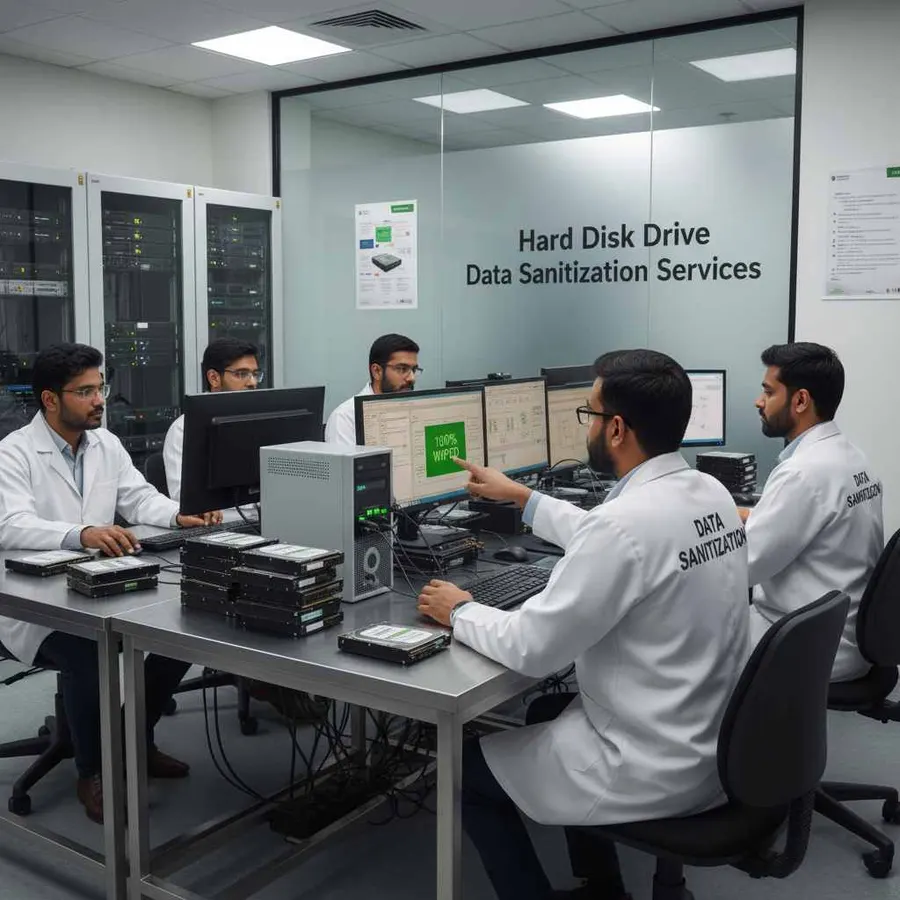
University HDD Data Erasure
Hard disk drives may still be found in older campus computers, servers and storage systems.
Professional HDD data erasure software can help educational institutions worldwide securely process supported drives before they are:
- Reused
- Redeployed
- Refurbished
- Resold
- Retired
DSP provides a structured process:
- Detect
- Select Method
- Erase
- Verify
- Certify
The physical HDD remains intact because DSP performs software-based logical data destruction rather than physical shredding.
Education SSD and NVMe Data Erasure
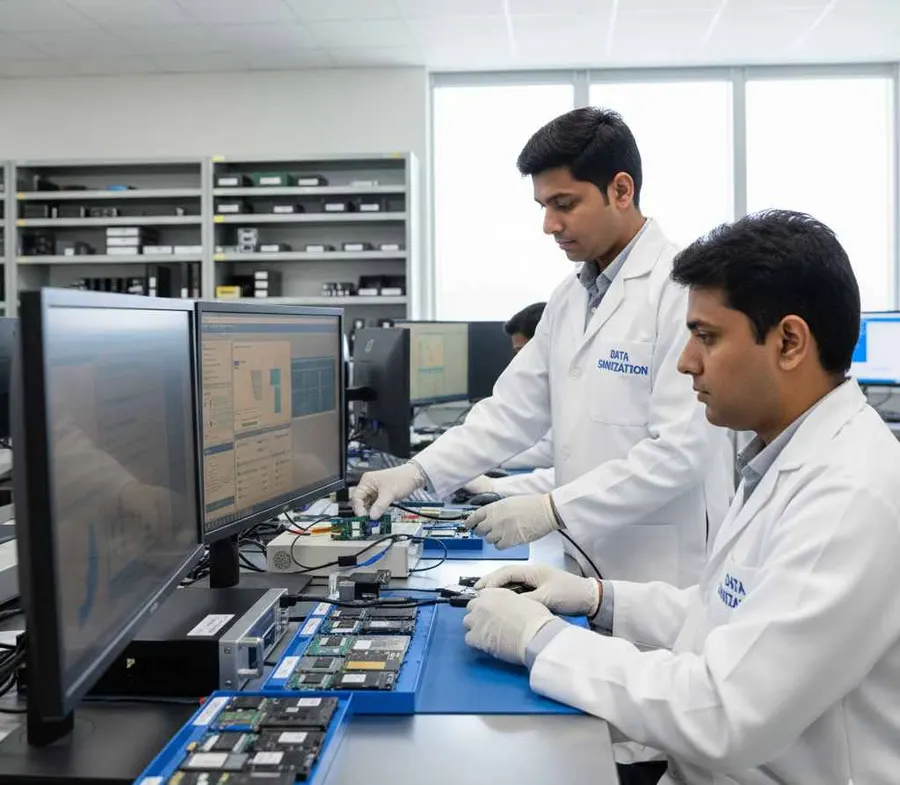
Modern educational institutions increasingly use SSD and NVMe storage in laptops, desktops, workstations and servers.
SSD sanitization requires an appropriate approach because solid-state drives use NAND flash and controller-managed storage technologies.
DSP supports supported SSD and NVMe data sanitization workflows based on the capabilities of the actual device.
Depending on the drive, available operations may include:
- Secure Erase
- Sanitize functions
- Cryptographic Erase
- Other supported sanitization methods
The appropriate operation depends on the actual storage device, controller, firmware, interface path and institutional requirements.
Data Sanitization for Schools Worldwide
Schools manage technology across:
- Classrooms
- Computer Labs
- Administration Offices
- Libraries
- Teacher Workstations
Computers may be reassigned from one teacher or classroom to another.
Older devices may be moved to another school.
Retired equipment may be sent for refurbishment or resale.
A standardized school data sanitization process can help address stored information before these lifecycle changes.
Data Sanitization Pro can support secure data erasure for compatible storage devices used in these environments.
Data Erasure for Colleges Worldwide
Colleges may operate:
- Computer laboratories
- Administrative offices
- Faculty systems
- Student devices
- Research environments
- Campus servers
- Shared storage
Technology refresh projects can involve many computers being removed from service at the same time.
Professional college data erasure software can provide a consistent process for secure storage sanitization, verification and reporting.
University Data Erasure Across Multiple Campuses
Large universities can operate multiple campuses, faculties, libraries, research centres and administrative locations.
Devices may move between:
- Campus
- Department
- Lab
- Faculty
- Reuse
- Retirement
A common sanitization workflow helps central IT teams standardize how supported storage is processed across locations.
DSP can support suitable offline, USB and PXE-based workflows for controlled and fleet-based deployments.
Research Institution Data Sanitization
Research institutions may use dedicated workstations and servers for projects, experiments and technical work.
These systems can contain:
- Research files
- Experimental data
- Technical reports
- Project documents
- Analysis files
- Internal research information
When research equipment is replaced or reassigned, its storage should be processed according to the institution's requirements.
DSP can support secure data erasure for compatible storage used in research environments worldwide.
Data Erasure for Research and Computer Labs
Labs may need to process multiple computers during a technology refresh.
DSP supports up to 8 supported drives simultaneously in suitable configurations.
This can be useful for:
- Computer lab refresh
- Research workstation replacement
- Department upgrades
- SSD replacement
- HDD retirement
- Refurbishment
- ITAD processing
Actual throughput depends on hardware, storage interfaces, controllers and available system resources.
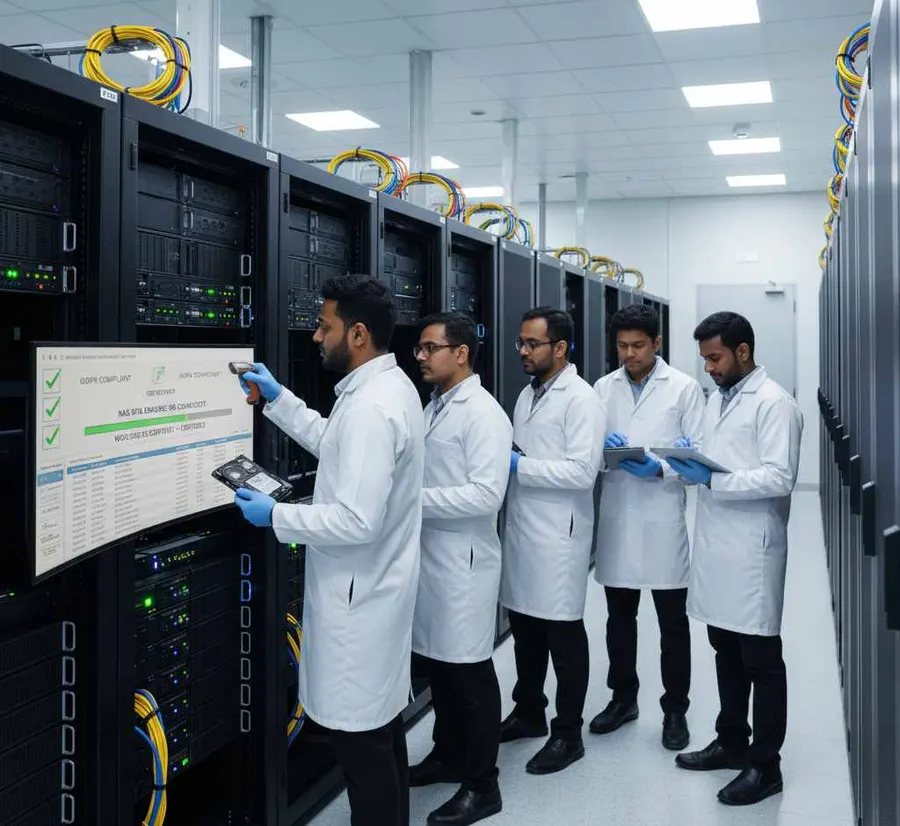
Education Server and Storage Data Erasure
Universities and larger education institutions may maintain servers and storage infrastructure.
When physical storage devices are removed during upgrades or decommissioning, supported media may require secure sanitization before reuse, resale or retirement.
DSP can support server storage data erasure for compatible physical storage.
For live servers, shared storage, virtual environments and specialized infrastructure, the sanitization approach should be planned around the actual architecture before data-bearing storage is processed.
Campus-Wide Data Sanitization
Educational institutions worldwide may have multiple:
- Campuses
- Departments
- Computer Labs
- Libraries
- Research Centres
- Administrative Offices
Managing each location differently can create unnecessary complexity.
A standardized education data wiping workflow can help IT teams establish a consistent process:
- Identify
- Erase
- Verify
- Certify
DSP's supported offline and PXE workflows can help suitable large-scale deployments operate within controlled environments.
Offline Data Sanitization for Education
Research labs and controlled institutional environments may restrict internet connectivity.
DSP supports offline data erasure workflows, allowing supported sanitization operations to be performed without depending on an active internet connection.
This can be useful for:
- Research laboratories
- Secure campus environments
- Restricted networks
- Controlled IT facilities
- Offline asset-processing locations
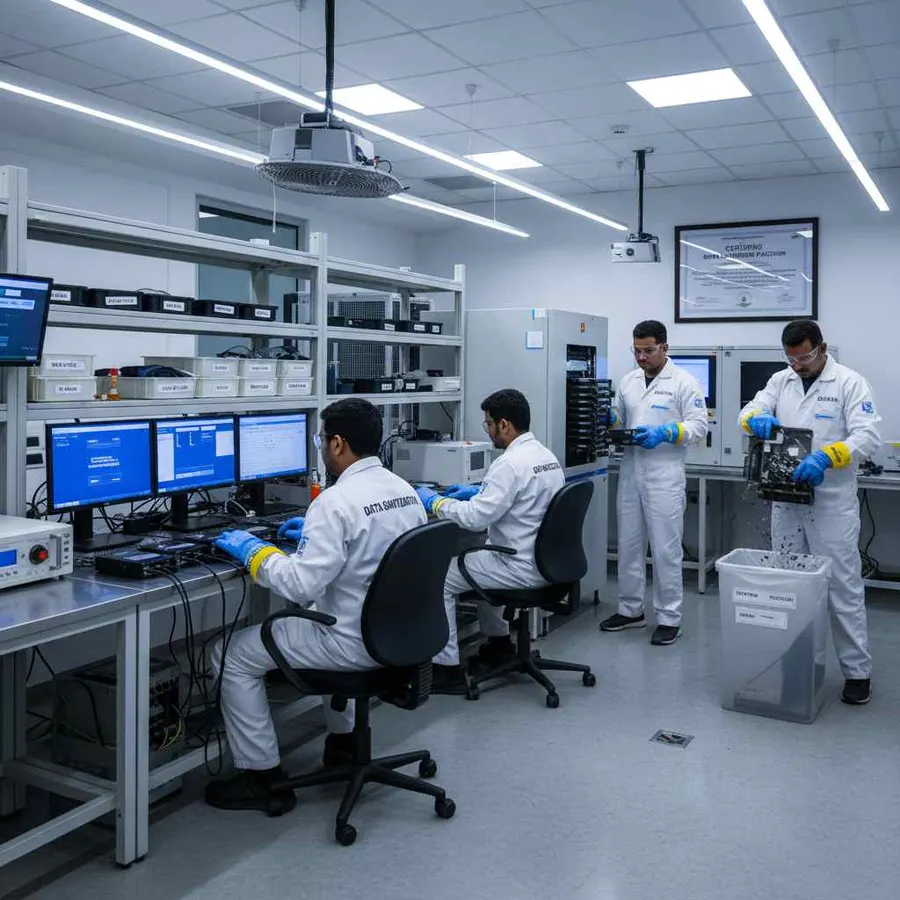
PXE-Based Data Erasure for Education Fleets
Large universities and education groups may manage extensive computer fleets.
DSP supports PXE deployment for up to 64 computers by default, with configured capacity adjustable for larger environments.
Each supported system can boot into the sanitization environment and process its available storage.
Overall throughput depends on:
- Network Capacity
- Hardware Configuration
- Storage Interfaces
- Processing Resources
Education Data Erasure Verification and Reporting
An education institution may process hundreds of devices during a hardware refresh.
A simple spreadsheet marked "wiped" does not provide the same level of device-specific detail as a processing record.
DSP can connect the storage device with its sanitization result.
Device Identity
Manufacturer, model, serial number, capacity and interface.
Erasure Details
Selected method and relevant processing information.
Verification
Result of the completed sanitization operation.
Asset Reference
Internal asset number or institutional identifier.
Processing Record
Relevant timestamps and operator information.
This creates a structured data erasure audit trail for education IT and asset-management teams.
Education Data Erasure Certificates
When computers or storage devices are transferred, sold, refurbished, returned or retired, institutions may need documentation showing the sanitization process.
DSP can generate self-certified data erasure certificates and reports based on the completed workflow.
The record can connect:
- Device
- Erasure Method
- Verification
- Certificate
This makes the documentation easier to associate with individual campus assets.
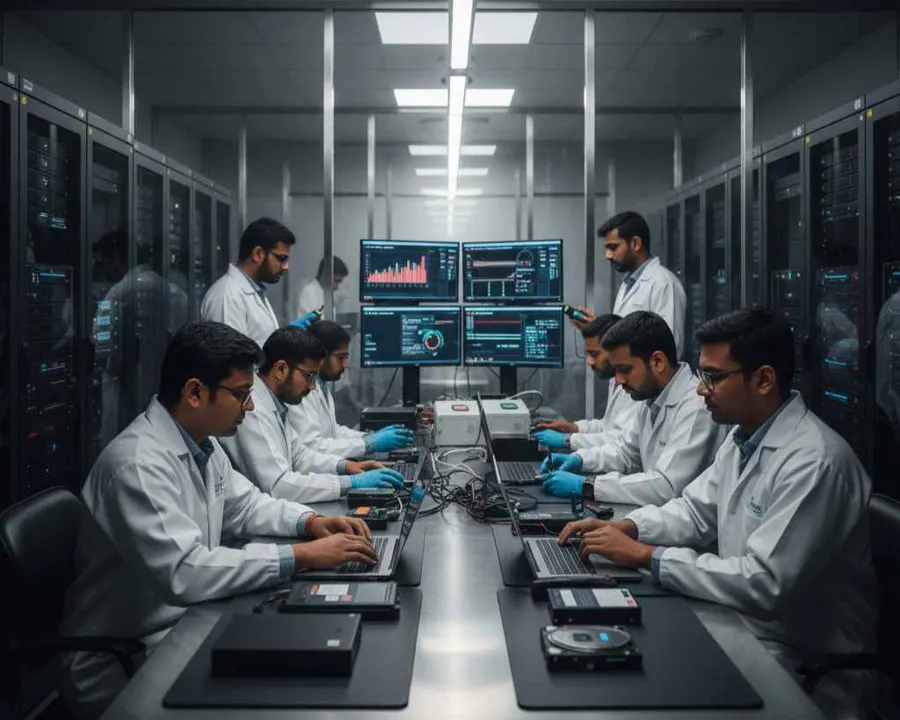
Data Sanitization Before Reuse, Resale and Refurbishment
Educational institutions often want to extend the useful life of their IT equipment.
Reuse
Sanitize computers before assigning them to another student, teacher or employee.
Redeployment
Erase previous information before moving devices between departments or campuses.
Refurbishment
Sanitize used equipment before preparing it for another user.
Resale
Complete and document data erasure before equipment changes ownership.
Return
Sanitize leased equipment before returning it to the supplier.
Retirement
Complete the approved sanitization process and retain the resulting certificate.
This connects data security with IT asset lifecycle management.
Education IT Asset Disposition and Data Erasure
IT Asset Disposition (ITAD) becomes important when educational institutions retire large numbers of computers.
A typical lifecycle can be:
- Inventory
- Data Erasure
- Verification
- Documentation
- Reuse / Resale / Recycling / Retirement
Data Sanitization Pro can support the data erasure stage for supported storage devices.
The final disposition should follow the institution's own security requirements and asset policy.
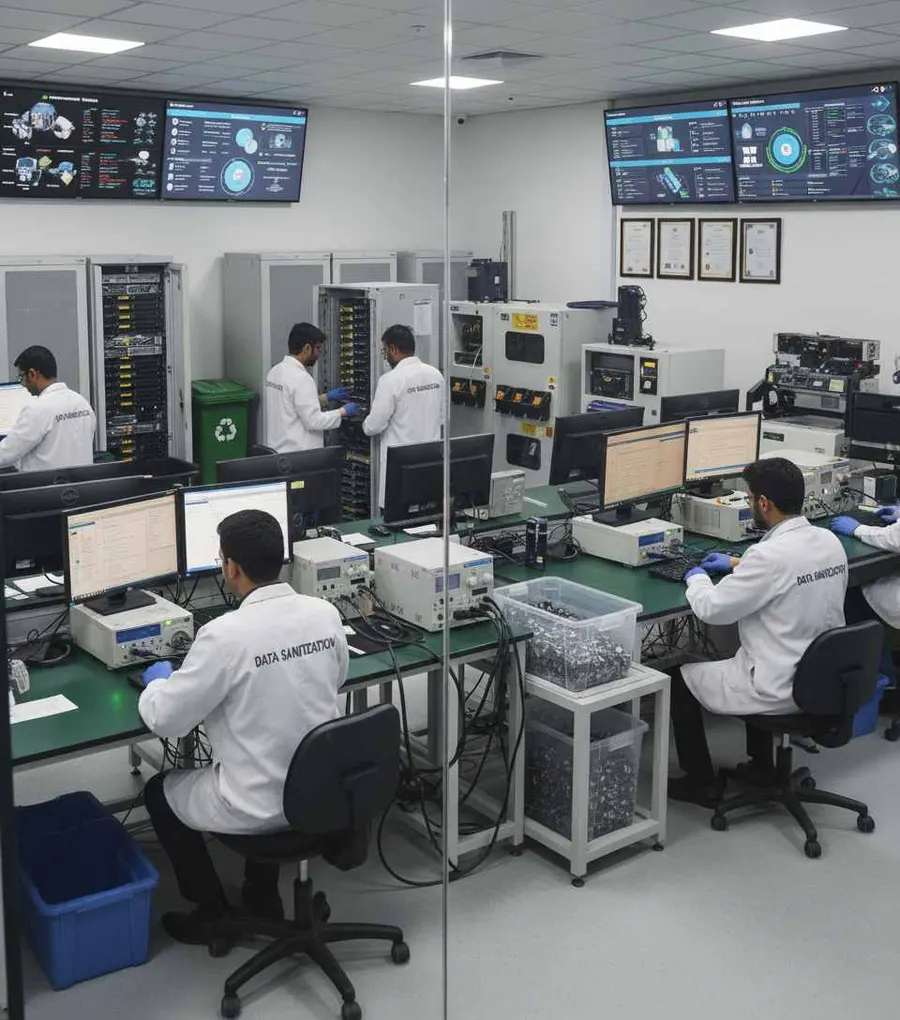
Worldwide Education Data Erasure
Data Sanitization Pro is designed to support education and research organizations worldwide, subject to deployment requirements, licensing, project scope and service availability.
The same core workflow can be used across different education environments:
- 01Identify
- 02Erase
- 03Verify
- 04Certify
Schools Worldwide
Secure supported storage before computers are reassigned, refurbished or retired.
Colleges Worldwide
Process lab, faculty and administrative computer storage during refresh projects.
Universities Worldwide
Support campus-wide endpoint and storage sanitization workflows.
Research Institutions Worldwide
Process supported storage used in research and technical environments.
Education Groups and Multi-Campus Organizations
Standardize suitable data erasure workflows across multiple locations.
Education Data Erasure for IT Departments
Education IT teams can use DSP for recurring activities such as:
- Student computer refresh
- Faculty laptop replacement
- Computer lab upgrades
- Research workstation retirement
- Desktop replacement
- Server storage replacement
- Campus relocation
- Lease returns
- Refurbishment
- Resale preparation
- Asset retirement
This helps make secure data wiping part of the normal education IT asset lifecycle.
Data Sanitization for Education ITAD and Refurbishment Partners
ITAD providers, refurbishers and resellers handling educational equipment may need a documented sanitization process before equipment is remarketed.
DSP provides a straightforward workflow:
- Detect
- Erase
- Verify
- Certify
This helps connect each processed storage device with its documented sanitization result.
Education Data Sanitization Standards
Data sanitization should follow an appropriate standard or approved institutional process.
NIST SP 800-88 Rev. 2
NIST SP 800-88 Rev. 2 is the current NIST publication for media sanitization and emphasizes selecting appropriate sanitization techniques and controls according to the media and information involved.
IEEE 2883
IEEE 2883 provides technology-focused guidance and requirements related to storage sanitization.
The selected method should match:
Storage Technology + Information Sensitivity + Institutional Policy + Intended Disposition
A software-generated certificate documents the completed sanitization job. It should not by itself be presented as proof of compliance with every applicable law, regulation or institutional requirement.
When Education Storage Cannot Be Reliably Erased
Software-based sanitization depends on the storage device being accessible and exposing the required functionality.
Additional assessment may be required when a device:
- Is not detected
- Has a controller problem
- Has firmware limitations
- Cannot complete the selected operation
- Does not expose the required sanitization functionality
- Is connected through an unsupported bridge or adapter
- Cannot provide the required verification result
A failed or incomplete process should not be treated as a successful sanitization result.
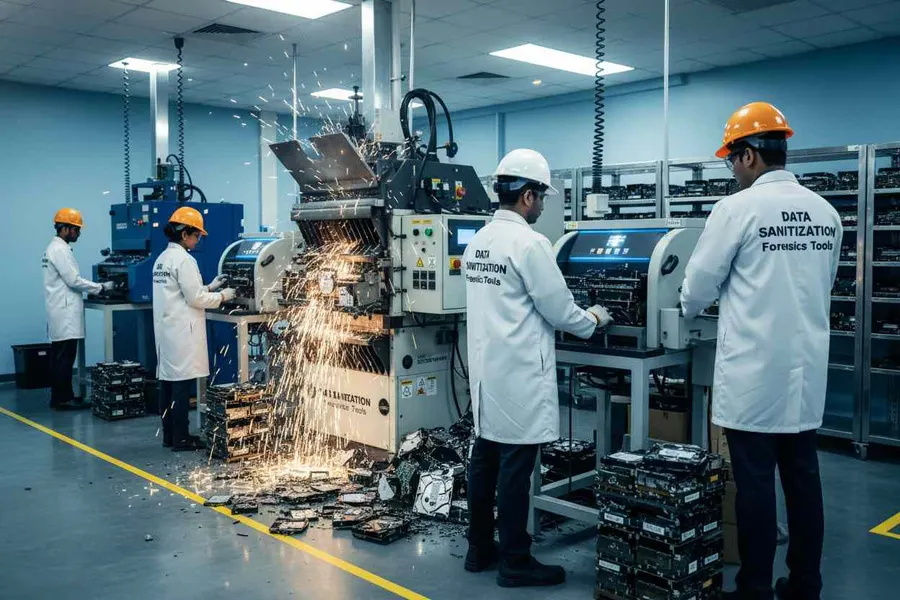
Data Sanitization Pro is software-based logical data destruction software. It does not physically shred, crush or drill storage devices.
Where software erasure cannot reliably meet the required outcome, the institution should follow its approved alternative media-disposition process.
Storage Health Assessment Before Reuse
Data sanitization and hardware condition are separate decisions.
A drive may complete its sanitization successfully and still require a technical condition assessment before reuse.
Available device information may help review:
- Drive Health
- SMART Information
- Error Conditions
- Storage Status
- Device Information
This separates two questions:
Sanitization Result: Was the data erasure completed and verified?
Asset Condition: Is the device suitable for its next lifecycle stage?
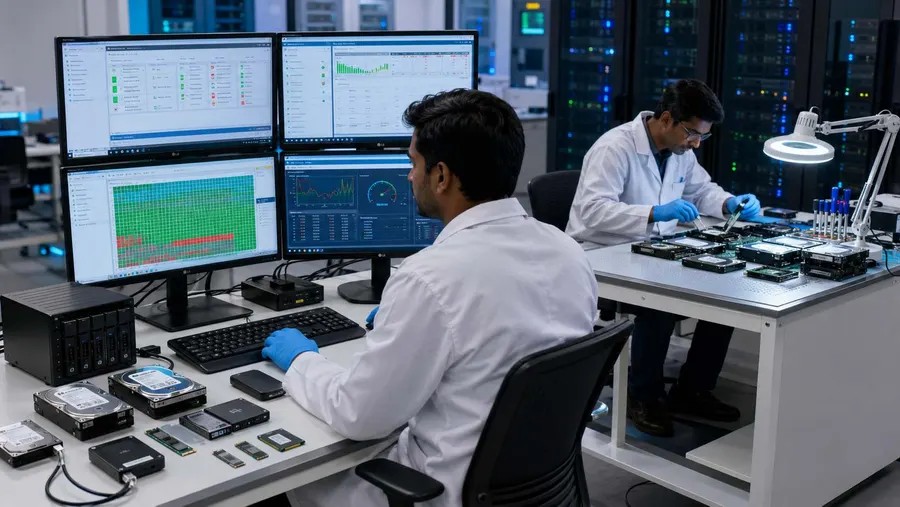
Who Uses Education Data Sanitization Software?
Schools
For student computers, classroom systems and administrative IT assets worldwide.
Colleges
For computer labs, faculty devices and campus IT infrastructure.
Universities
For large endpoint fleets, servers, research workstations and storage devices.
Research Institutions
For supported storage used in research and technical environments.
Training Institutes
For classroom and lab computer refresh programs.
Multi-Campus Education Groups
For standardized IT asset lifecycle workflows across different locations.
ITAD and Refurbishment Companies
For secure data wiping, verification and documentation before resale or reuse.
Why Choose Data Sanitization Pro for Education?
Secure Data Erasure Software
Controlled logical data destruction for supported storage devices.
25 Erasure Methods
Multiple supported sanitization methodologies for different requirements.
Verification
Record the result of the completed sanitization process.
Self-Certified Certificates
Generate auditable data erasure certificates and reports.
Up to 8 Drives
Process multiple supported drives simultaneously in suitable configurations.
Offline Operation
Support controlled environments where internet access is restricted.
USB and PXE Boot
Support suitable system-drive and education fleet sanitization workflows.
Device-Level Reporting
Connect each processed asset with its identity, erasure method and verification result.
Worldwide Education Support
Support suitable education and research deployments worldwide, subject to project and deployment requirements.
Lifecycle-Focused Process
Secure data before computers and storage devices move to reuse, redeployment, refurbishment, resale or retirement.
Frequently Asked Questions
What is data sanitization for education institutions?
Education data sanitization is the controlled removal of stored information from supported storage devices before computers or storage assets are reused, redeployed, refurbished, resold, returned or retired.
Why do schools and universities need data erasure software?
Educational institutions may store student, faculty, administrative and research information on computers and storage devices. Professional data erasure software provides a structured process for securely processing supported storage and documenting the result.
Is formatting enough before selling a school computer?
Formatting should not automatically be treated as complete media sanitization. A professional data erasure workflow provides a more controlled process for securely processing supported storage.
Can Data Sanitization Pro erase HDD, SSD and NVMe?
Yes. DSP supports supported HDD, SSD and NVMe sanitization workflows based on the capabilities of the actual device.
Can a university process multiple drives at once?
Yes. DSP supports up to 8 supported drives simultaneously in suitable configurations.
Can educational institutions use DSP offline?
Yes. DSP supports offline data sanitization workflows for controlled environments.
Does DSP generate data erasure certificates?
Yes. DSP can generate self-certified, auditable data erasure certificates and reports based on the completed sanitization workflow.
Can DSP erase a Windows system drive?
A running Windows installation normally cannot erase the physical drive it is currently using. For suitable deployments, DSP supports USB and PXE boot workflows for system-drive sanitization.
Is Data Sanitization Pro a hard drive shredder?
No. DSP is software-based. It performs logical data erasure and does not physically shred, crush or drill storage devices.
Can universities use DSP before IT asset resale?
Yes. Supported storage can be sanitized and verified before equipment moves to resale, refurbishment, reuse or another approved lifecycle stage.
Can DSP support campus-wide computer refresh projects?
DSP supports multi-drive, offline and PXE-based workflows for suitable deployments, making it applicable to larger education endpoint sanitization projects.
Is Data Sanitization Pro available for education organizations worldwide?
Data Sanitization Pro can support education and research organizations worldwide, subject to licensing, deployment requirements, project scope and applicable service availability.
Related Solutions
Government
Erase, verify and certify before assets leave your control
Read MoreDefence
Offline erasure with verification and certificates
Read MoreBanking & Finance
Secure financial data before assets change hands
Read MoreInsurance
For insurers, brokers and TPAs retiring IT assets
Read MoreHealthcare
Secure patient data before devices move on
Read MoreSecure Education Data Before the Next Lifecycle Stage
Before supported devices are reused, redeployed, refurbished, resold, returned or retired, use a controlled and verifiable data erasure process.