To choose data erasure software, check eight things before you buy: verification, SSD handling, standards, per-device certificates, boot options, scale, licensing and support. The software is bought once and then trusted with every drive that leaves the building. The demo always looks the same: pick a disk, pick a standard, press start, get a certificate. The differences show up later, on the SSD that will not take an overwrite, the laptop whose boot disk cannot be wiped from inside Windows or the audit that asks for drive seventeen out of four hundred. This checklist finds them first.
1. Does It Verify or Only Write?
Writing zeros to a disk and reading the disk back to confirm the zeros are there are two different jobs. Ask whether the software reads the media after the erase, how much of it and what happens when the read finds data. A failed verification should be recorded as a failure on the certificate, not quietly retried until it passes or left off the report.
2. Does It Treat SSDs Differently From Hard Drives?
Overwriting an SSD from the outside does not reach every cell, because the drive moves data around internally. The right method for flash is the drive's own sanitize or cryptographic erase command. Ask which method the software chooses for an SSD or NVMe drive, whether it chooses automatically and what it records when a drive refuses the command.
3. Which Standards and What Does the Certificate Say?
A long list of standards is less useful than it looks. What matters is whether the software names the standard and the level it met for each drive, for example NIST SP 800-88 Purge, rather than only a pass count. Check that current guidance is covered: NIST SP 800-88 Rev. 2 and IEEE 2883 for modern media, with DoD 5220.22-M available where a contract still names it.
4. One Certificate Per Device
- Make, model and serial number, so the record ties to your asset register.
- The method and standard used and the level it satisfies.
- The verification result, pass or fail.
- Start and finish time and the operator who ran it.
- A way to detect tampering, such as a hash or signature on the document.
Ask to see a real sample certificate before you buy, not a mock-up. If the vendor cannot show one, that is the answer. Ours are on the sample reports page, with no form in front of them.
5. Can It Erase the Disk Windows Runs From?
Software running inside Windows cannot wipe the drive Windows is running from. For laptops and desktops being retired whole, you need a bootable option, usually a USB stick, that starts the machine without the installed operating system and erases the internal drive.
6. Does It Scale Beyond One Machine?
Ten drives a month and a thousand laptops in a refresh are different problems. Ask whether several drives can be erased at once, whether machines can be erased over the network and whether reports can be exported in bulk for an ITAD customer or an internal audit.
7. Licensing and a Real Trial
Understand what one licence covers: a device, a drive, a seat or a period of time and whether a failed erase consumes one. A trial should run the full product on real drives so you can see the actual certificate, not a watermarked preview.
8. Who Answers When Something Fails?
Drives fail mid-erase, controllers misreport and frozen SSDs refuse commands. Ask who supports you, in which time zone and whether you can talk to someone who knows the product rather than a ticket queue.
Buy the evidence, not the erase. The erase takes hours; the certificate has to answer questions for years.
Is free data wiping software good enough for business?
It can overwrite a hard drive, but most free tools do not verify the result, do not handle SSDs with the drive's own commands and do not produce a per-device certificate. For a business the certificate is usually the reason to buy.
Which standard should I choose?
For most organisations, NIST SP 800-88: Clear for drives staying inside the organisation, Purge for drives leaving it. Choose the method for the media and record the level on the certificate.
Do I need software or a service?
Software suits organisations with regular volumes and their own IT staff. A service suits one-off projects or sites without staff to run it. Many organisations use both.
What is the best data erasure software?
The best data erasure software is the one that passes this checklist on your own drives. It should verify every erase by reading the drive back, use sanitize commands on SSDs, issue a certificate per device and boot from USB or the network. Run a trial on real hardware, including an SSD and a laptop and compare the certificates you get.
What is a good BitRaser alternative in India?
A good alternative is any product that passes this checklist on your own hardware, so compare certificates rather than feature lists. Data Sanitization Pro is erasure software built under Make in India. It verifies each erase, uses the drive's own Sanitize command on capable, directly attached SSDs and NVMe drives with its DSP-DPDP India and NTLB methods, issues a PDF certificate per drive and runs from USB, PXE or Windows. Try it free before you decide.
How do I compare data erasure software?
Run each product on the same few drives, including one SSD and one laptop boot disk. Then compare the certificates side by side: serial number, standard and level, verification result, times and operator. Finally, check the licence terms, whether a failed erase uses up a licence and who answers when a drive refuses a command.
Which software can wipe laptops over the network with PXE boot?
Data Sanitization Pro can. Laptops and desktops start from the network with PXE boot instead of their own disk, so the internal drive can be erased without a USB stick at every machine. Each drive is verified and gets its own PDF certificate. The same software also runs from a bootable USB and as an app on Windows 10, Windows 11 or Windows Server.
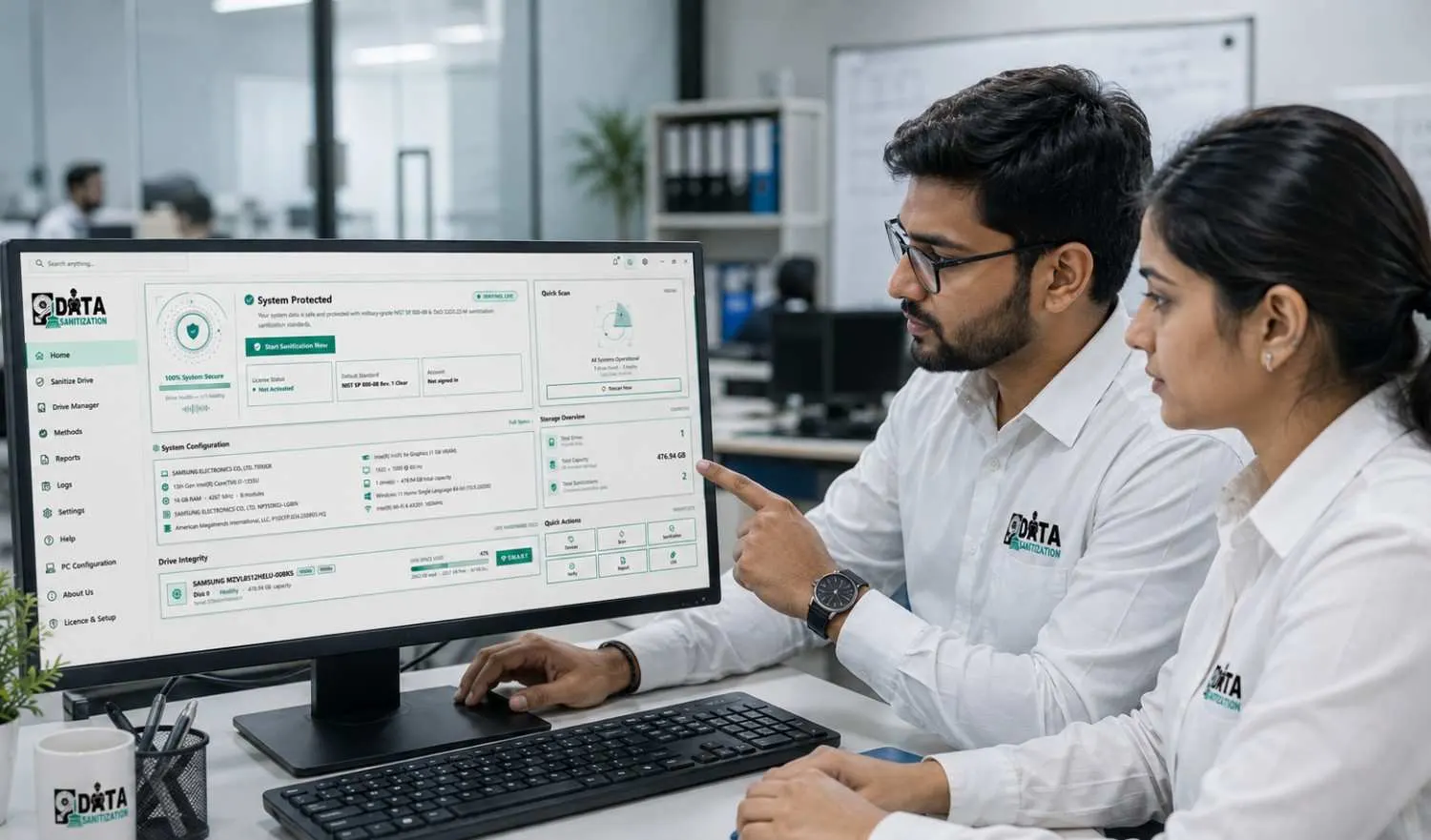
Data Sanitization Pro was built against this list: it verifies every erase (every sector is read back when Full Read-Back is on), lets you choose the method by media type, issues a PDF certificate per device, boots from USB to erase system disks and erases many machines over the network. The 30-day free trial runs every standard on one machine with a real certificate, up to 3 erasure runs and 3 PC tests (bootable USB and PXE need a licence), so you can check most points above on your own hardware.