
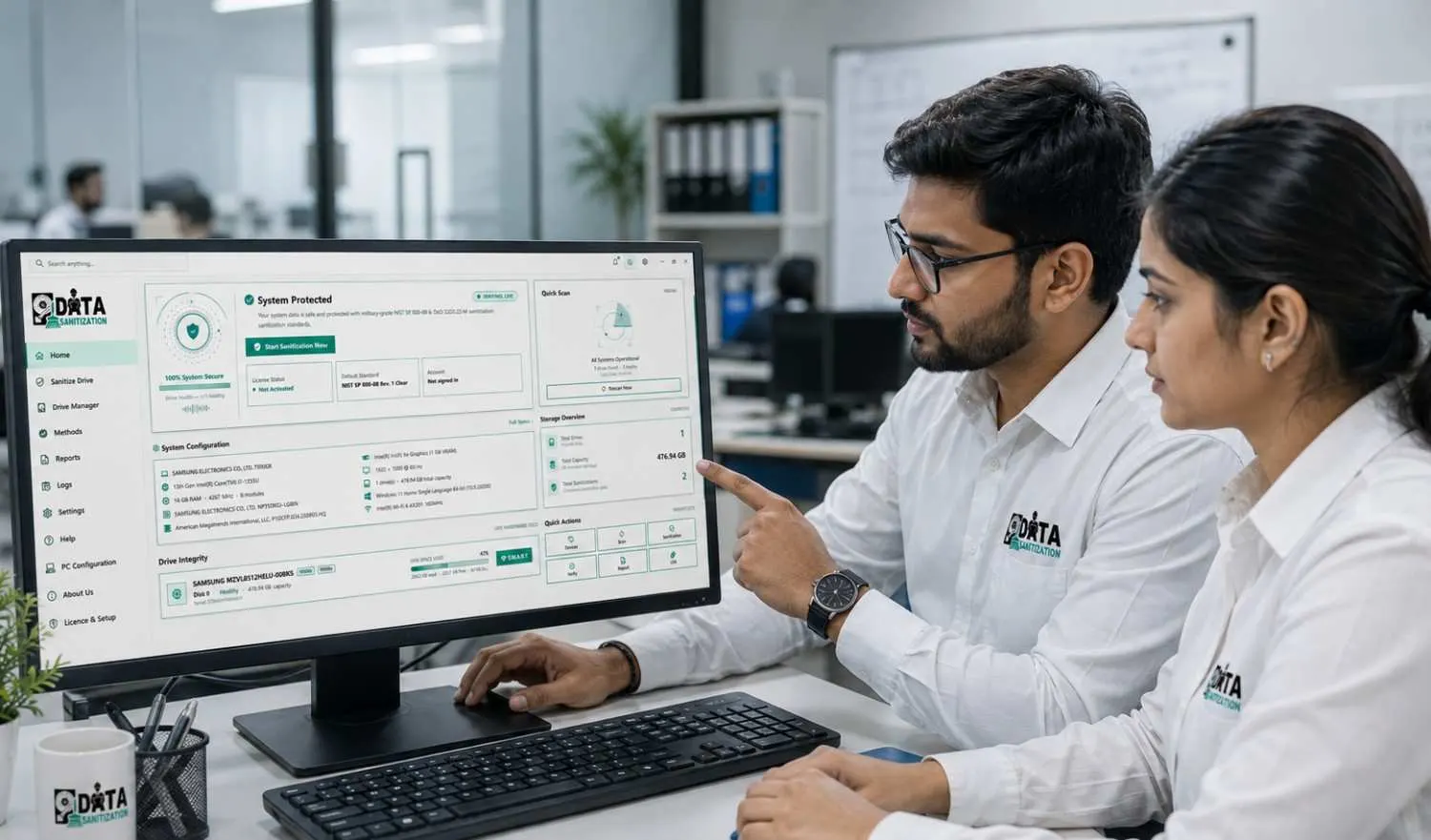
Most erasure tools stop at the wipe. That is the easy half. The half that decides whether an asset can safely leave the building is what happens afterwards — whether anybody read the drive back, whether the result was recorded against that particular serial number, and whether the record can be checked by someone who was not in the room.
Data Sanitization Pro is built around that second half. Every capability below exists to put a defensible document at the end of a job, and the software is licensed by the device rather than by the seat so the count on your invoice matches the count on your asset register.
The Risks This Removes
A Format Is Not an Erase
Formatting rewrites the filing system, not the data. The blocks are still there and are recoverable with tools that cost nothing. The same is true of a factory reset on a handset whose storage was never encrypted.
Nobody Checks the Wipe
A tool that reports success without reading the drive back is reporting that it finished, not that it worked. Bad sectors, a frozen drive, a controller that quietly ignored the command — all of them look identical to success from the write side.
The OS Disk Cannot Erase Itself
Windows holds its own volume open. Any tool running inside it will skip the disk that matters most, which is why a bench process needs somewhere else to boot from.
Erase Any Media in the Machine
Whole disks, single partitions, individual files and folders, or just the free space where deleted files still live. HDD, SSD, NVMe, SD, USB and SAN or NAS volumes are handled by the same engine, with the method chosen per media type rather than applied blindly — a multi-pass overwrite means something on a platter and very little on flash.
Prove It, Then Certify It
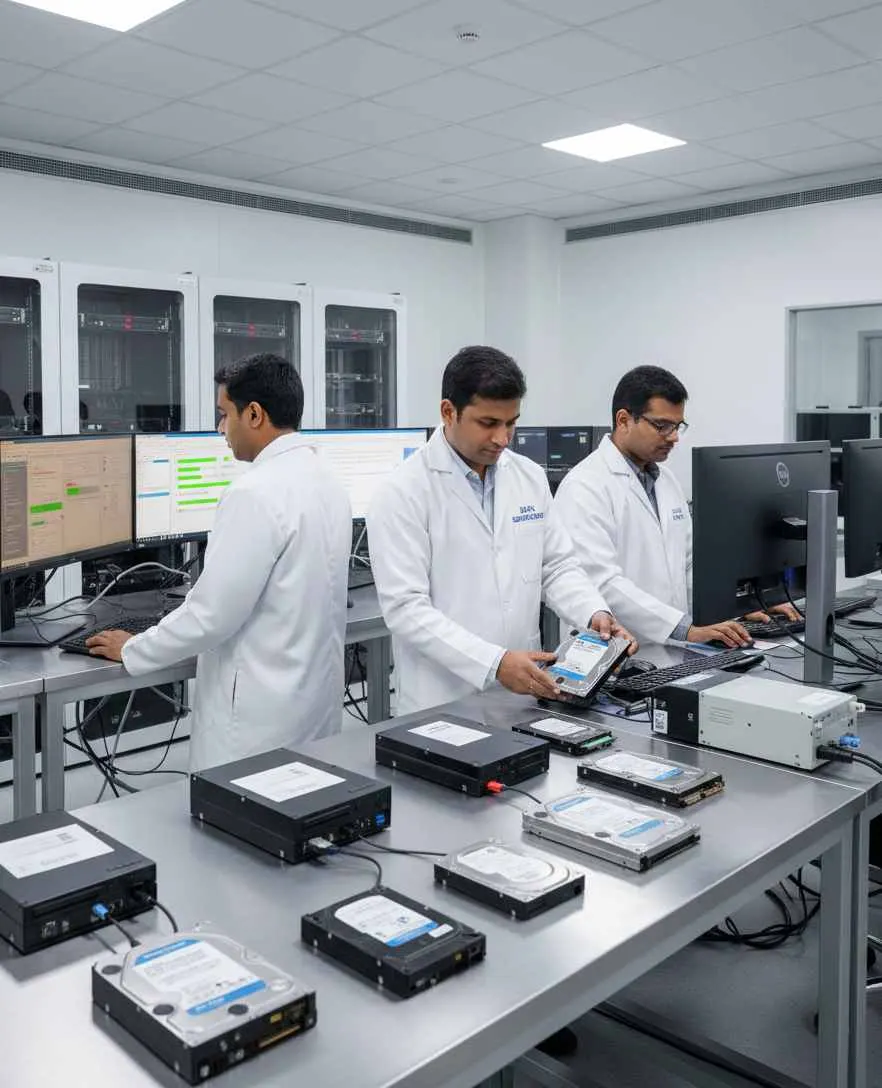
After the write, the software reads the media back and compares what it finds against what it wrote — sampled, in full, or by hash, according to how much assurance the job needs. The result of that check is what goes on the certificate, so a drive that failed verification says so rather than quietly passing.

Boot the Machine You Cannot Erase from Inside
The application writes its own bootable USB, carrying a full Windows PE environment and itself inside it. Start the machine from that and the system disk is just another target. For a floor of machines there is PXE: they boot from the network, erase on their own, and report progress and certificates back to a share.

Know What the Asset Is Worth Before You Sell It
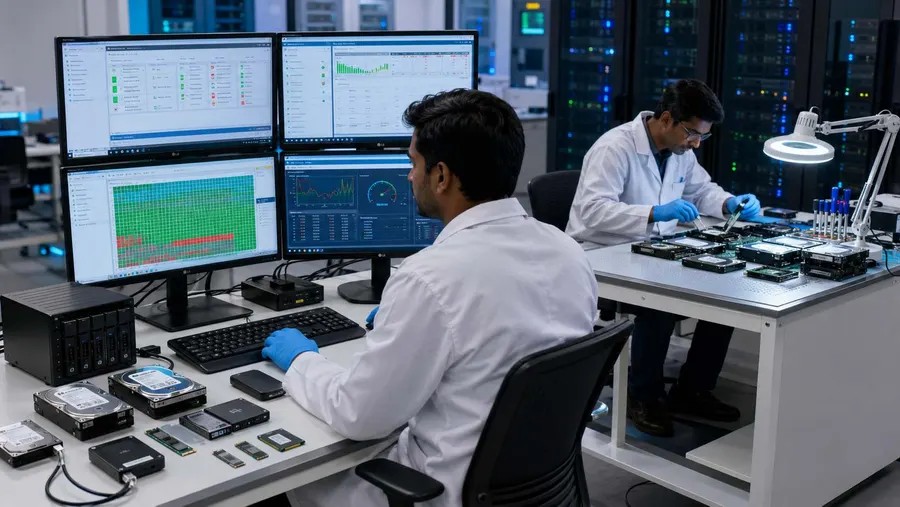
A twelve-part hardware audit runs alongside the erase — storage health, memory, battery, display, network, ports and thermals — and produces its own report. An asset going to resale gets its condition recorded at the same moment its data is removed, rather than in a second pass by somebody else.
The Process, Step by Step
Pick the Media
Attached disks, partitions, folders or free space. Boot media that is plugged in is detected and refused as a target, so a session cannot erase the stick it is running from.
Pick the Standard
Twenty-four erasure standards ship with the software, from a single-pass overwrite through NIST SP 800-88 Clear and Purge, DoD 5220.22-M, IEEE 2883 and the national schemes. The list is read from the erase engine itself, so what the page says and what the software does cannot drift apart.
Run and Verify
The erase runs with progress per device, and the verification pass follows it automatically. Nothing is marked complete on the write alone.
Take the Certificate
A PDF per asset, carrying the serial number, the method, the verification result, the operator and a hash of its own contents. Certificates are kept in your account as well as on the machine.
What Is in the Box
- Whole-disk, partition, file, folder and free-space erasure
- HDD, SSD, NVMe, SD, USB, SAN and NAS support, with the method matched to the media
- Twenty-four erasure standards, read from the engine's own register
- Post-erase verification — sampled read-back, full read-back or hash comparison
- Tamper-evident PDF certificate per asset, with the verification result on it
- Twelve-part hardware diagnostic report for resale grading
- Bootable USB builder with a full Windows PE environment
- PXE server setup for erasing many machines over the network
- Android phone and tablet inspection over USB
- Offline activation by file exchange, for air-gapped benches
- Device-based licensing, with the count visible in your account
Frequently Asked Questions
Does it work on SSDs and NVMe, or only spinning disks?
Both, and the difference matters. A multi-pass overwrite is the right answer on a platter and largely theatre on flash, where wear levelling means the controller decides which cells are actually touched. The software picks the approach that suits the media rather than applying the same passes to everything.
How do I erase the disk Windows is running from?
You do not — no tool can, because Windows holds it open. Build a bootable USB from inside the application, start the machine from it, and the system disk becomes an ordinary target. For more than a handful of machines, the PXE route does the same thing over the network.
What is actually on the certificate?
The device and its serial number, the standard used, when it ran and how long it took, who ran it, the verification method and its result, and a hash of the document itself. It is designed to be handed to someone who was not present and still be checkable.
Is a certificate still issued if the erase fails?
A failed verification is recorded as a failure. The point of the document is that it can be trusted, which it cannot be if it only ever reports success.
Does it need an internet connection?
Not to erase. Activation can be done online in one step, or by exchanging a request and response file for a machine that has no network at all. A booted USB or PXE session runs without connectivity and carries its certificates back with it.
How is it licensed?
By the device. One activation covers one machine, the remaining count is visible in your account, and the same key works on the bench, on the booted stick and over PXE.

Try It on Ten Drives
Full capability, no card, and the certificates you generate stay valid.
Permanent data erasure, a checked result and a certificate for every drive.